Survival Modern House #105 Map
- 12-02-2026, 11:41
- 432
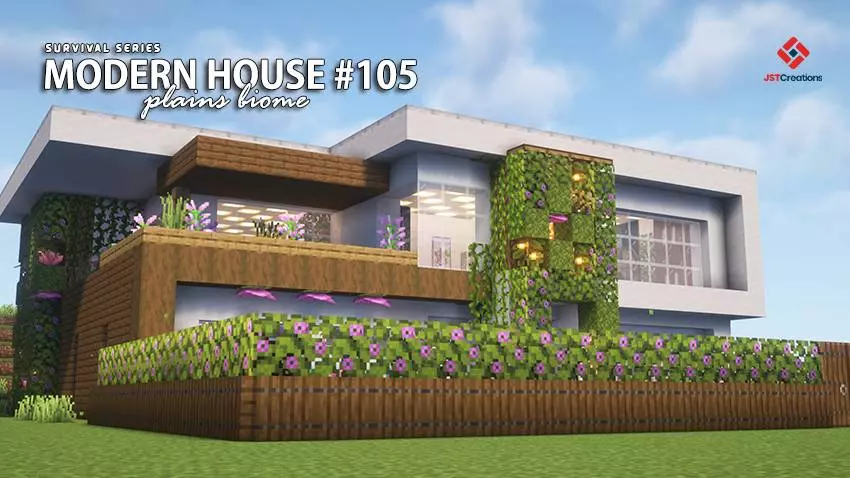
Survival Modern House #105 Map is part of a “Survival Series� house collection where each build is made to be fully playable in survival mode and themed around the biome it sits in. This one is specifically set up as an Island Survival modern house, so it’s meant to feel like a clean, stylish base you can actually live in while still doing normal survival progress. Achievements are on, which is nice because you’re not sacrificing that legit survival grind just to start with a good-looking home.
The house is described as cozy and survival-ready, with the interior and exterior fully built out already. That’s the best kind of starter base because you don’t waste your first sessions making a box and then rebuilding later—you can jump straight into organizing, upgrading, and exploring. It also comes packed with plenty of useful items inside, which makes the early days on an island feel less cramped and less like you’re scrambling for basics the second you spawn.
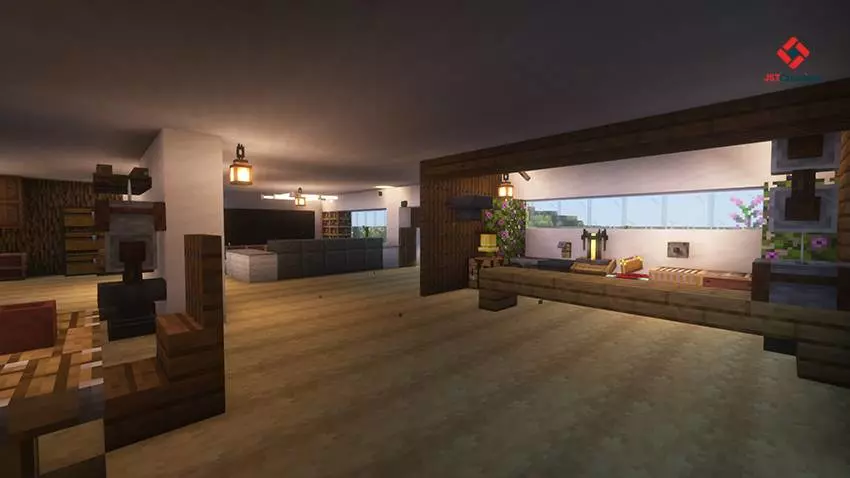
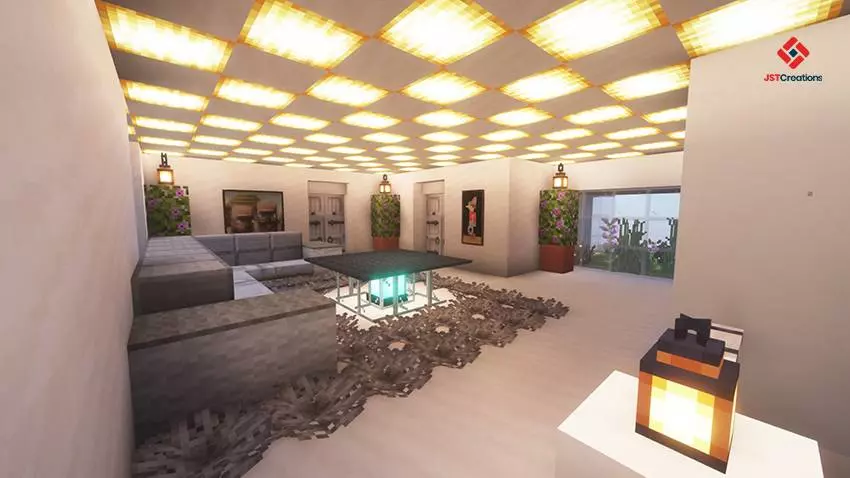
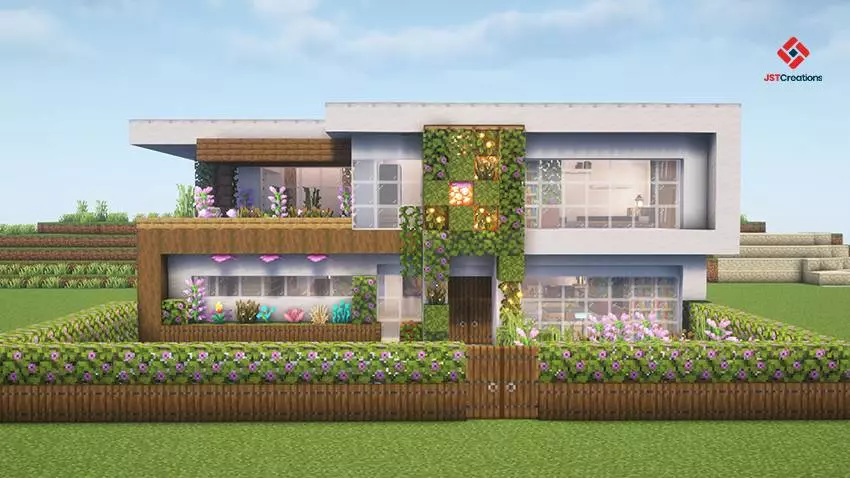
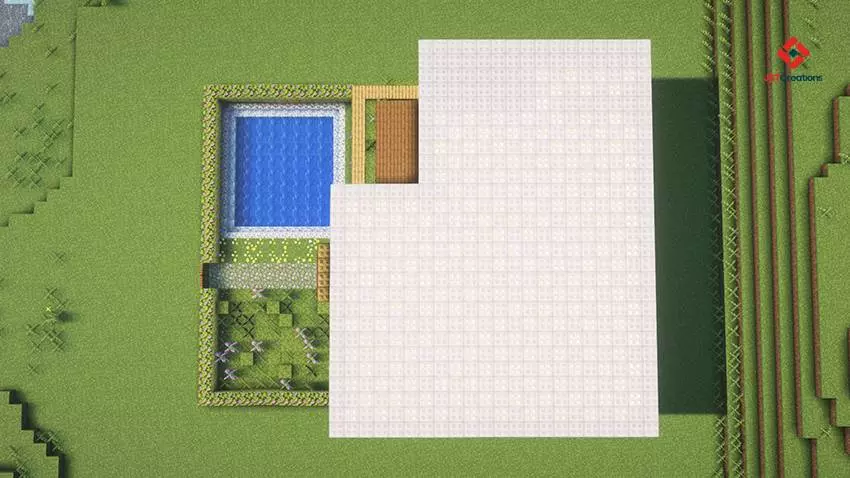
One of the smartest details is that the spawn point is already set inside the house. That makes Survival Modern House #105 Map feel convenient right away, especially if you’re the type who dies during early exploring or goes on long runs and wants a reliable “home reset� without extra setup. It’s also built near an existing village, which adds life and atmosphere to the area and gives you a natural reason to explore around your home instead of feeling isolated on the island.
The map suggests it’s best enjoyed with your favorite texture or shader pack, and while that’s optional, it fits the concept of a modern build—clean shapes and lighting always look sharper with a visual pack. Practical tip: keep the modern vibe consistent as you expand. Add docks, paths, storage rooms, and farms in a tidy layout so the island doesn’t turn into clutter. Survival Modern House #105 Map is perfect if you want a polished modern base that’s ready for real Minecraft Bedrock survival, with the village nearby keeping the world feeling active from day one.
How to install?
Android: you need to find the downloaded file on your phone, use any file manager for this and import the map into the game by opening it.
IOS: after receiving the map, the device itself will offer to install it.
Windows 10: go to the folder where the files are downloaded, find mcworld there and activate it.
Comments (0)