Summers City Map
- 18-02-2026, 13:18
- 707
Creation Maps / Custom Terrain Maps
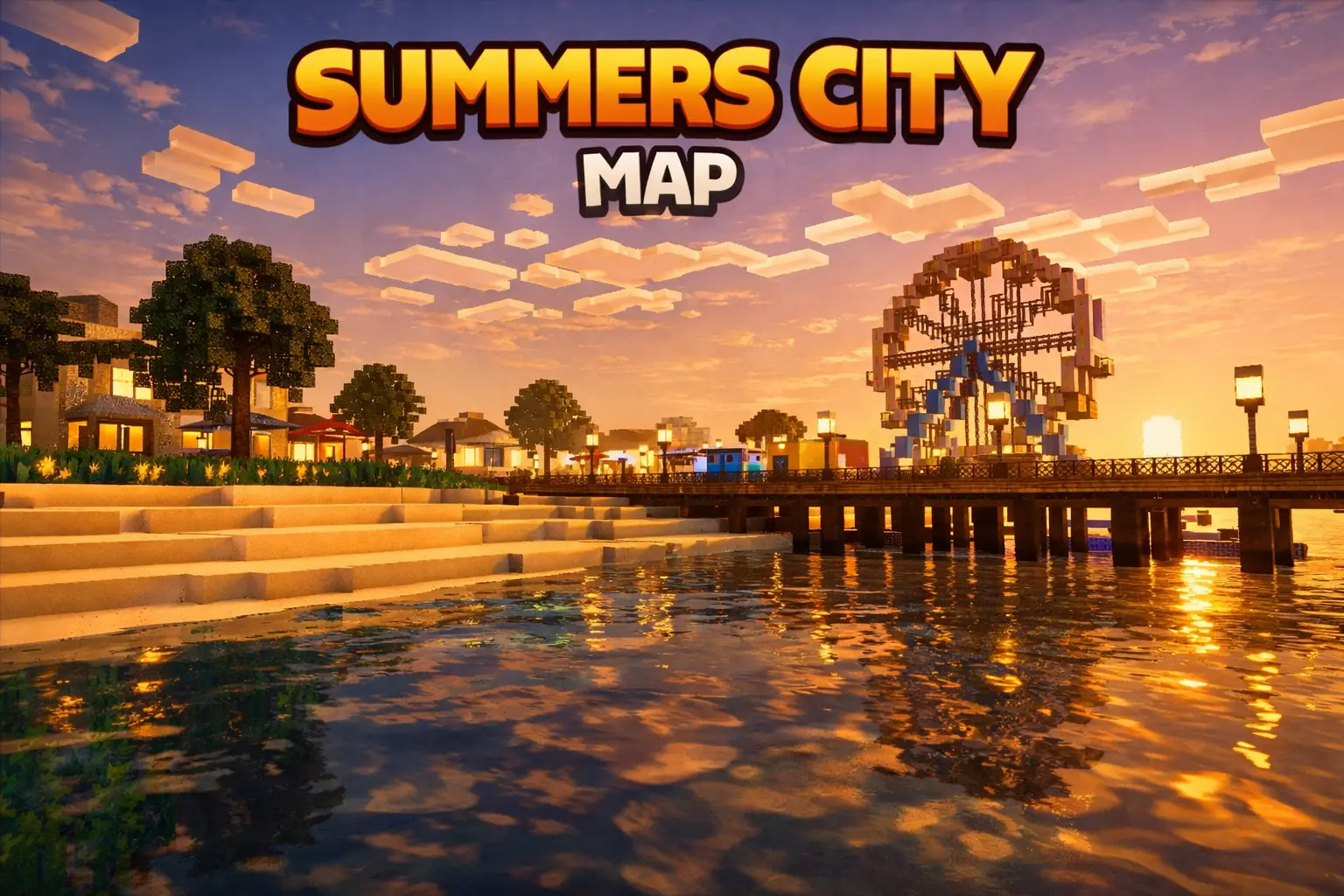
Summers City Map is the kind of Minecraft Bedrock city world you load up when you’re tired of empty streets and tiny builds that feel like a single blocky neighborhood. The whole pitch is that it’s a large modern city with everything a big city has, which means the focus is on scale and variety. Instead of one showcase building, you’re getting a full city environment that’s meant to be explored like a place, not just looked at from one angle.
What makes a modern city map fun isn’t just the buildings—it’s how it supports different playstyles. Summers City Map works as a free-roam world where you can just wander, find cool spots, and treat it like a virtual hangout. It’s also perfect for roleplay sessions, server events, or filming content, because a big city layout naturally gives you “scenes” without you having to build them yourself. One minute you’re moving through clean modern streets, the next you’re ducking into a new area and it feels like a whole different part of town. That variety is what keeps a city map from feeling repetitive.


If you’re playing solo, the best way to enjoy Summers City Map is like you’re exploring a new place in real life. Pick a direction, make yourself a “home base” spot, then do loops where you push farther each time so you don’t keep re-checking the same blocks. If you’re playing with friends, it becomes an instant playground. You can set up your own mini-games without needing the map to have built-in rules—hide and seek across city blocks, rooftop races, “no armor” PvP in a chosen area, or just casual cruising around while you talk.
Practical tip: city maps get way more fun when you give yourself a reason to move. Make a simple challenge like “find the best skyline view,” “pick a spot for a base,” or “run from one side to the other without stopping.” Summers City Map shines when you lean into that big-city vibe and let the size of the world create the adventure for you.
How to install?
Android: you need to find the downloaded file on your phone, use any file manager for this and import the map into the game by opening it.
IOS: after receiving the map, the device itself will offer to install it.
Windows 10: go to the folder where the files are downloaded, find mcworld there and activate it.
Comments (0)