Explode a Survival World! Map
- 18-02-2026, 13:32
- 427
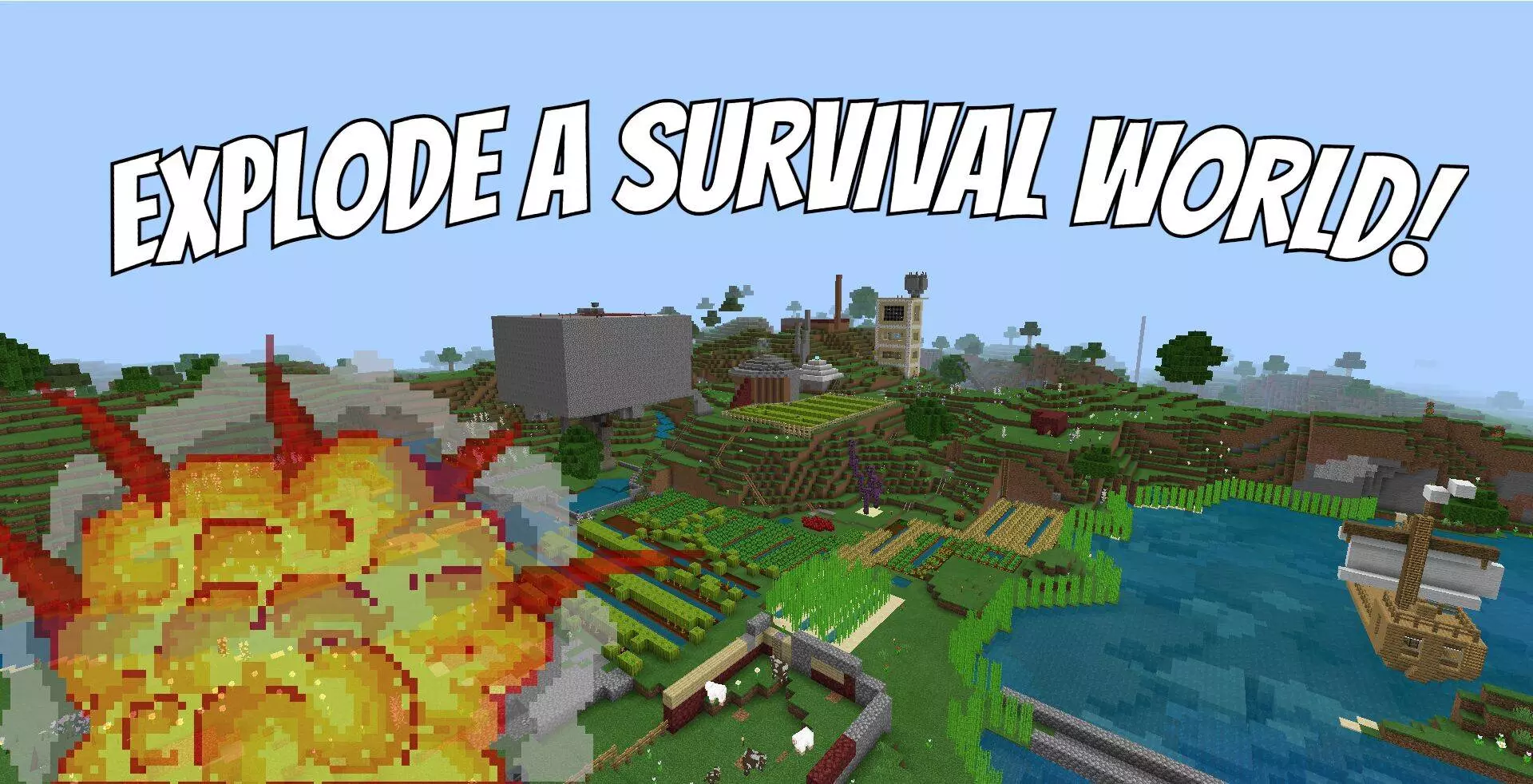
Explode a Survival World! Map is basically a “choose your own chaos” survival world, except the whole point is that the world already has history. It’s a real survival save from 2020 that the creator and a friend actually played on, so you’re not loading into some empty template. You’re stepping into land that already has items and structures spread around, and the map is built for one thing: letting you explode your way through what’s been built.
You start in an obsidian room that’s filled with explosives for you to use, so the map wastes zero time getting you into the action. From there, you’ve got the freedom to roam and decide how destructive (or controlled) you want to be. Since there are many items and structures across the world meant to be blown up, it’s the kind of map where scouting matters—take a look around, pick your target, and then make it rain debris. The creator also says this map is meant to stay exclusive, with no further updates, which makes it feel like a snapshot of a specific survival world instead of something that keeps changing.

If you’re playing with friends, Explode a Survival World! Map is set up for prank-y sessions where everyone’s reacting in real time to what gets destroyed next. The fun isn’t just the explosions—it’s the moment you realize there’s another structure over the hill, or a stash you didn’t notice until you flew around and spotted it. The map straight-up encourages you to fly around and check what’s out there before you start going wild, because half the entertainment is discovering what you’re about to ruin.
And if you want a different vibe, you can even try to survive on Explode a Survival World! Map yourself. That turns it into a weird challenge run where you’re choosing between using explosives for fun and not nuking your own chances of staying alive. Play smart, explore first, and don’t blow up everything in one place unless you’re ready for the world to get messy fast.
How to install?
Android: you need to find the downloaded file on your phone, use any file manager for this and import the map into the game by opening it.
IOS: after receiving the map, the device itself will offer to install it.
Windows 10: go to the folder where the files are downloaded, find mcworld there and activate it.
Comments (0)