Beginners' Guide To Redstone Map
- 19-02-2026, 08:39
- 511
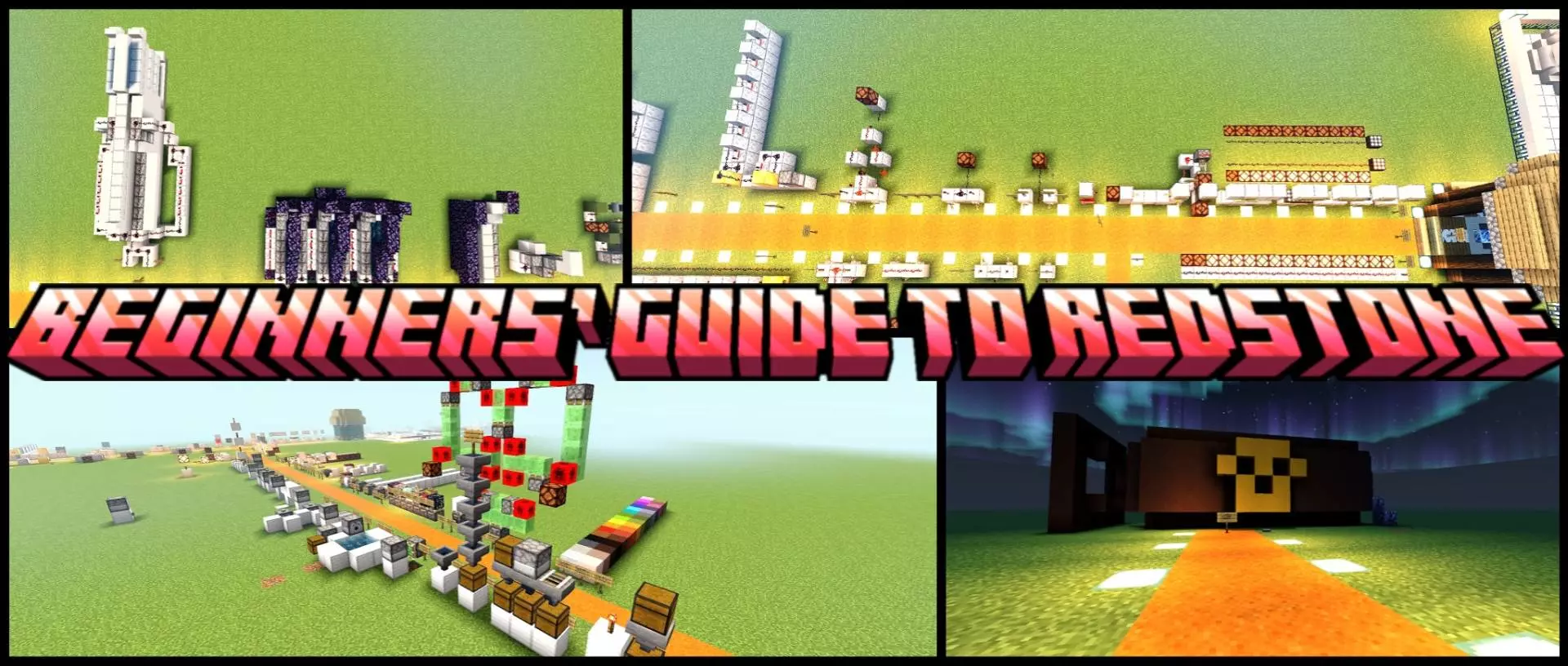
Beginners' Guide To Redstone Map is built for players who want to learn redstone from the ground up, whether you’re totally new or you’ve been messing with it but still feel like everything breaks the second you add one extra block. The whole map is designed as a clear, structured, interactive course, so it feels more like “try it and see it work� than “read a wall of text and hope you remember it.�
The learning areas are organized around core components, and it covers stuff you’ll actually touch in normal play: levers, buttons, repeaters, comparators, observers, pistons, and more. Each section uses practical examples, which is clutch because redstone only really clicks when you can watch a circuit run in real time and then poke it yourself. The map encourages experimenting, so you’re not just staring at a finished contraption—you’re seeing how the pieces connect and what changes when you tweak timing, power, or signal flow.


As you move forward, Beginners' Guide To Redstone Map unlocks more advanced builds and automation projects. That progression matters, because it turns the “parts� into real survival and build situations: doors, traps, farms, elevators, secret entrances, and logic systems. It’s the kind of stuff you’d want in an actual base, and doing it here first means you’re less likely to waste hours in your main world troubleshooting one missing tick delay. A solid way to use the map is to treat each project like a template: play with the working demonstration, then try rebuilding it from memory in the practice zones until you can do it without guessing.
The layout is described as clean and organized, which helps a ton when you’re learning, because nothing kills motivation like a messy world where you can’t tell what you’re supposed to look at. And since there are practice zones, you can test ideas without the pressure of “if I break this, I ruined the whole build.� Beginners' Guide To Redstone Map is perfect if you’re a survival player who wants reliable base automation, a creator who wants smoother builds for videos, or a technical builder who wants the fundamentals locked in before going wild with bigger systems on Minecraft Bedrock Edition.
How to install?
Android: you need to find the downloaded file on your phone, use any file manager for this and import the map into the game by opening it.
IOS: after receiving the map, the device itself will offer to install it.
Windows 10: go to the folder where the files are downloaded, find mcworld there and activate it.
Comments (0)