Modded Modern House #8 (With Furnitures) Map
- 17-04-2026, 12:16
- 714
Creation Maps / Survival Maps / Modded Maps
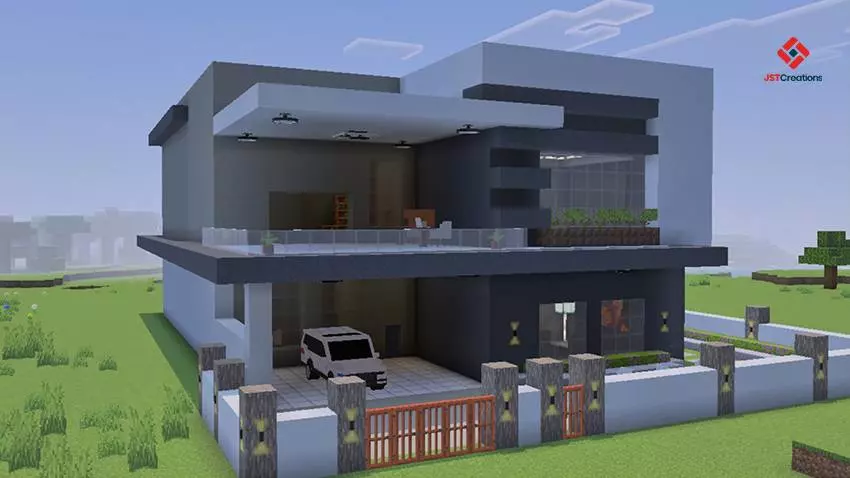
Modded Modern House #8 (With Furnitures) Map with a house, a car, a beautiful yard. This will be your base, your new home in Minecraft with a furniture mod.
A new Minecraft world often begins with a hurried shelter and a promise to build a proper house later. Modded Modern House #8 lets you start with that house already waiting for you. The map includes a modern home with furniture, a yard, and a car outside. You can move in, look around, and decide what to do next without spending your first few days gathering blocks for the building. It’s a comfortable place to begin a survival adventure or simply explore a finished home for ideas.
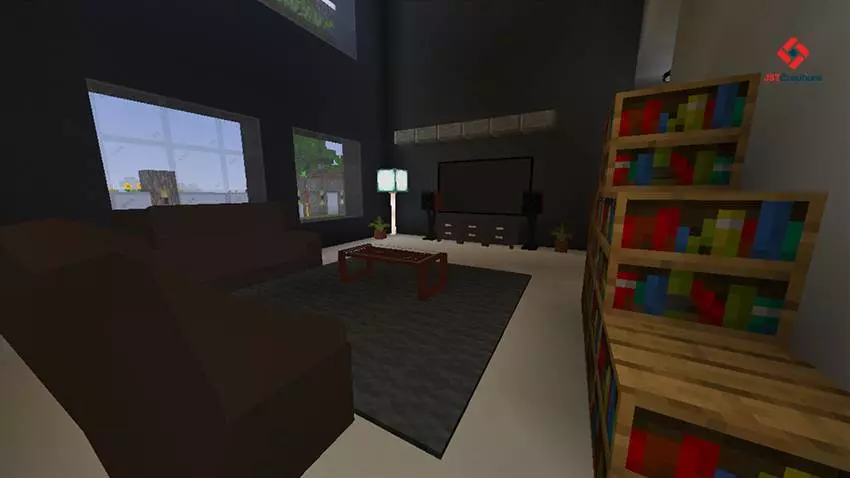
The furniture gives the house a lived-in feel from the moment you step inside. Instead of furnishing every space yourself before the place starts to look like a home, you can walk through the rooms and see how they’ve been arranged. Take a little time to look at the layout and the way the furnishings fit into it. You might find an idea for a room you’ve been struggling to decorate in another world, or decide that this house is already a good starting point for your next project.
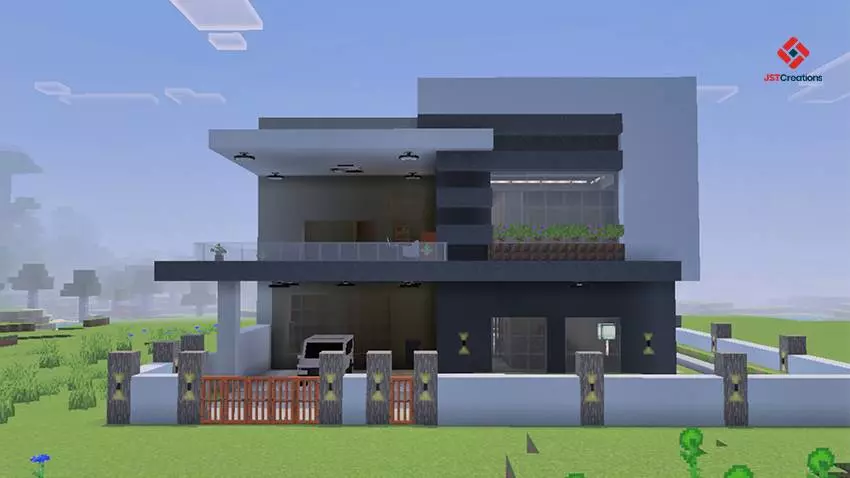
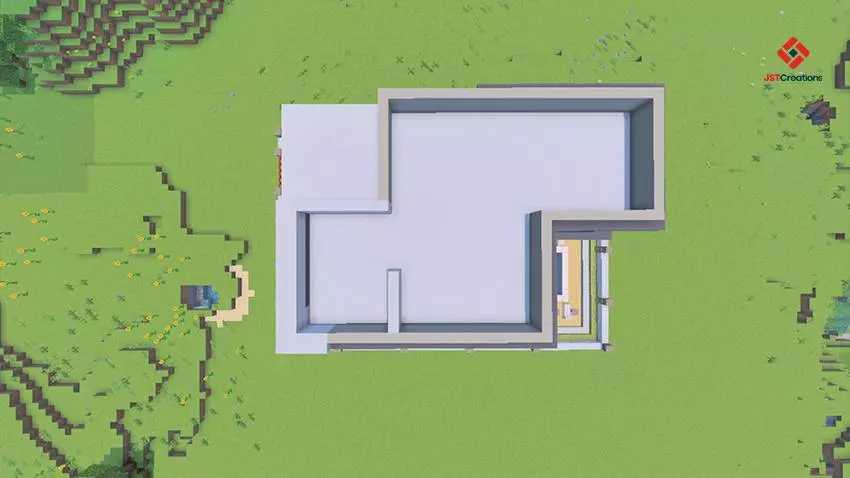
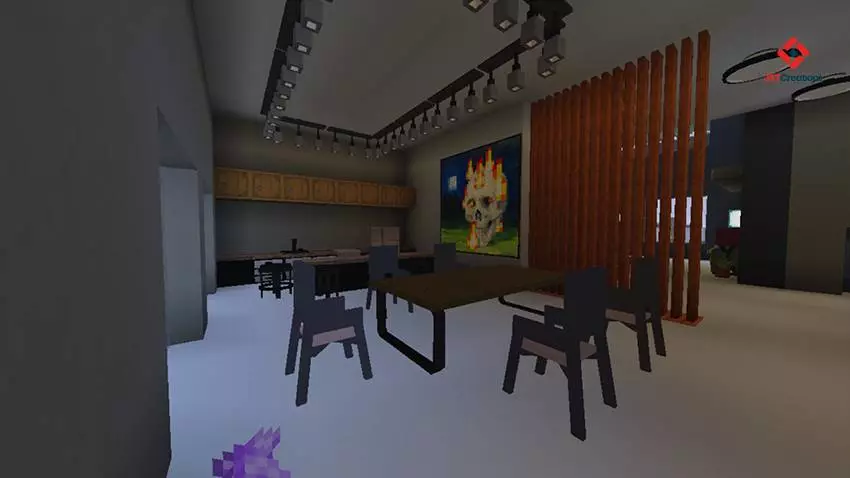
Outside, the yard gives the house space to breathe, with a car adding another modern detail to the setting. You could leave the area as it is and enjoy coming home to it after a day of exploring, or gradually change it to suit your own plans. Add a path, make room for a small garden, or build something nearby when you’ve collected enough materials. The house gives you a place to return to while you work out what you want the rest of your world to become.
If you enjoy survival, having a finished home changes how the first part of the game feels. You can focus on gathering food, looking for useful resources, and exploring the surroundings instead of rushing to put up walls before nightfall. Once you’ve settled in, choose a place for the things you bring back and make the house your own. A mining trip feels a little different when you know there’s already a furnished home waiting at the end of it.
The map can also be fun with friends. Invite someone to explore the house with you, then decide how you want to share the space. One player might concentrate on gathering materials while another works on the yard or plans a new building nearby. You could use the home as the center of a small neighborhood and add more houses as your world grows. There’s no need to follow a particular story: the setting gives you somewhere to start, and the rest is up to you.
For players who like building, the map is worth visiting even if you don’t intend to stay. Walk around the outside first, then head indoors and pay attention to how the furnished spaces are put together. Think about which ideas would work in a house of your own and which details you would change. You don’t have to copy the whole building to come away with something useful; sometimes a new way of arranging a room is enough to get you started.
Modded Modern House #8 is a good choice when you want a ready-made home with more character than an empty shell. Open the map, take a look around the house and yard, and settle in at your own pace. Whether you keep the building as it is, make changes to the interior, or use it as the beginning of a larger survival world, you already have a place to call home.
How to install?
Android: you need to find the downloaded file on your phone, use any file manager for this and import the map into the game by opening it.
IOS: after receiving the map, the device itself will offer to install it.
Windows 10: go to the folder where the files are downloaded, find mcworld there and activate it.
Comments (0)