Modded Modern House #2 Map
- 23-02-2026, 08:58
- 537
Adventure Maps / Creation Maps / Survival Maps

Modded Modern House #2 Map is a ready-to-use modern house build made for players who want a polished setup without spending hours building from scratch. It’s built in a modern style and comes with complete interior and exterior details, so it feels like an actual finished home instead of just a shell. The map is also set up to be convenient from the start, with the spawnpoint already inside the house.
Inside, the big highlight is the furniture setup for the house, including spaces like the living room and dining room. That matters a lot for a modern build, because those rooms are what make the place feel lived in when you walk through it. Combined with the complete house details and lots of useful items inside, Modded Modern House #2 Map gives you a strong base for casual play, roleplay, or just enjoying a finished home layout while you work on the rest of your world.
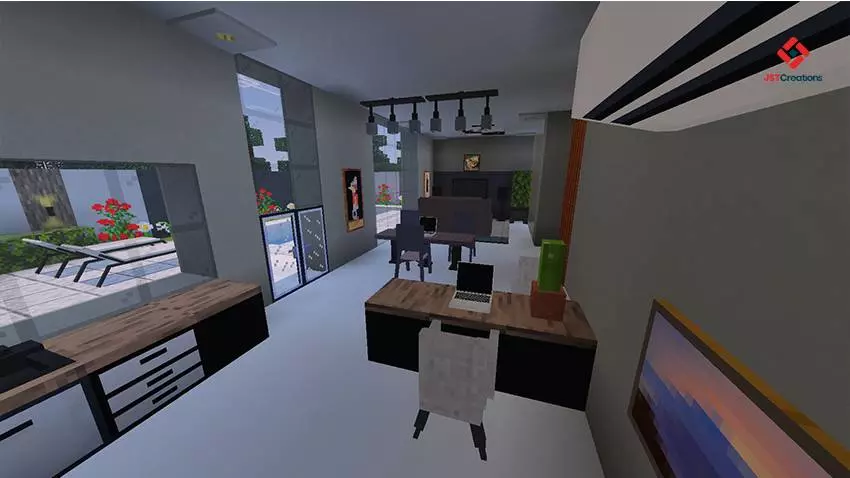
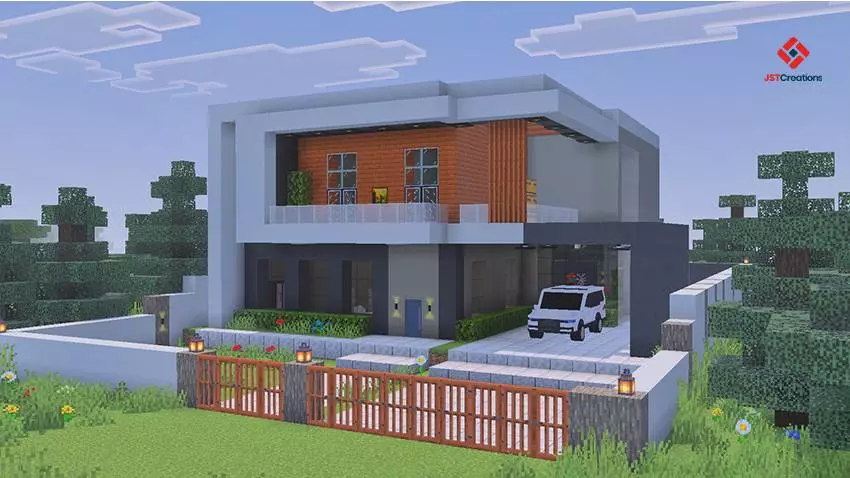

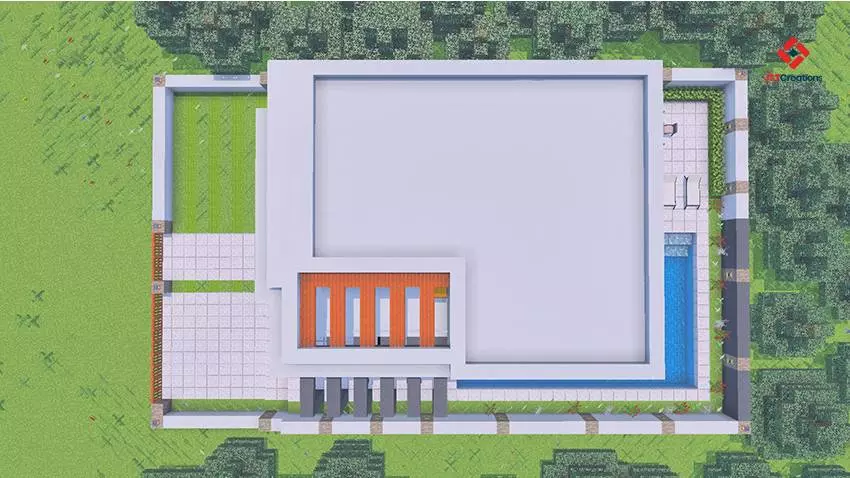
This map also fits really well if you like styling your worlds visually. The description mentions it’s best played with your favorite texture or shader pack, and that makes sense for a modern build like this because lighting, reflections, and clean materials can make the house look even better. If you enjoy screenshots, tours, or just hanging out in your builds, using a texture/shader pack can make the interior furniture and exterior design pop way more.
A good way to use Modded Modern House #2 Map is to treat it as your main home hub and build outward from there. Since your spawnpoint is already set inside, you can start organizing the useful items immediately, then expand the outside area with paths, a garage zone, a backyard, or extra decoration depending on your style. Modded Modern House #2 Map is a solid pick if you want a modern house that already feels complete on day one, with furniture, detail, and a clean setup that’s easy to jump into.
How to install?
Android: you need to find the downloaded file on your phone, use any file manager for this and import the map into the game by opening it.
IOS: after receiving the map, the device itself will offer to install it.
Windows 10: go to the folder where the files are downloaded, find mcworld there and activate it.
Comments (0)