Building Game Assort Map
- 9-02-2026, 14:22
- 395

Building Game Assort Map is basically a full mini-game hub focused on building, guessing, teamwork, and memory, all in one place. Everything is automated through a script system, so you’re not relying on command blocks to keep things moving, and the flow is handled through UI and in-game items. It’s also upfront that the in-game texts and the description are machine translated, so you might spot some awkward wording, but the actual modes and systems are clearly designed to be playable and easy to jump into.
The first big vibe in this world is social chaos in the best way. There’s a “telephone game� style mode where you build a topic and the next player guesses it, with automatic rotation, an answering UI, and a tour-style review at the end so everyone can laugh at how the idea mutated. There’s also a co-op “Instructor� style mode where one side sees the model and has to explain it to the builders using chat or voice, plus a manual grading system so your group can decide what counts as “close enough.� If you’re playing Minecraft Bedrock with friends who talk a lot, these two modes are the ones that turn into inside jokes instantly.
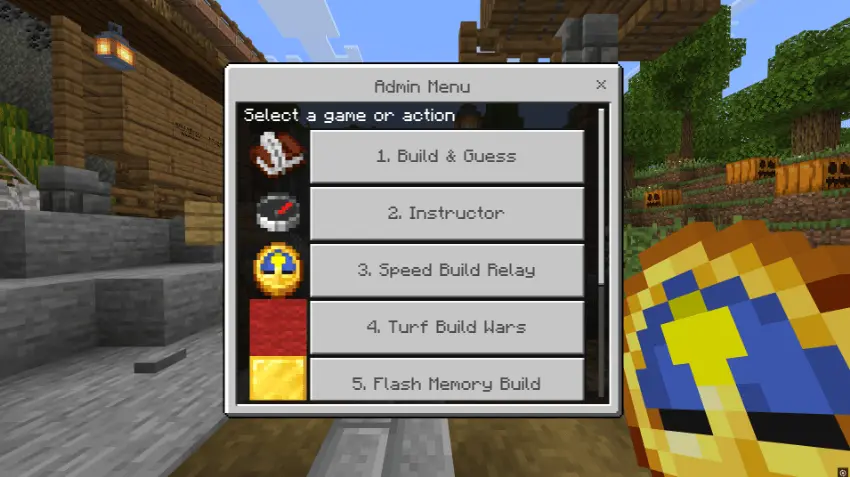
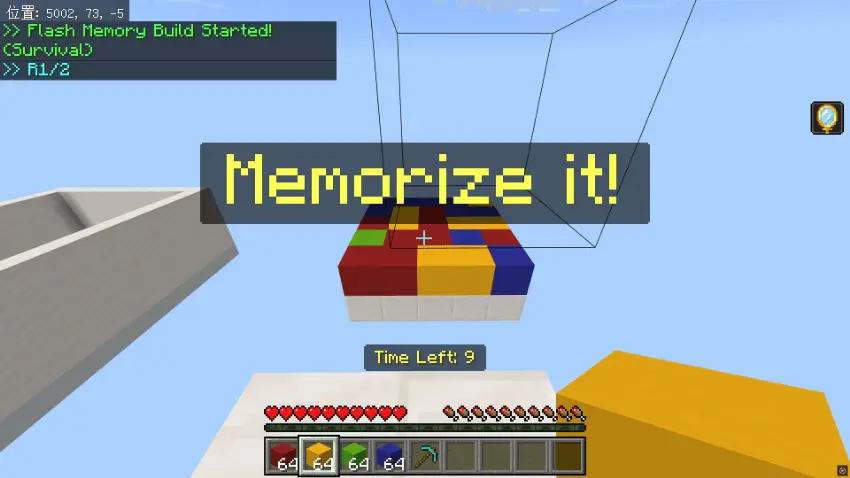
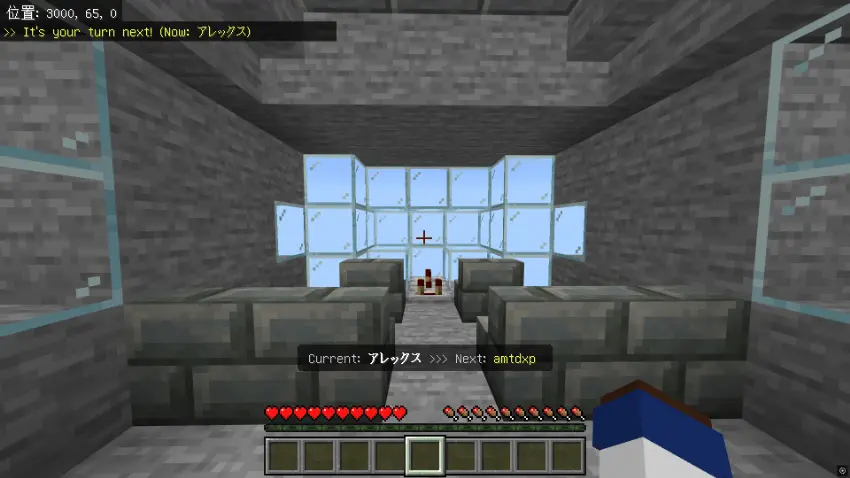
When your group wants pure momentum, the relay mode rotates players on a timer so you’re continuing the same build in turns, and it can add random debuffs like Blindness and Nausea during rotations for extra panic. Then there’s a red vs blue territory scramble where you’re placing blocks fast to claim space, with the twist that only the highest block seen from the sky counts as territory, and an optional chaos setting that adds sticky bombs and explosions. The memory mode rounds things out by showing a pattern for a few seconds and daring you to recreate it perfectly, with high score ranking and colorblind support built in, which makes it more than a one-and-done party trick.
The quality-of-life tools are what make Building Game Assort Map feel like an actual polished “games world� instead of a bunch of rooms. The admin menu is tied to a clock for starting and stopping games, changing settings, and clearing data, while players use a compass menu to join or spectate and access rule books. The gallery system is a sneaky bonus too, because it saves builds from the build-and-guess mode and lets them become themes for the instructor games, so your world starts generating its own content the more you play. Practical tip: if your group gets stuck picking what to do next, just rotate modes every few rounds and keep the pace up—this map works best when everyone stays in that “one more game� mindset.
How to install?
Android: you need to find the downloaded file on your phone, use any file manager for this and import the map into the game by opening it.
IOS: after receiving the map, the device itself will offer to install it.
Windows 10: go to the folder where the files are downloaded, find mcworld there and activate it.
Comments (0)