Ember Skygen ADVANCED Map
- 5-05-2026, 12:47
- 360
Minigame Maps / PvP Maps / Survival Maps
Ember Skygen ADVANCED is a PVP survival minigame in the Skygen world. Develop, buy improvements in the store and win.
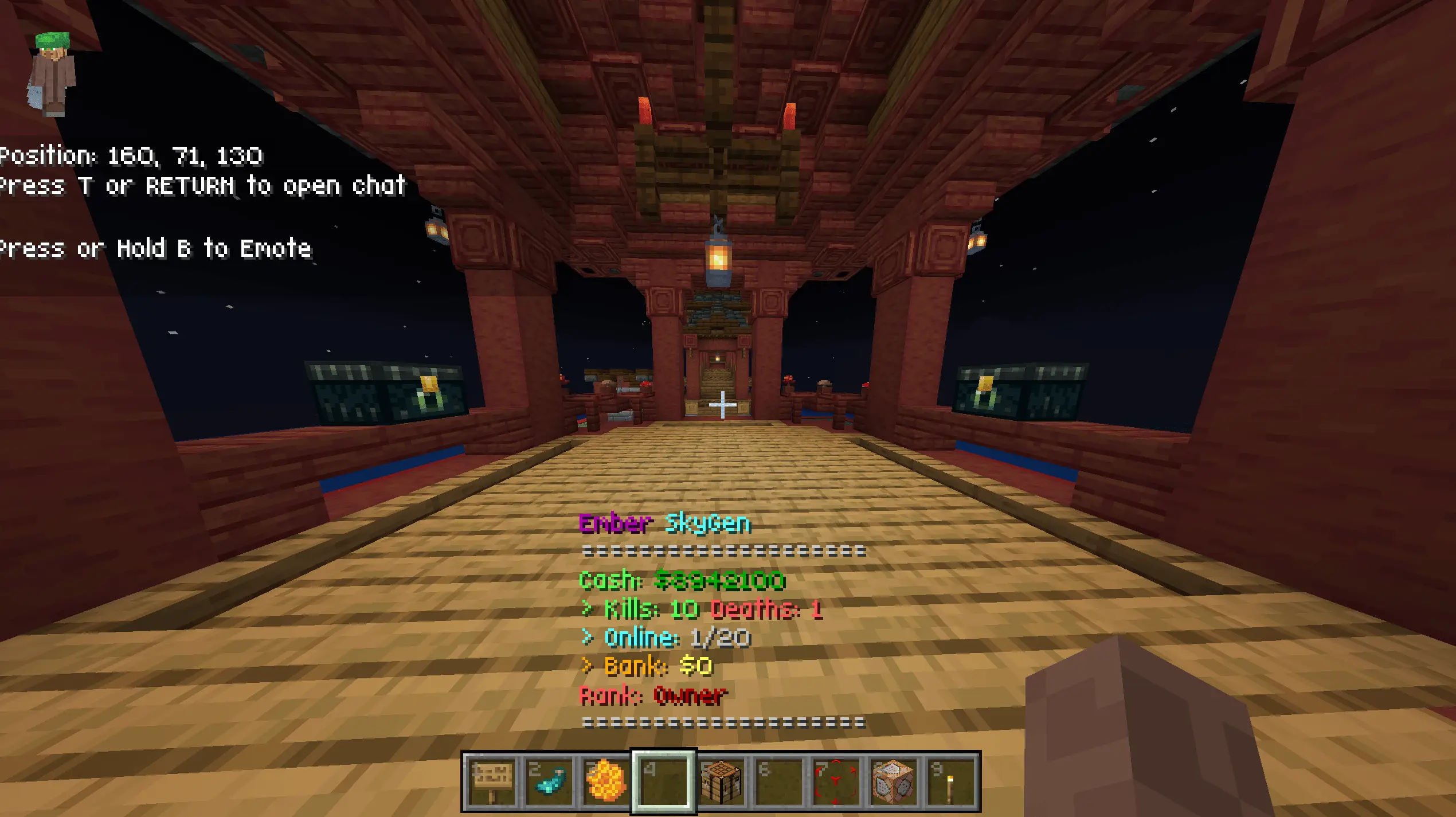
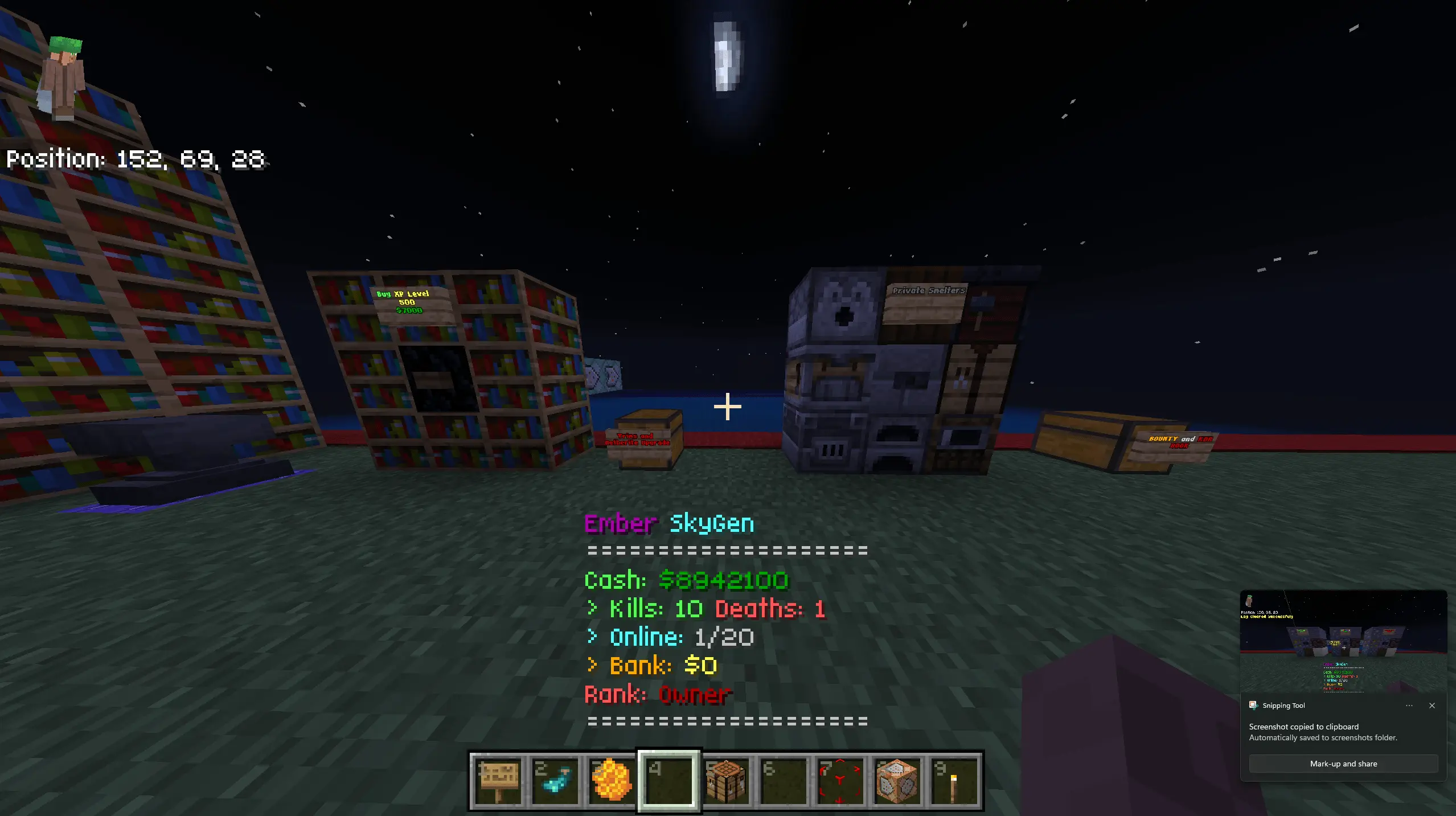
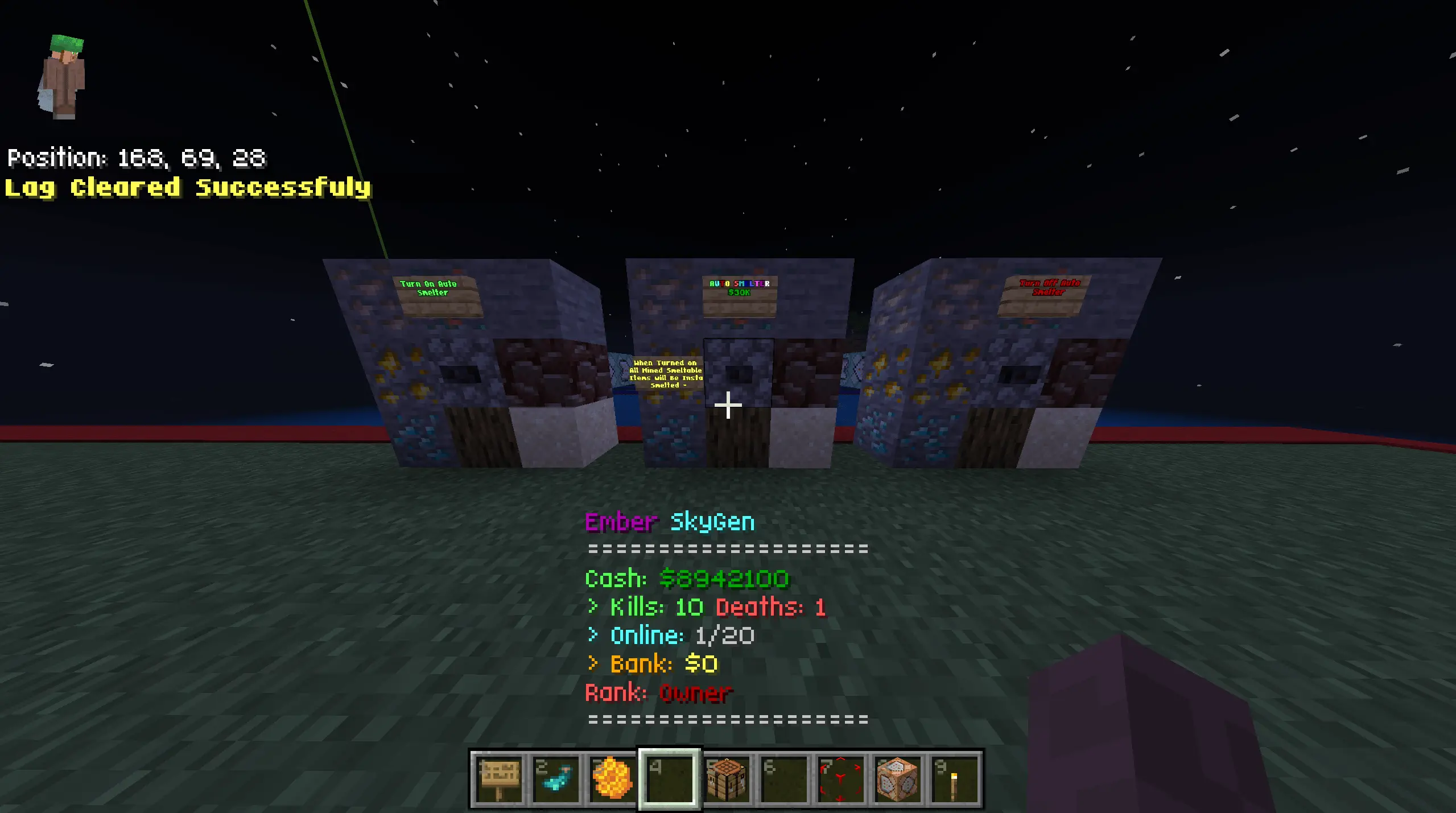
Ember SkyGen Advanced gives you a simple way to start earning in Minecraft Bedrock: mine resources from generators, sell what you collect, and spend the money on upgrades. Once your friends join, building up your wealth can turn into a competition.
You begin with nothing and work toward a better setup through the map’s generator system. Place generators, mine them for resources, and take your drops to sell. There’s a dedicated generator area with a wide selection of blocks, giving you plenty to look through as you learn how the world works. You can buy improvements and continue working your way through the progression, deciding what deserves your money next. Check what an upgrade offers before spending everything you’ve earned. You might want to save for something specific, or make smaller purchases as you go. Either approach gives you a routine to settle into: mine for a while, sell your haul, then see how close you are to your next goal. If you enjoy games where a little more effort gets you that purchase you’ve been watching, this is the sort of loop that can keep you busy.
PvP adds another activity when you’re ready to take a break from earning. Bring friends into the world and you can test yourselves against each other, then return to gathering resources when you want to continue progressing. It helps to agree on how competitive you want the session to be. Some players will want to concentrate on upgrades, while others will be looking for a fight as soon as possible. You could spend time learning the economy together before challenging one another. Watching a friend get ahead might also be all the motivation you need to stop browsing the shop and get back to work.
The map includes custom builds and a spawn area made for the SkyGen experience, so your group has an established setting to play in. It also supports solo play, shared local worlds, and Realms. On your own, you can take things at whatever pace suits you and focus on the purchases you want. With friends, you can compare progress, take a break for PvP, or see who reaches a chosen goal first. Pick something achievable, learn your way around the generators and shops, and build from there. Just be prepared for “one more sale� to become your excuse for staying online a little longer.
How to install?
Android: you need to find the downloaded file on your phone, use any file manager for this and import the map into the game by opening it.
IOS: after receiving the map, the device itself will offer to install it.
Windows 10: go to the folder where the files are downloaded, find mcworld there and activate it.
Comments (0)