Dark Forest Map
- 6-05-2026, 10:36
- 397
Minigame Maps / PvP Maps / Survival Maps
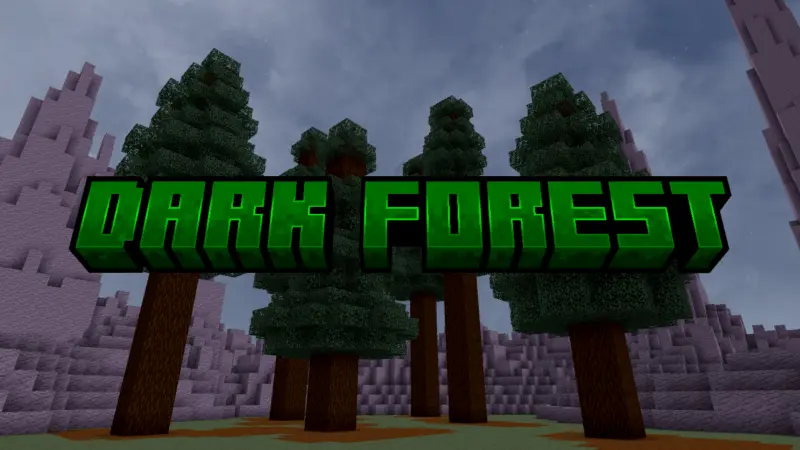
Dark Forest Map is specially created so that you can walk in the mysterious dark forest in Minecraft. A wide clearing sits in the middle of a spruce forest, with dark trees surrounding the place where your next fight could break out. Dark Forest gives Minecraft Bedrock players an arena for mob battles, PvP, and whatever challenges their group wants to create.
The layout is simple: an open central area provides room to move, while spruce trees and raised terrain form the outer boundary. Beyond that terrain is the void, so there’s no sprawling world to wander through once you leave the arena. The forest setting gives the space a moody backdrop without filling the center with obstacles. You can see the main fighting area clearly, move around your opponent, and use the edge of the clearing to give a match its own atmosphere. It’s a useful setup when you want a dedicated place for an event and don’t feel like spending the whole evening flattening terrain and building a boundary yourself.
For PvP, the open center gives you space to settle a rivalry without constantly losing sight of the other player behind trees. Agree on your equipment, choose where each player starts, and see who comes out on top. You could run a series of one-on-one duels or invite a group for a free-for-all where everybody picks their own moment to attack. The map is an arena setting, so you’ll need to arrange your own rules and match setup. A fight near the center may give you plenty of room to dodge, while moving toward the forest changes the look of the encounter and gives you more terrain to consider. Just keep track of the boundary; the void outside isn’t somewhere you want to discover by accident.
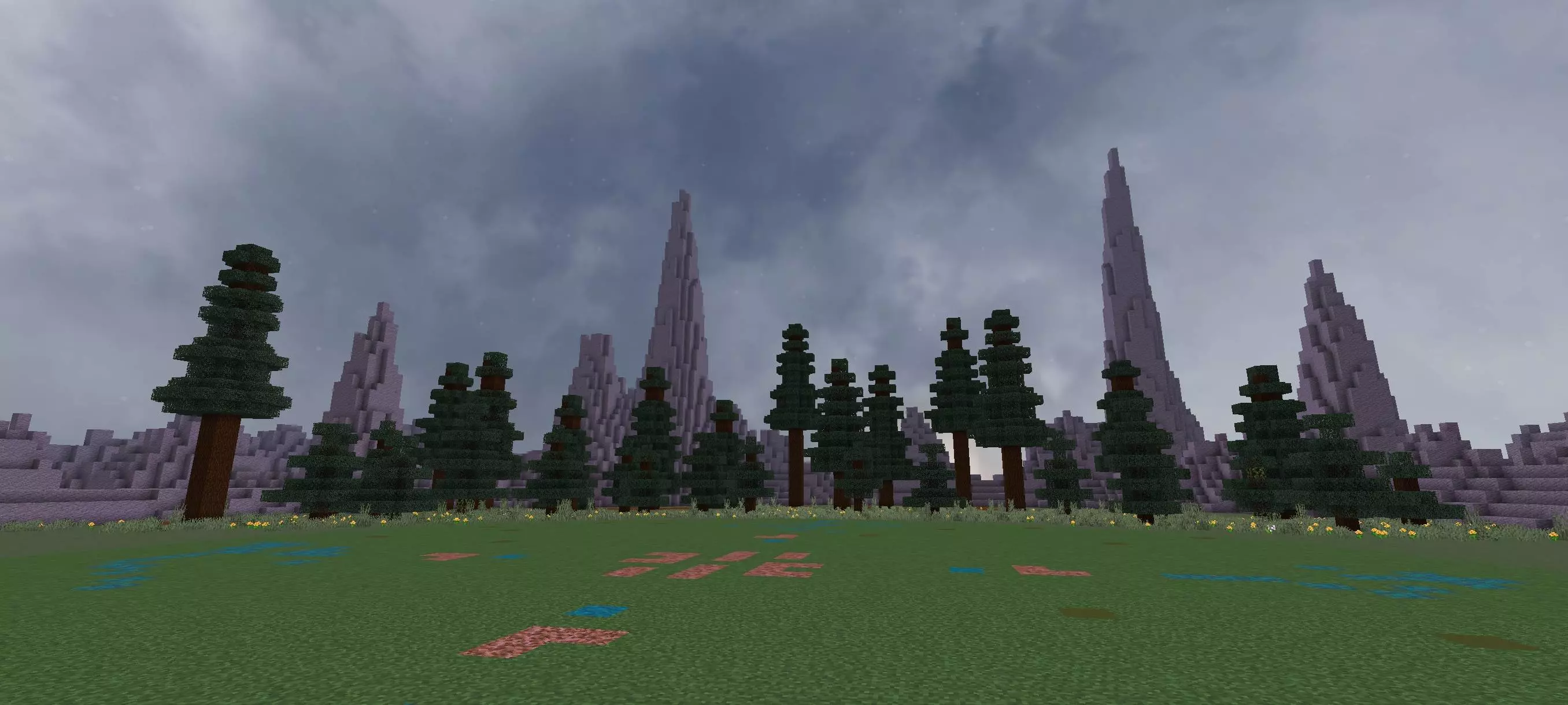
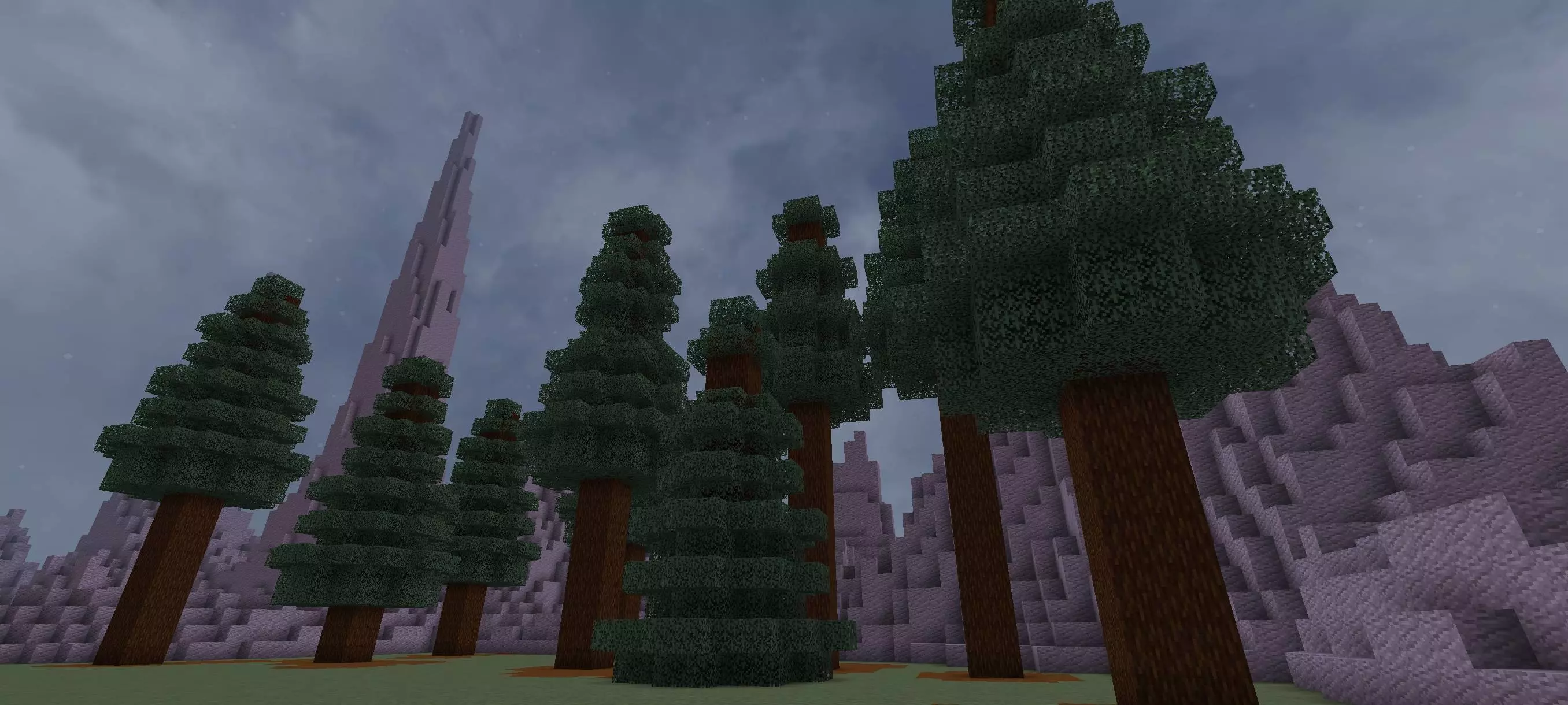
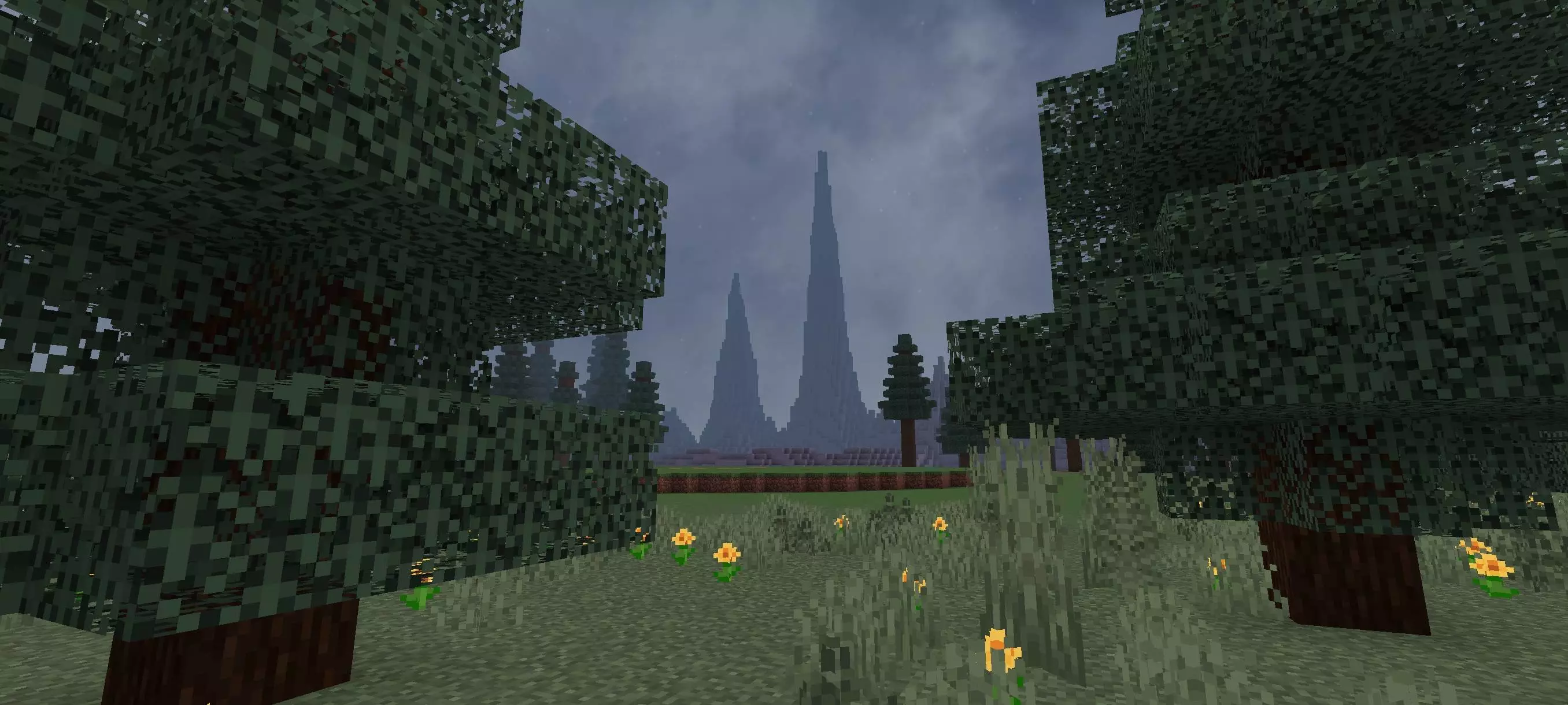
Dark Forest is also suited to mob and boss battles. Bring a creature you want to test into the clearing, equip yourself, and see how the encounter plays out with room to maneuver. If you use combat addons, the map gives you a contained place to try a new weapon or see what a custom mob can do before introducing it to a favorite survival world. Friends can take turns fighting the same opponent, compare equipment, or work together against a tougher enemy. Those are challenges you set up yourselves, but the open area makes it easy to focus on the fight instead of clearing space first.
There are other ways to use the forest, too. Set up your own hide-and-seek round, build a small parkour course in the clearing, or turn the arena into the setting for a short survival challenge. Because the terrain is limited and there’s void outside it, the map is designed to be relatively light on devices, though performance will still depend on what you add and how you play. Whether you’re testing a boss alone or bringing friends in for a tournament, Dark Forest gives you a ready-made backdrop for the action—and a clearing where there’s nowhere to pretend you didn’t see that rematch request.
How to install?
Android: you need to find the downloaded file on your phone, use any file manager for this and import the map into the game by opening it.
IOS: after receiving the map, the device itself will offer to install it.
Windows 10: go to the folder where the files are downloaded, find mcworld there and activate it.
Comments (0)