Diorite Castle Map
- 6-05-2026, 02:27
- 898
Adventure Maps / Creation Maps / Custom Terrain Maps / Survival Maps
Diorite Castle Map is built around a clean “white castle in the dark woods� contrast that looks instantly striking. The main centerpiece is a small diorite castle, and placing it in the middle of a huge custom spruce forest gives the whole map a strong mood—tall dark trees, muted forest light, and then this bright diorite structure popping out like it doesn’t belong. It’s a simple visual idea, but it’s exactly the kind of setup that makes a world feel memorable the second you spawn in.
The map isn’t only the castle either. It includes the custom spruce forest as a major feature, plus a custom lake with a waterfall, which is perfect for that “explore and chill� loop where you walk the terrain and find scenic spots. There’s also a forest house included, so it’s not just one build on a hill—it’s a small set of locations that feel like they belong to the same world. That makes it great for roleplay, story screenshots, or just having multiple “places� to bounce between instead of living in one structure forever.

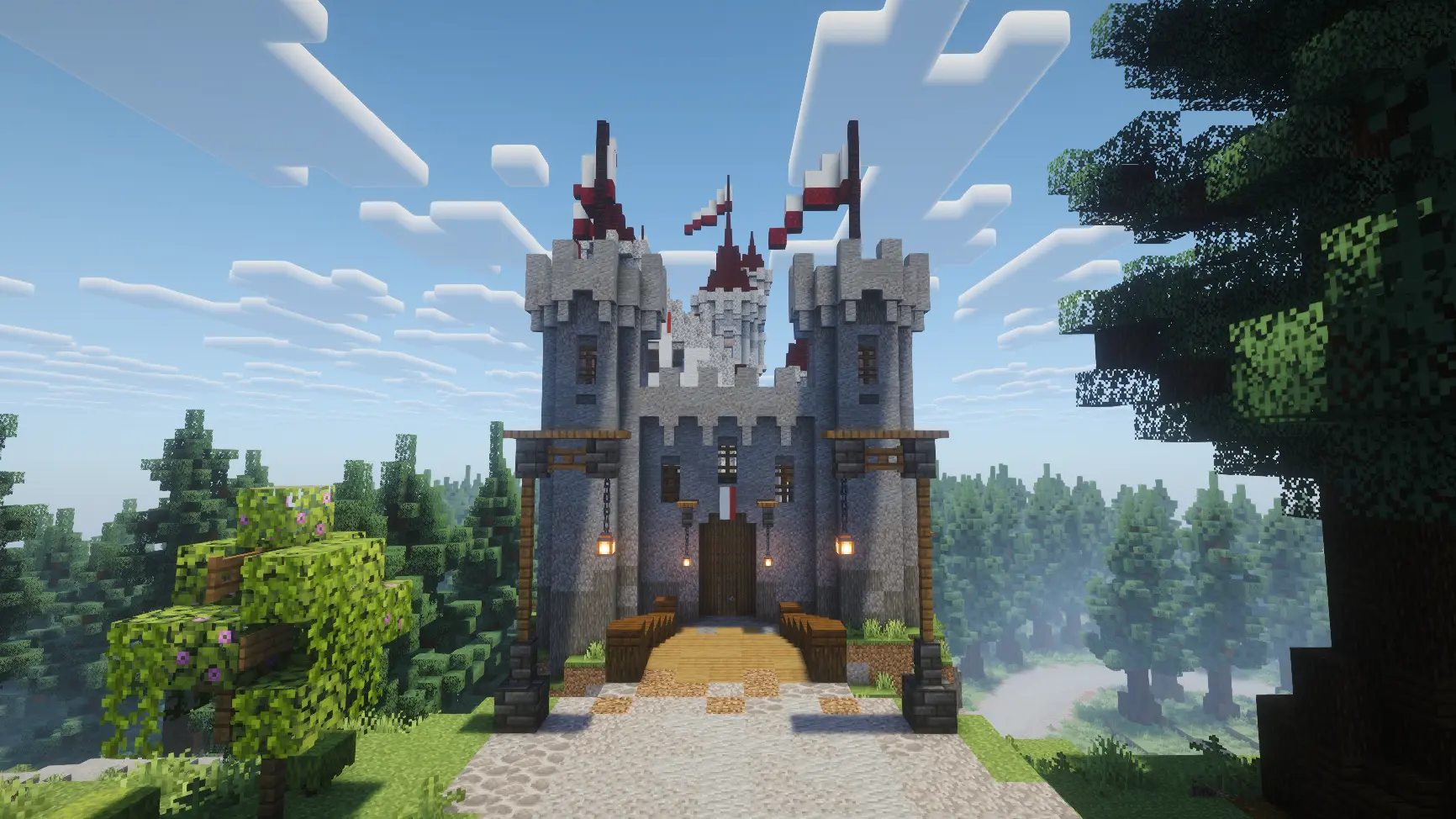
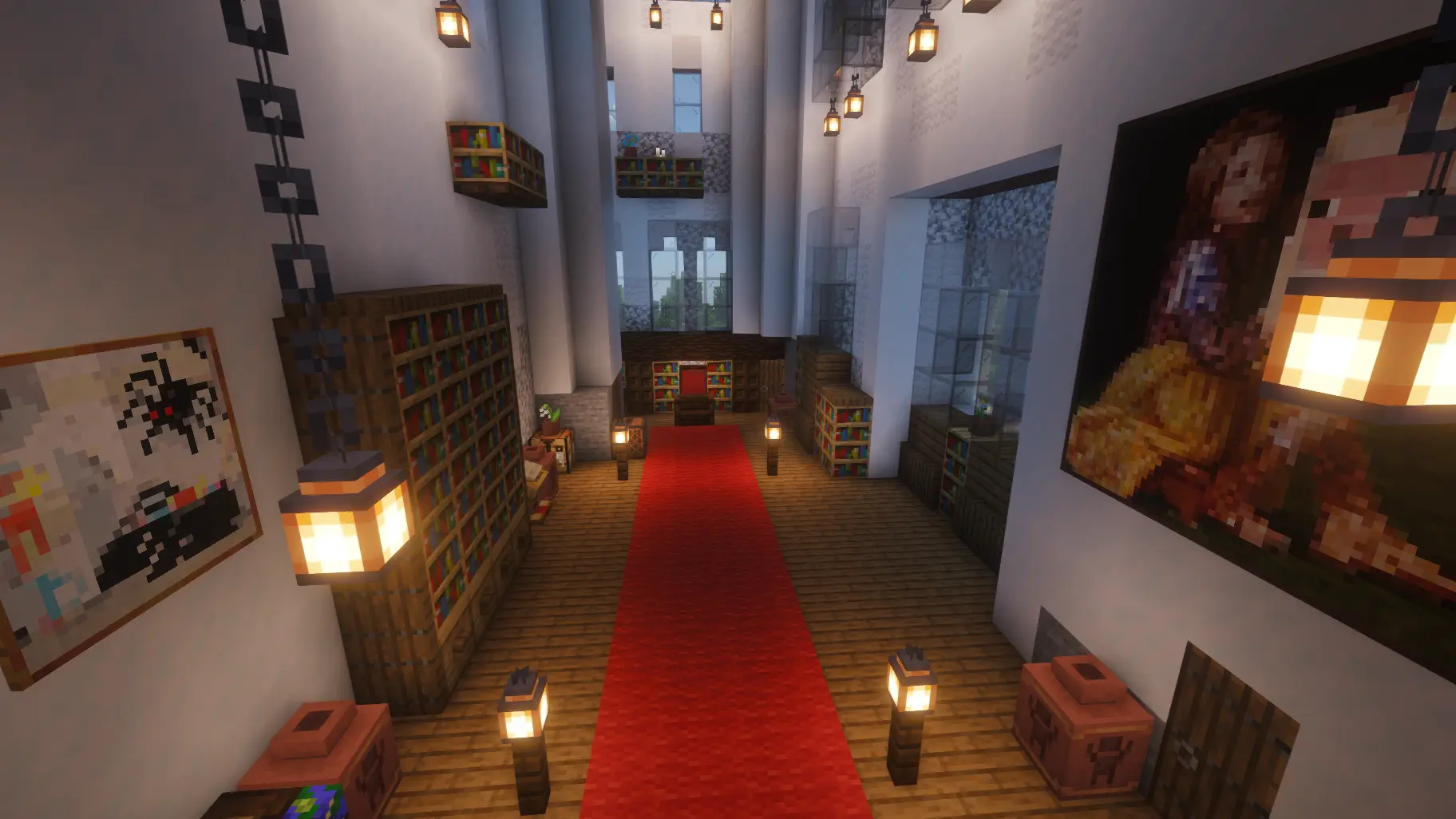
A key detail is that all builds include fully detailed interiors. That matters a lot, because it means the castle and house aren’t hollow shells. You can actually step inside and feel like the builds were made to be used, not just looked at from the outside. In Minecraft Bedrock, that makes a huge difference for survival-style play, because interiors give you a ready-made base layout and a natural way to organize your routine.
Practical tip: if you’re using Diorite Castle Map as a survival start or long-term base, use the forest house as your “everyday hub� and keep the diorite castle as your main showpiece or storage/upgrade zone. The waterfall lake is also a perfect scenic spot for a dock, a path, or a small bridge build if you want to expand the map without breaking its aesthetic. Diorite Castle Map is basically a compact fantasy setting: bright diorite castle, deep spruce forest, scenic water feature, and interiors that make the builds feel lived-in instead of empty.
How to install?
Android: you need to find the downloaded file on your phone, use any file manager for this and import the map into the game by opening it.
IOS: after receiving the map, the device itself will offer to install it.
Windows 10: go to the folder where the files are downloaded, find mcworld there and activate it.
Comments (0)