Hotline Miami Skinpack
- Today, 01:20
- 8
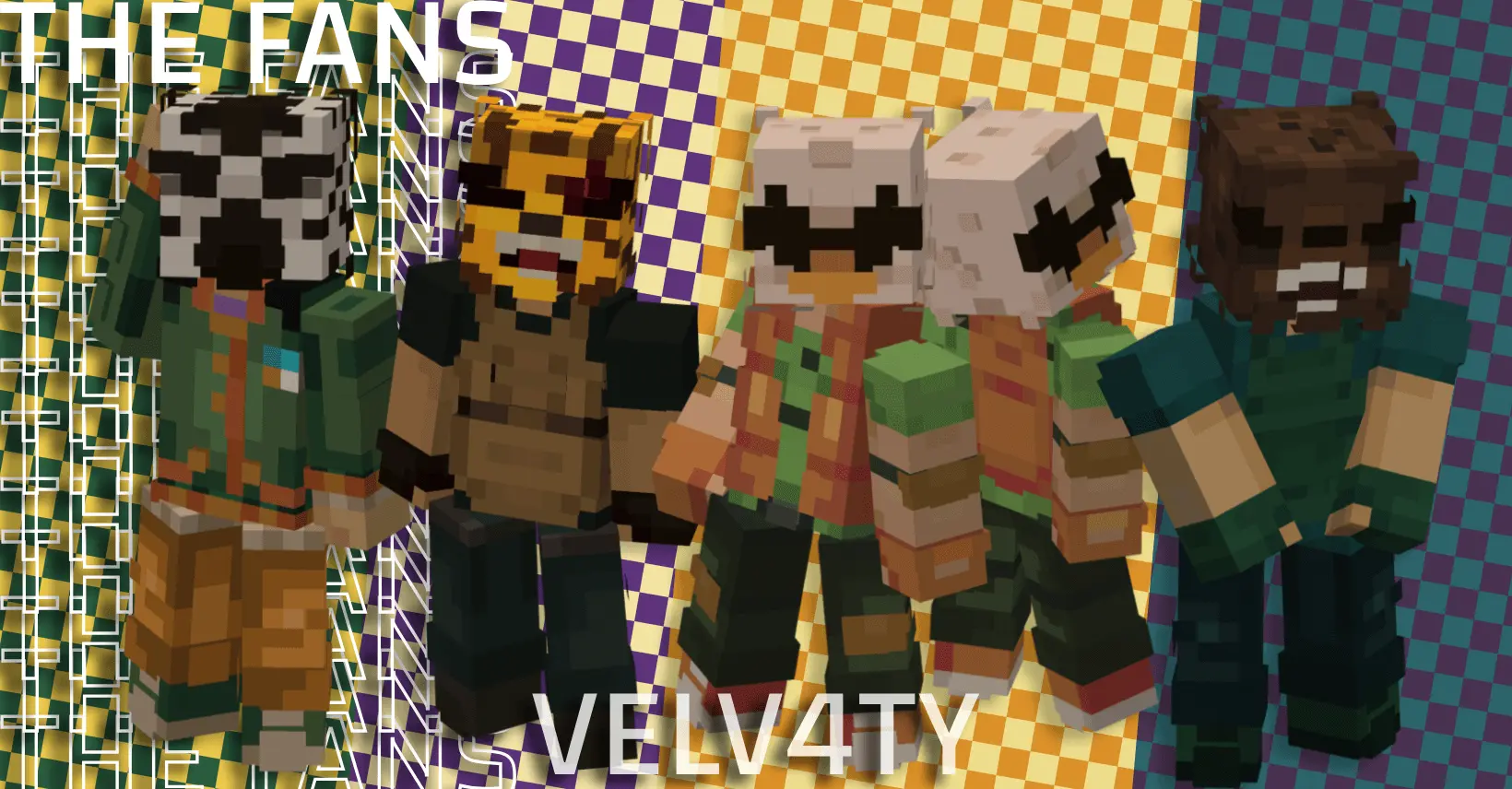
The Hotline Miami Skinpack drags the chaotic, neon-drenched energy of the classic 80s top-down shooter right into your Minecraft world. If you want to run around your server rocking those iconic animal masks, this drop is an absolute must-have.
Let’s be real, throwing on a letterman jacket and a rooster mask just hits different when you're raiding a woodland mansion or dominating a PvP arena. Most gaming crossovers feel a bit forced, but this pack actually respects the source material. You get the whole crew of gritty vigilantes adapted perfectly to the blocky grid. The creator nailed the pixel art, managing to keep that retro arcade vibe without making the textures look like a messy blur of bright colors. It looks incredibly clean, which is a massive plus when you are recording clips or fighting in third-person mode.
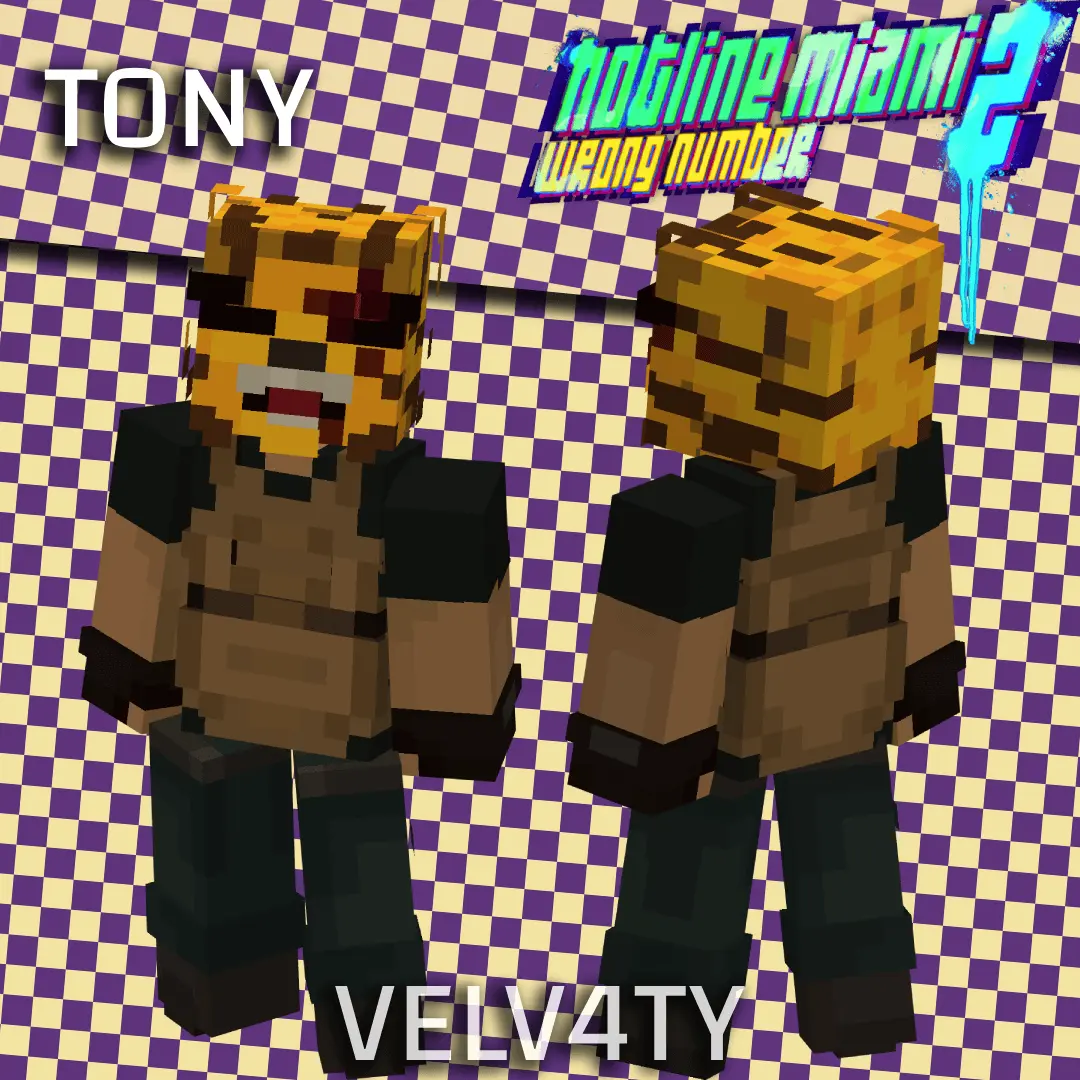
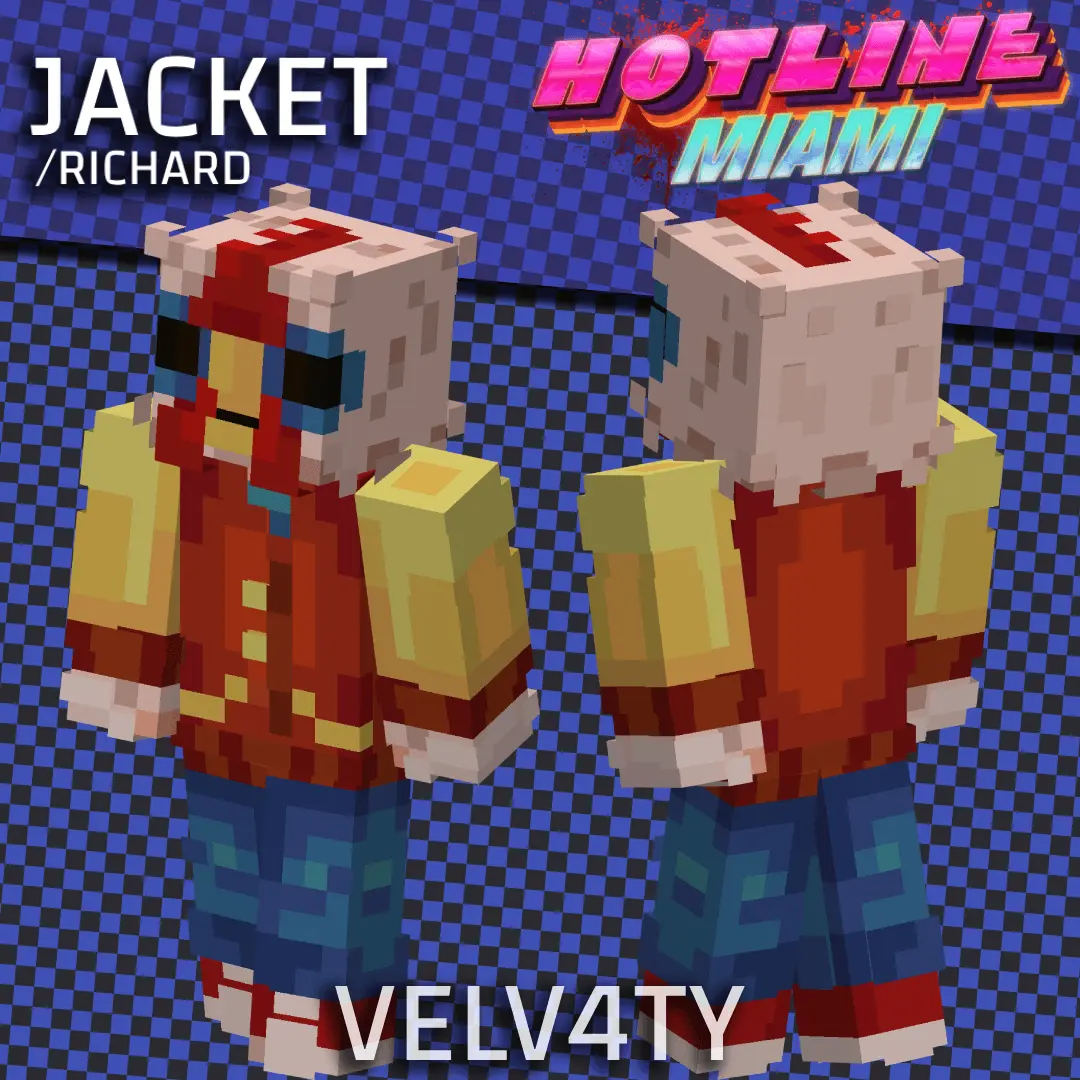
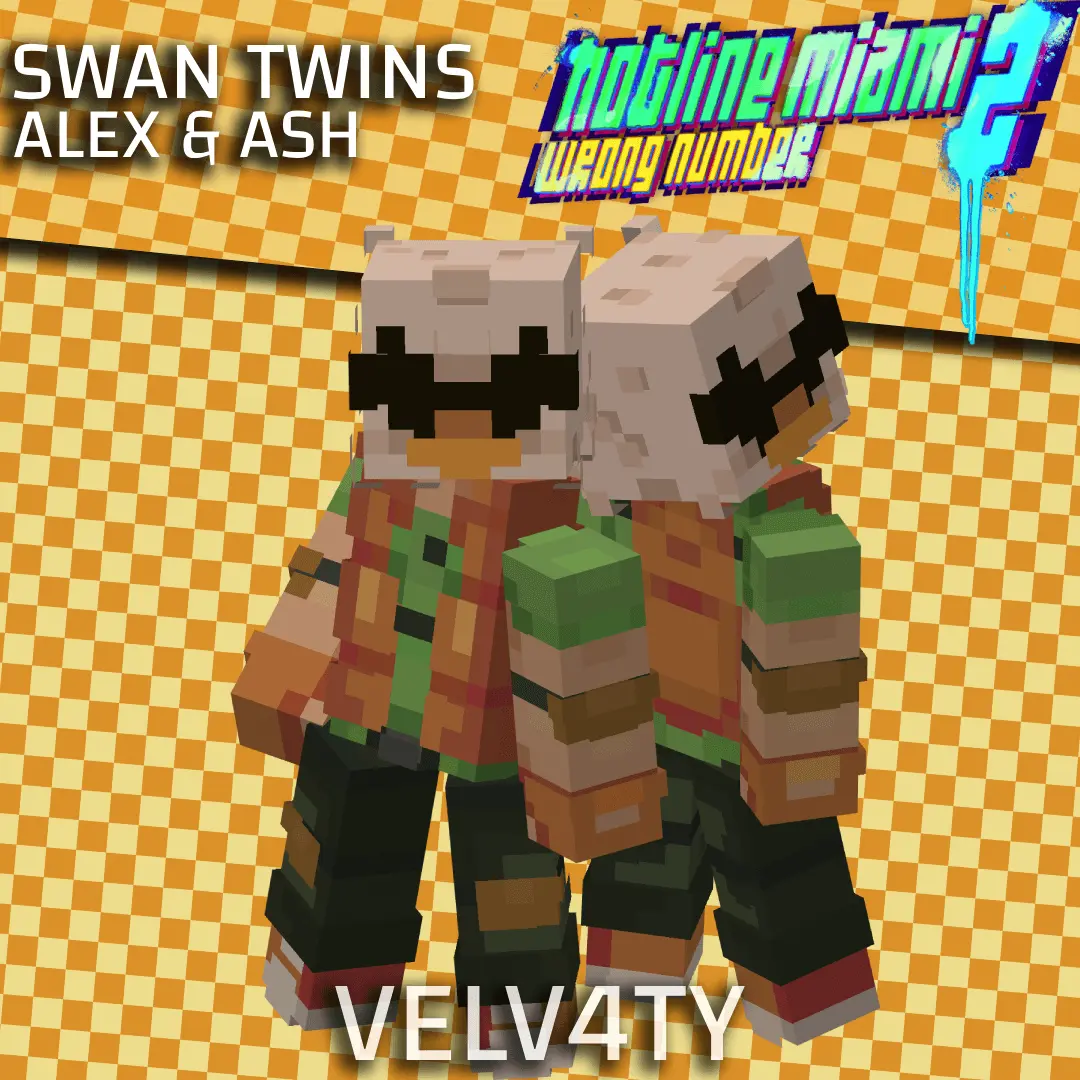
Finding a legit Minecraft Bedrock skin pack that actually captures this specific aesthetic is pretty rare. Usually, you have to hunt down individual files one by one on random forums and hope they match. This bundle does all the heavy lifting, giving you a full roster of memorable characters ready to equip. Whether you are setting up a custom roleplay server or just want to intimidate your friends on an SMP, a high-quality MCPE custom skin like this definitely gets the job done. Grab these Minecraft gaming skins today, blast some synth-wave in the background, and go clear out those late-game mob spawners.
Quick guide: How to install this Minecraft skinpack
Downloaded the .mcpack file? Here is exactly how to get it into your game depending on what device you are using right now.
- On Windows or Android: Just click or tap the downloaded file twice. Minecraft will open up on its own and load the skins immediately.
- On iPhone or iPad: Save the file, open your Files app, and hold your finger on it. Hit Share, select Minecraft from the list, and the game will handle the rest.
To put the skins on, just open Minecraft, head over to the Dressing Room (Profile), click on Classic Skins on the left, find this pack under Owned, and tap Equip.
Comments (0)