Library Escape Map
- 29-05-2025, 18:08
- 909

Library Escape is a very interesting project with a game where you are locked in a library. Will you be able to find a way out of this map? You’re locked inside a library, and browsing the shelves won’t get you home. To escape, you’ll need to search for items, solve puzzles, and make a few jumps along the way.
Library Escape is a Minecraft Bedrock puzzle map set inside a mysterious library. The goal sounds simple: find your way out. Getting there takes a little more work, though, as you explore the building and figure out what to do with the things you find. This isn’t the kind of map where you can sprint straight to the exit and call it a day. Take your time, look around, and pay attention when something seems worth investigating.
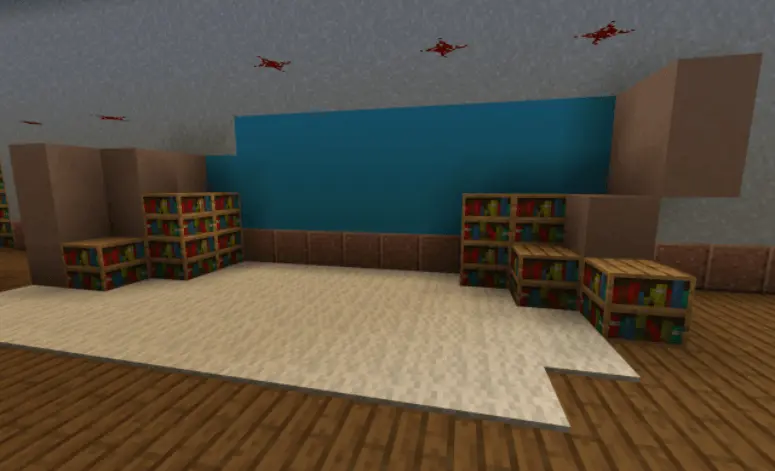
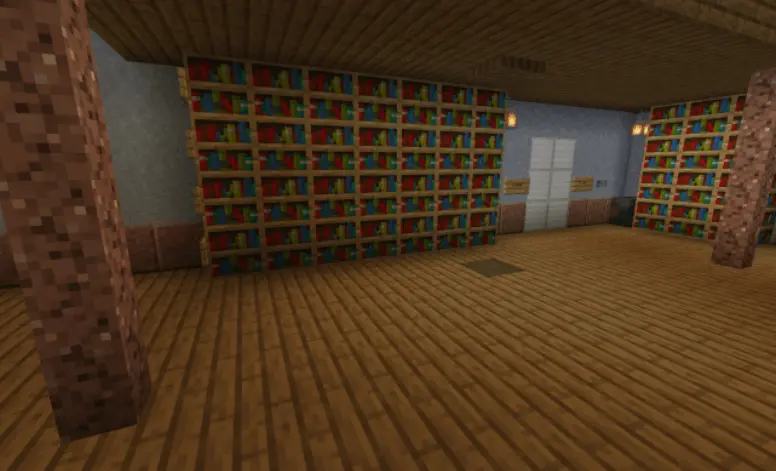
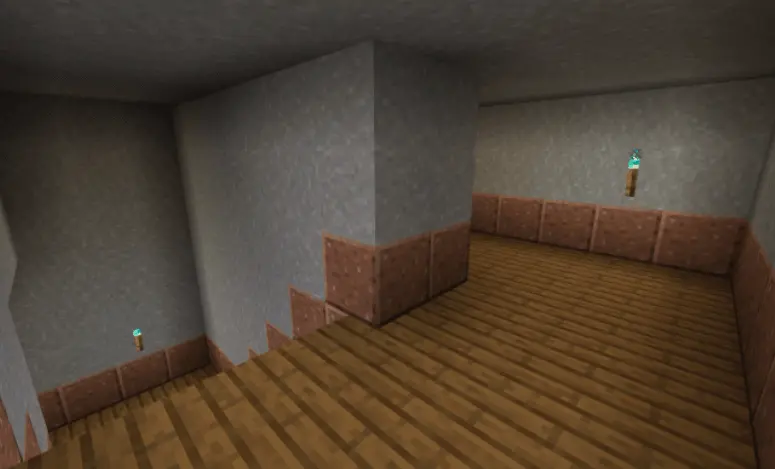
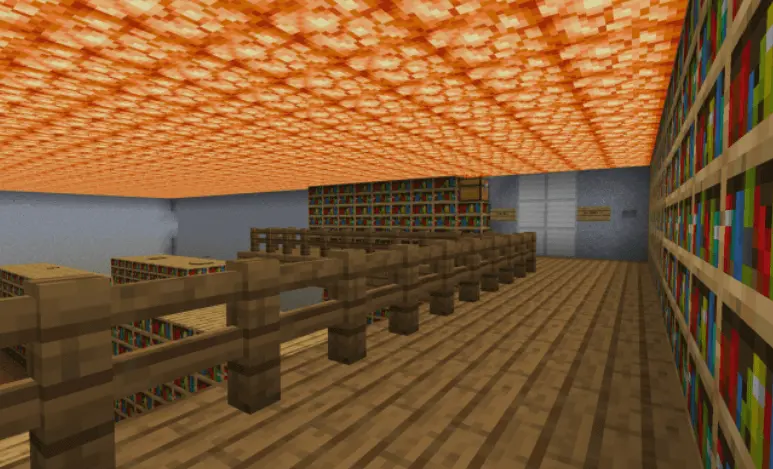
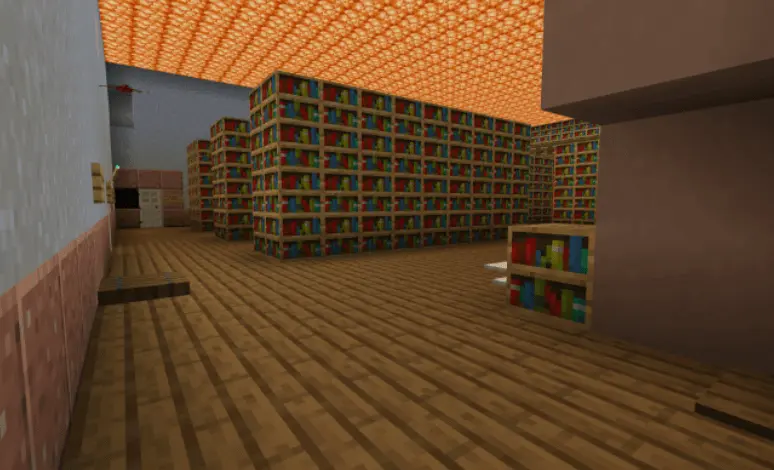
The library gives you several kinds of challenges to work through. You’ll need to find items, break blocks, fix things, and use what you discover to keep moving. If you get stuck, retrace your steps and look at the area again. That item you picked up a few minutes ago might be useful somewhere you’ve already visited. Likewise, a detail you walked past on your first lap could make more sense once you’ve seen another part of the map. The fun comes from putting those pieces together yourself.
There’s parkour in the mix, too, so escaping isn’t entirely a matter of standing still and thinking. You’ll have to make some jumps as you work through the library. Take a moment to judge the distance before you leap, especially if you’ve just spent several minutes figuring out how to reach that spot. A missed jump can be annoying, but finally landing it and getting back to the puzzle feels pretty good.
You can play Library Escape on your own or bring friends along. Going solo gives you the satisfaction of figuring everything out at your own pace, while a group can split up and compare discoveries. One person might spot an item the others missed, and someone else might work out where it belongs. Of course, there’s also a decent chance everyone will crowd around the same puzzle and confidently suggest completely different solutions. That’s part of the experience.
The map is a good choice when you want a break from your usual survival routine without giving up the satisfaction of solving a problem. Open the downloaded world in Minecraft, head into the library, and start looking for a way out. There’s no need to rush through every room: check your surroundings, keep track of what you’ve found, and give each puzzle a fair shot. If you eventually escape, you’ll have earned the right to tell your friends exactly how quickly you solved it—provided they weren’t there to see how long that one jump took.
How to install?
Android: you need to find the downloaded file on your phone, use any file manager for this and import the map into the game by opening it.
IOS: after receiving the map, the device itself will offer to install it.
Windows 10: go to the folder where the files are downloaded, find mcworld there and activate it.
Comments (0)