Prisma Parkour Map
- 25-02-2026, 05:01
- 888
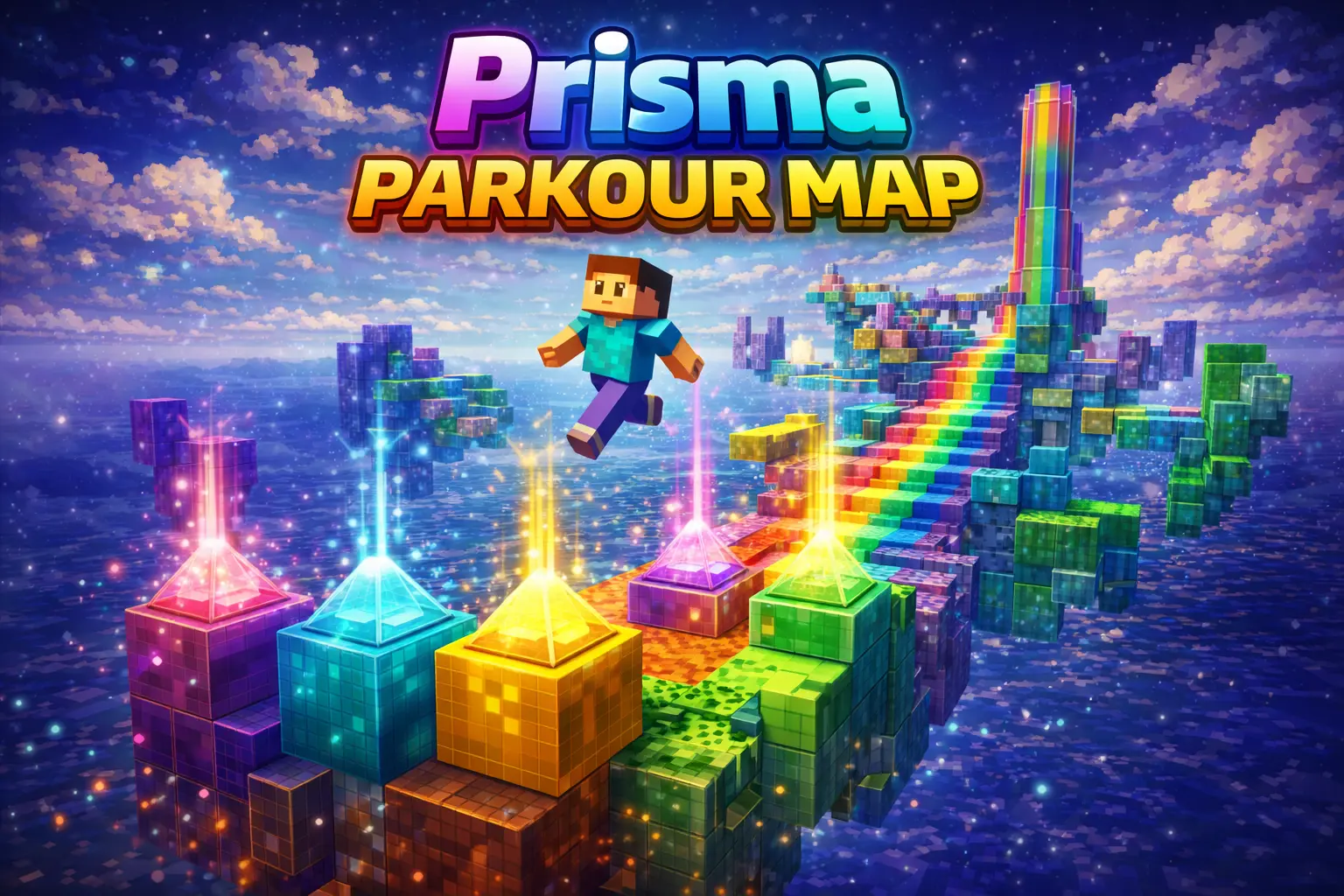
Prisma Parkour Map is exactly what it says it is: a color-themed parkour map where you jump through an obstacle course and try to reach the end. The creator is very clear that this is not a mod, and it does not add features, which honestly makes the idea stronger because it keeps the focus on movement and timing. If you want a map that does one thing and sticks to it, Prisma Parkour Map is built for that.
What makes Prisma Parkour Map work is the straightforward design goal. You are not loading in for custom mechanics, special systems, or extra gimmicks. You are loading in to jump. That kind of setup is great when you just want a clean session where your progress depends on your timing, your rhythm, and whether you can stay calm after a miss. In Minecraft Bedrock, maps like this are easy to come back to because the challenge is simple to understand right away, even if the actual jumps still make you lock in.


The color theme also gives Prisma Parkour Map its personality. Even without extra features, a strong visual theme can make an obstacle course feel more fun to move through, especially when you are retrying sections and seeing the same areas a lot. It helps the map feel less plain and gives each part of the run a bit more identity while you keep pushing forward. If you are playing solo, it is the kind of map you can grind for a while just to clean up your movement. If you are with friends, it is easy to turn into a challenge run and see who reaches the end first.
A good way to enjoy Prisma Parkour Map is to treat misses as part of the run and keep your pace steady instead of rushing every jump after a fail. Since Prisma Parkour Map is pure obstacle-course gameplay with no extra systems, the fun really comes from improving your timing and getting farther each attempt. If you want simple, honest Minecraft Bedrock parkour with a color-themed style, Prisma Parkour Map does exactly that.
How to install?
Android: you need to find the downloaded file on your phone, use any file manager for this and import the map into the game by opening it.
IOS: after receiving the map, the device itself will offer to install it.
Windows 10: go to the folder where the files are downloaded, find mcworld there and activate it.
Comments (0)