PVP Red vs Blue: The Castle Map
- 25-07-2026, 14:31
- 380
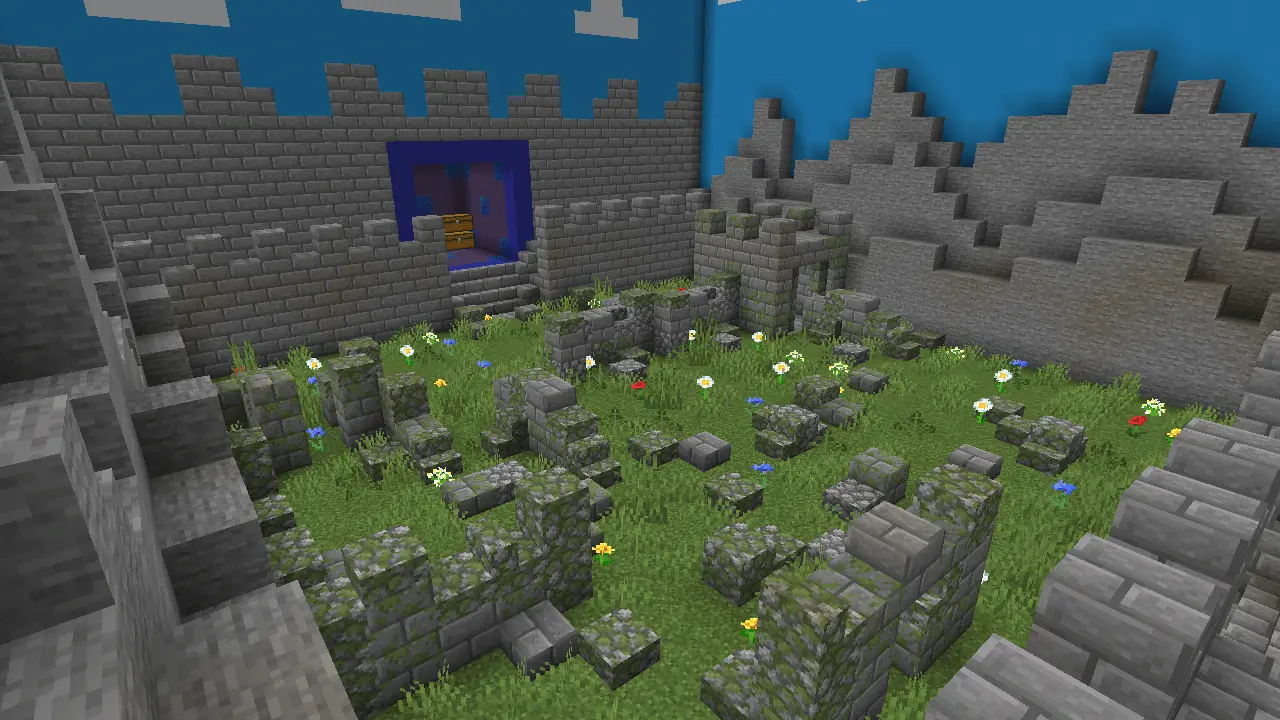
The PVP Red vs Blue: The Castle map delivers a classic medieval team deathmatch experience with randomly generated terrain to keep every round feeling fresh. If you want a fast-paced combat arena to settle scores with your squad, this is the exact map you need to load up.
Most team PvP arenas get incredibly stale after a few matches because everyone just memorizes the layout and starts spawn camping. This Minecraft Bedrock PvP map completely fixes that problem with a randomly generated battlefield. Every single time you drop in, the terrain shifts, forcing you and your teammates to actually communicate and adapt your strats on the fly. It totally captures that nostalgic medieval siege vibe but keeps the mechanics strictly modern and optimized. You won’t be dealing with laggy, over-the-top custom animations—just pure, skill-based sword and bow combat.
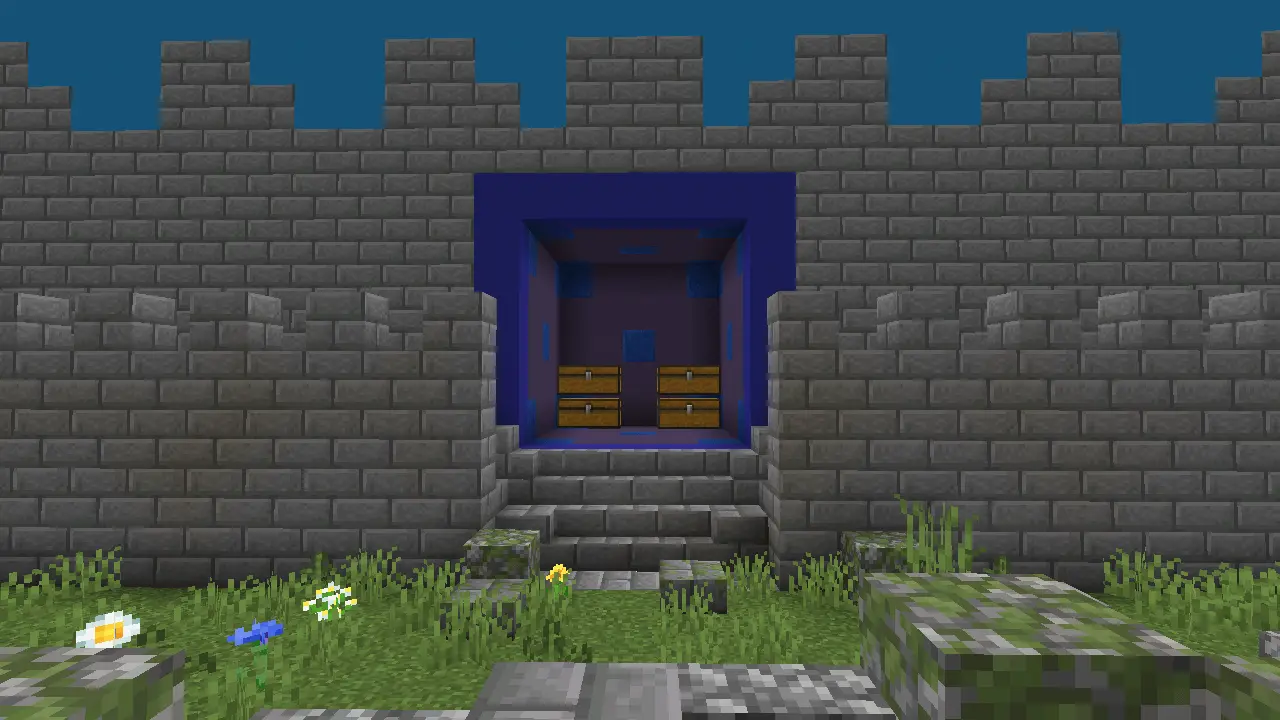
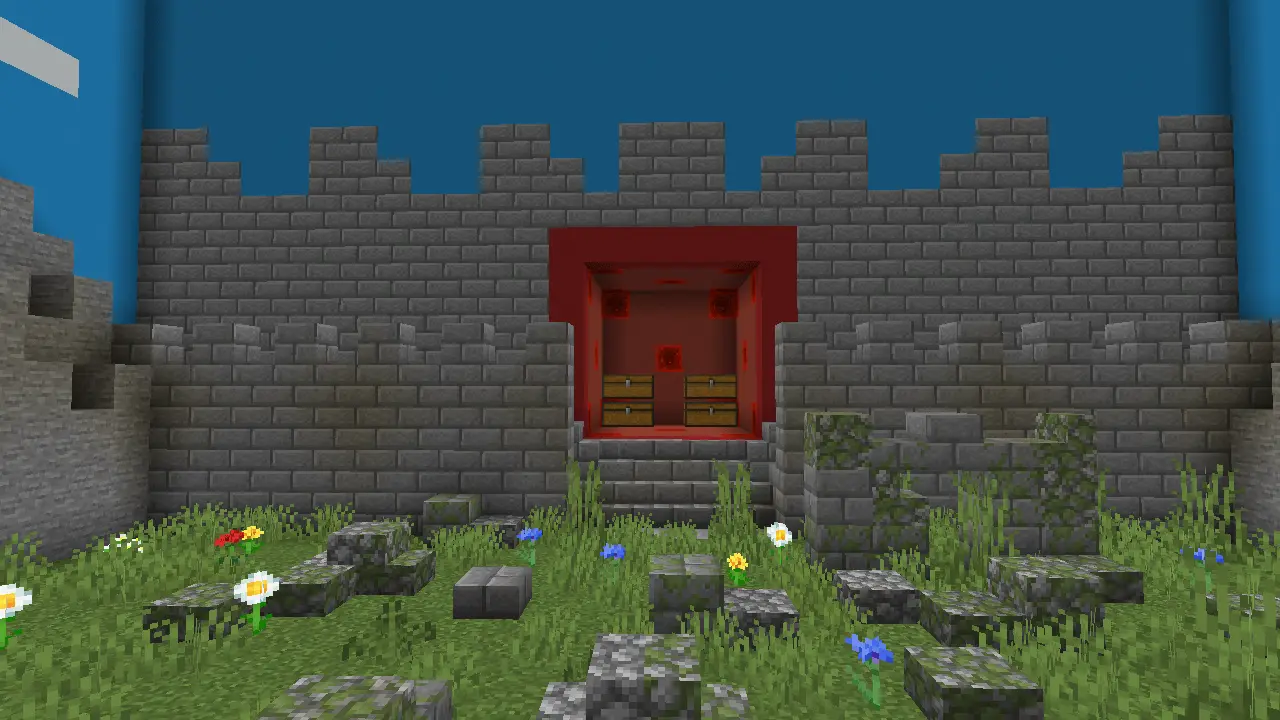
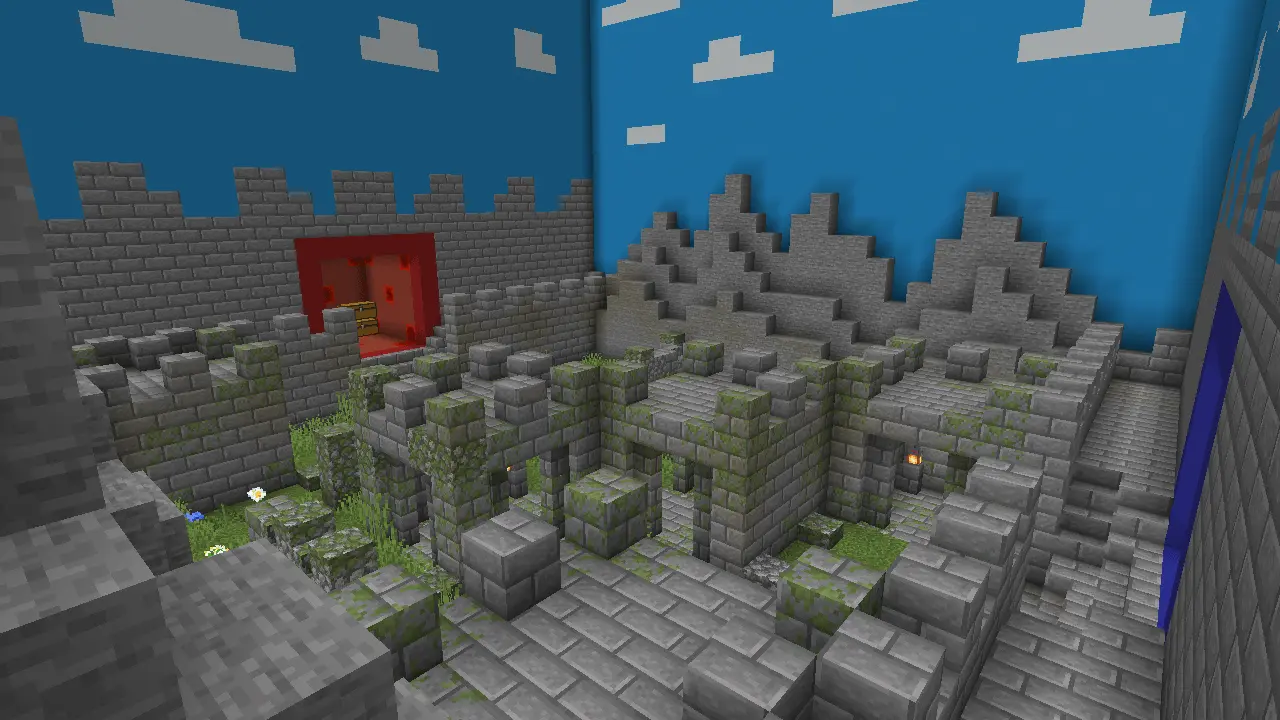
The standout mechanic baked into this arena is the dynamic tile-based layout. Instead of letting players camp the exact same corner every single round, the procedural generation shakes up the medieval fortress floor plan. You cannot rely on muscle-memory choke points or brainless line-of-sight abuse. One round you might be contesting narrow cobblestone corridors with tight sword crits, and the next you are trading bow shots across high stone battlements. This keeps every reset feeling fresh and forces your team to communicate on the fly rather than running the same autopilot strat.
Setting this up on a multiplayer realm or local LAN session is completely painless. The creator dialed in the command architecture so matches reset cleanly without leaving behind stray entity clutter or ghost blocks that trash your tick rate. You get silky-smooth frame rates whether your squad is playing on high-end PCs, modern consoles, or mobile screens. Hit registration stays crisp during high-intensity 1v1 trades, and the fortress visuals nail that gritty castle siege atmosphere without tanking your performance.
Instead of wasting time looting chests or grinding for gear, this MCPE multiplayer map hooks you up with balanced, pre-made basekits. You just pick your loadout, rally with your team, and get straight to fighting. Because the backend is built cleanly, the map handles massive team brawls with zero chunk lag, giving you buttery-smooth FPS even when the arrows start flying. Plus, the creator has more updates in the pipeline, so the arena is only going to get better. Stop playing on dead servers. Grab this custom map for Minecraft PE, pick a side, and go carry your team to victory.
How to install?
Android: you need to find the downloaded file on your phone, use any file manager for this and import the map into the game by opening it.
IOS: after receiving the map, the device itself will offer to install it.
Windows 10: go to the folder where the files are downloaded, find mcworld there and activate it.
Comments (0)