PVP Collections: BLUE Skin Pack
- 27-02-2026, 19:20
- 1 341
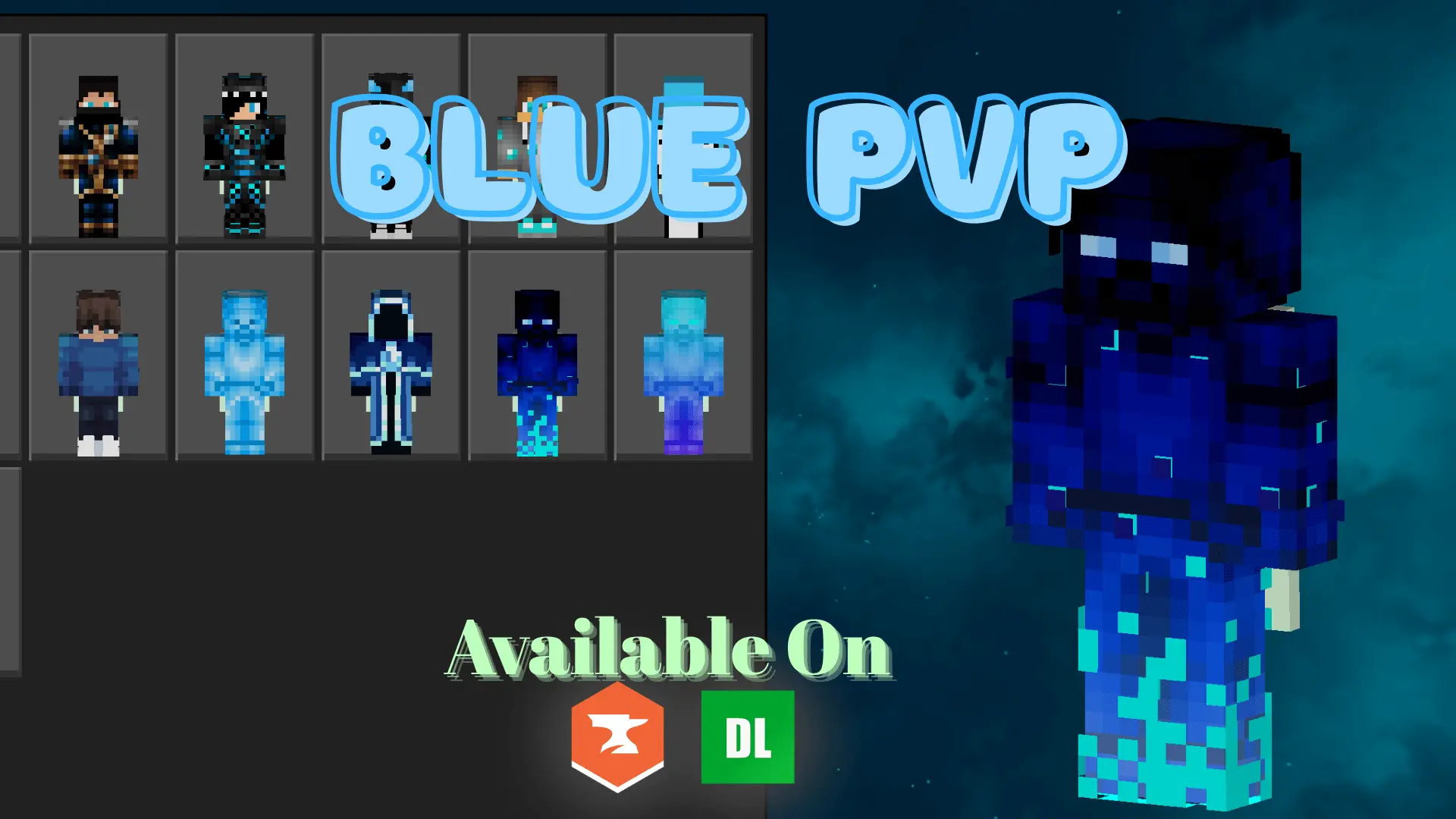
PVP Collections: BLUE Skin Pack is built around one main goal: give PvP players a clean, high-contrast character style that looks good and stays easy to read during fast fights. The pack is described as blue-themed with dark bases and sharp contrast, which is exactly the kind of skin style a lot of competitive players like because it feels focused instead of flashy. In Bedrock Edition PvP, where fights can get chaotic and movement is constant, a skin that stays readable and consistent can feel way better than something noisy or overly detailed.
The “dark base + sharp contrast� approach in PVP Collections: BLUE Skin Pack is especially useful in real matches because it helps your character silhouette stay clear in different lighting. Whether you’re fighting in open daylight, sprinting through a shaded area, or trading hits in a messy arena, a clean contrast style can make your character look crisp instead of blending into the background. The blue theme also gives it identity without relying on neon colors, which makes it feel competitive and stylish at the same time.

PVP Collections: BLUE Skin Pack is also described as optimized for visibility during fast-paced PvP combat, which fits players who spend time practicing duels, kit PvP, or tournament-style matches. Skins like this work well when your goal is consistency: you want to recognize your look instantly, keep your character readable in motion, and avoid visual clutter that distracts you while you’re trying to focus on timing and spacing. It’s the kind of skin pack you can run for a long time without it feeling like a gimmick.
A practical way to use PVP Collections: BLUE Skin Pack is to stick with one skin as your “main� for competitive sessions so your identity stays consistent across arenas and servers. That consistency can be oddly helpful when you’re grinding practice, because it keeps your vibe locked in and makes your clips/screenshots feel more unified. PVP Collections: BLUE Skin Pack is a clean Bedrock Edition PvP-focused skin collection for players who want sharp contrast, dark base styling, and a blue theme that works in serious combat.
How to Install Skins in Minecraft Bedrock
- Download a .png skin (64×64 or 128×128).
- Open Minecraft Bedrock.
- Go to Profile (hanger icon) → Edit Character.
- Tap Owned → Import → Choose New Skin.
- Select your .png file.
- Pick a model: Classic (Steve) or Slim (Alex).
- Confirm to equip and play.
Comments (0)