PVP Collections: Freestyle Skin Pack
- 22-02-2026, 15:29
- 1 041
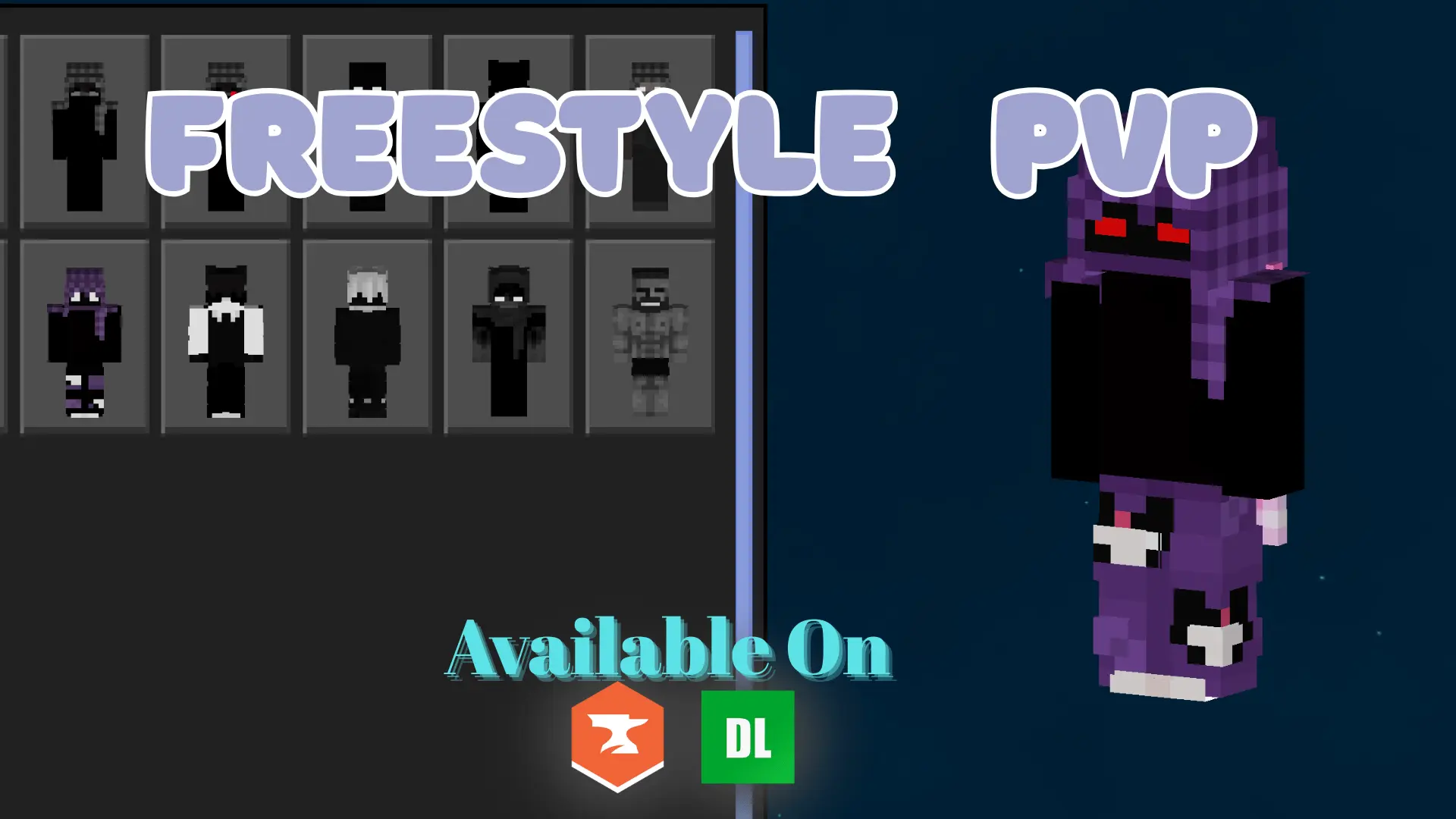
PVP Collections: Freestyle Skin Pack is made for players who actually care about how a skin performs in combat, not just how it looks in a screenshot. The theme is “freestyle,� which usually means a mix of styles instead of one strict character lore, but the pack keeps a clear visual direction: dark tones with bold accents and a clean overall look. That combo is perfect for PvP because it looks aggressive and stylish without becoming a cluttered mess that’s hard to read at a glance.
The pack is designed for Bedrock Edition and optimized for visibility during fast-paced PvP. That matters because in real fights, you’re constantly flicking your camera, chasing through terrain, and trying to track movement while everything is chaotic. Skins that are too detailed or too noisy can blend into the background or make it harder to see what’s happening, especially in darker arenas or nighttime fights. Clean visuals and bold accent color placement help your character silhouette stay recognizable while you’re sprinting, strafing, and jumping.

This pack fits best in PvP modes where reaction time is everything—duels, kit PvP, faction wars, and chaotic team fights where you need to spot who’s who quickly. Dark skins also give that “serious fighter� vibe that a lot of PvP players like, but the bold accents keep it from being a pure shadow blob. It’s the difference between looking intimidating and looking invisible.
Practical tip: pick a skin with an accent color that stands out against the arenas you play most. If you fight in dark maps a lot, choose a version with brighter accents so you don’t visually disappear. If you play in bright, open maps, darker tones can help your outline stay clean. PVP Collections: Freestyle Skin Pack is basically for Bedrock players who want a PvP-ready look that stays crisp in motion, feels modern, and doesn’t get lost when fights get hectic.
How to Install Skins in Minecraft Bedrock
- Download a .png skin (64×64 or 128×128).
- Open Minecraft Bedrock.
- Go to Profile (hanger icon) → Edit Character.
- Tap Owned → Import → Choose New Skin.
- Select your .png file.
- Pick a model: Classic (Steve) or Slim (Alex).
- Confirm to equip and play.
Comments (0)