PVP Collections: Dark Skin Pack
- 9-02-2026, 16:44
- 1 363
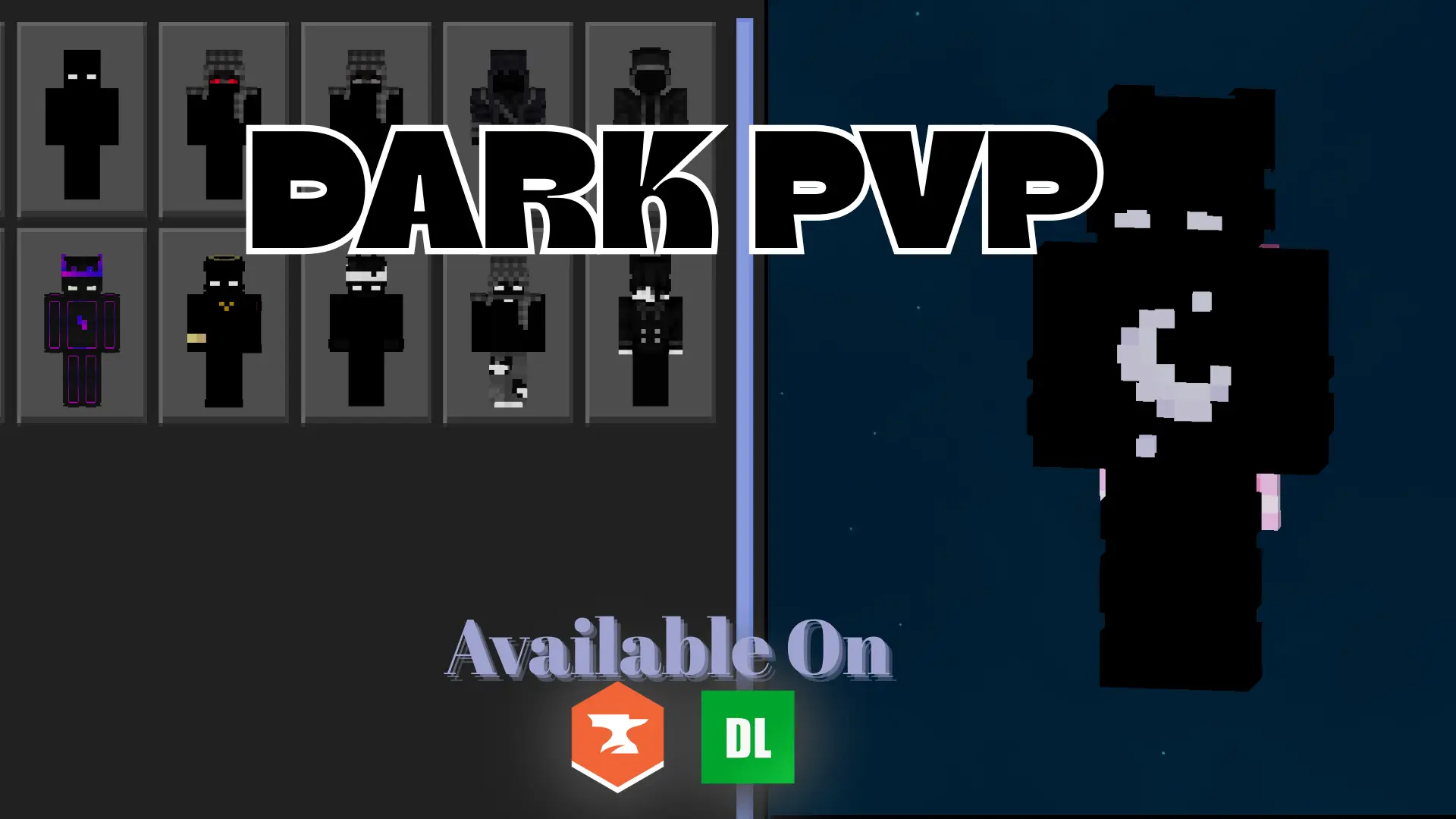
PVP Collections: Dark Skin Pack is meant for players who actually care how a skin performs in real combat, not just how it looks in a menu. The collection is dark-themed, but it’s not trying to be “all black and invisible� in a cheap way. It focuses on high-contrast designs and clean visuals, which is exactly what you want when fights are moving fast and you’re constantly snapping your camera, strafing, and tracking targets through messy terrain.
In Minecraft Bedrock Edition PvP, visibility is everything. A skin that blends too hard can look cool in screenshots but turn into a confusing blur in motion, especially in low light, rain, or crowded arenas. This pack being “optimized for visibility� means the designs are made to stay readable, so you can still tell what you’re doing and where your character is in chaotic moments. Practical tip: pick one skin and stick with it for a while so your muscle memory matches what you’re seeing on screen. When you’re locked into a look you recognize instantly, movement and positioning feel cleaner.
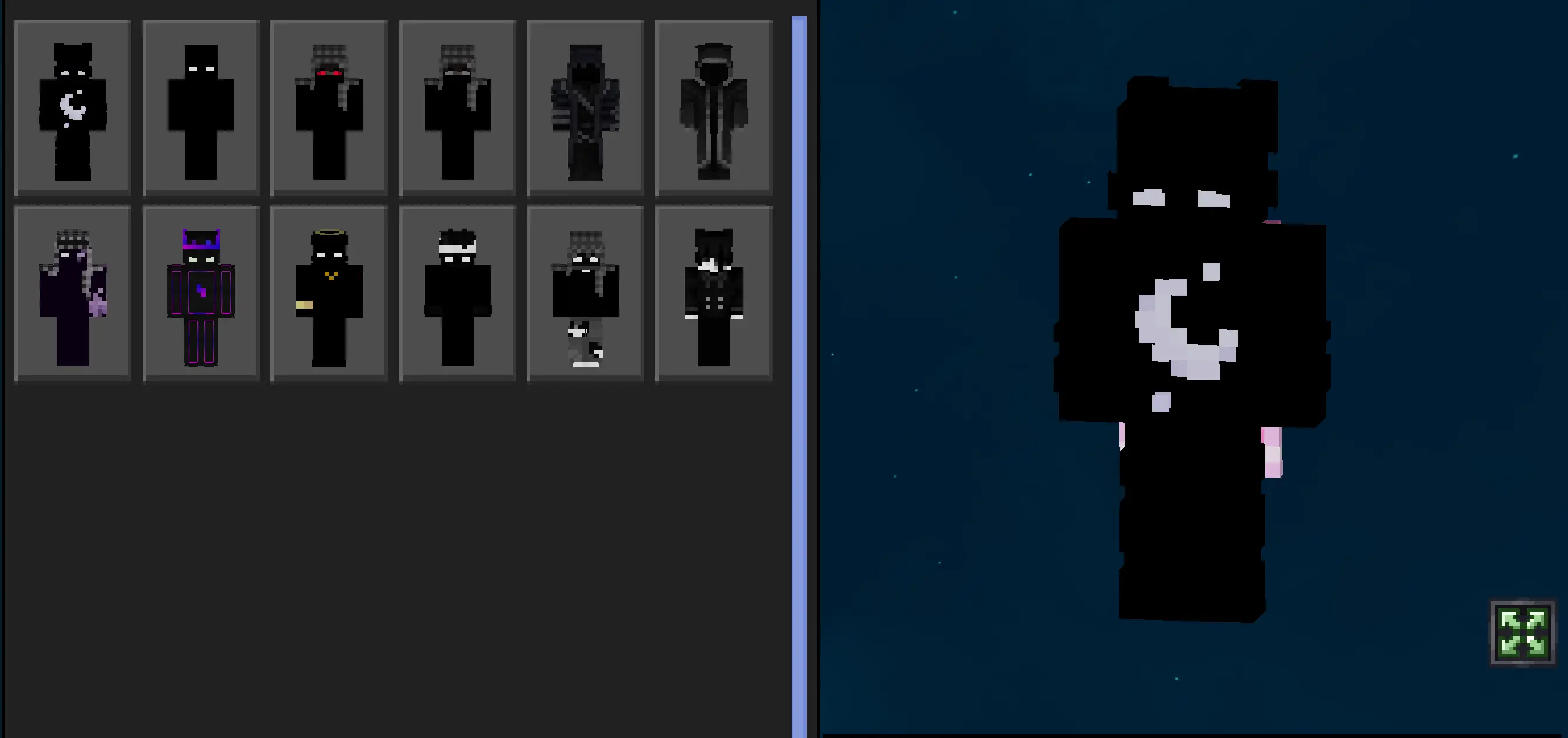
The “dark collection� vibe also fits a ton of PvP styles. If you’re into aggressive rush fights, the crisp contrast makes your character pop while you close distance. If you’re more of a patient player, it still looks clean while you hold angles and wait for openings. It also matches most popular PvP build palettes—dark stone arenas, nether-themed maps, night-time fights—without clashing with the background.
PVP Collections: Dark Skin Pack is especially good for servers and Realms where people take duels seriously, because you’re getting skins that are designed for competitive readability instead of random flashy outfits. If you want a PvP-ready look that stays clear in motion and still keeps that dark aesthetic, PVP Collections: Dark Skin Pack is a solid Bedrock Edition pick.
How to Install Skins in Minecraft Bedrock
- Download a .png skin (64×64 or 128×128).
- Open Minecraft Bedrock.
- Go to Profile (hanger icon) → Edit Character.
- Tap Owned → Import → Choose New Skin.
- Select your .png file.
- Pick a model: Classic (Steve) or Slim (Alex).
- Confirm to equip and play.
Comments (0)