Teamchat Mod / Addon
- 4-04-2026, 07:03
- 455
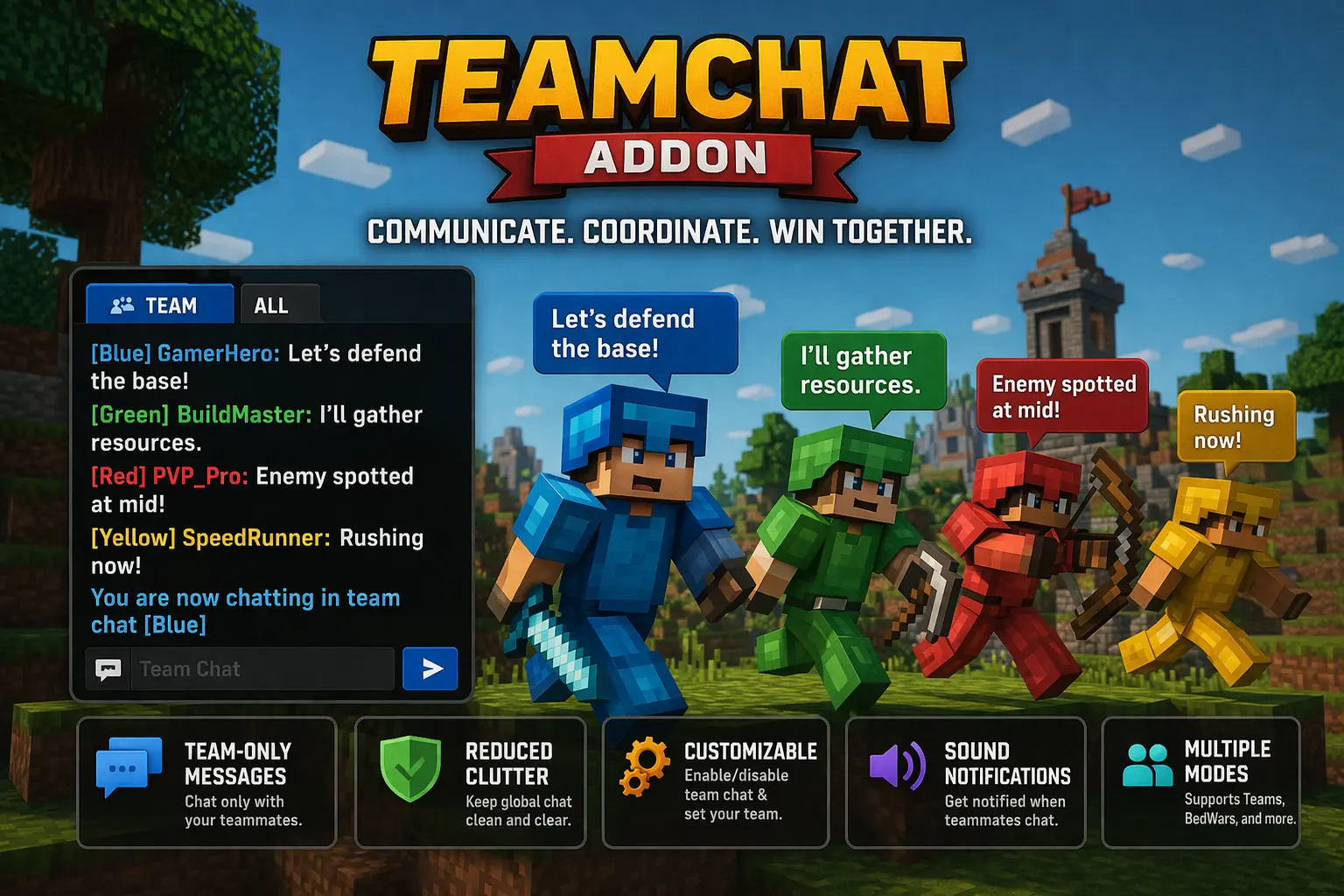
TeamChat Minecraft mod with useful and comfortable Private Chat for Teams. A team game gets a lot more interesting when you can make plans without telling everyone else what you’re doing. Teamchat adds a separate chat mode for groups in Minecraft Bedrock, so you can talk to teammates while the other teams continue playing. It’s useful for a quick warning during a fight, sharing a meeting point, or deciding who should stay behind to protect the base.
The add-on uses tags to determine who belongs to each team. Players with the same team tag can see one another’s team messages, while players with different tags receive messages for their own group. There are tags from Team1 through Team20, giving you plenty of room to organize several teams for a minigame or a larger multiplayer world. Before starting a match, decide which tag each group will use and make sure everyone on the same side receives the same one. If two friends are meant to play together but have different tags, they won’t be using the same team chat.
For example, a player named Alex can be assigned to Team3 with the command /tag Alex add Team3. Another player can join that team by receiving the same Team3 tag. Once the players have been assigned, they can enter /teamchat to switch to team chat mode. Messages they send in that mode go to players with the matching tag. Entering /teamchat again switches the mode off, and messages return to the regular global chat. When setting things up, the world host may need to handle the tagging if players don’t have permission to use the tag command themselves.
That switch between chat modes is worth paying attention to. You might start a game by greeting everyone in the global chat, then turn on team chat when it’s time to discuss a plan. After the match, use the command again before talking to the whole group. It’s a good idea to send a quick test message with your teammates before the game begins, especially if players have just been assigned to teams. That way you can check that everyone is in the right group and knows how to move back to the main chat.
The add-on fits all sorts of games where players split into sides. In a capture-the-flag match, teammates can warn each other that an opponent is approaching or agree on when to make a move. During a survival challenge, one player might head underground while another gathers food, with the team chat keeping their messages together. It can also help in a building competition: groups can discuss their ideas without filling the shared chat with details that matter only to their own team.
You don’t need a large server to find a use for it. Even a small group of friends can divide into two teams, choose their tags, and use the chat while exploring or competing. On a busier world, separate conversations make it easier to follow what your own teammates are saying, while global chat remains available for announcements and conversations with everyone. Remember that the team is determined by the tag, so check assignments whenever players change sides.
To start using Teamchat, import the add-on, activate it for your world, and enable the Beta APIs experiment in the world settings. Set the team tags, have each player switch on team chat, and try a few messages before beginning. Once everyone knows the command, there’s no need to interrupt the game every time your group needs to share a plan.
Installation Mod:
- Download the .mcaddon / .mcpack;
- Open the file to import into the game;
- In World Settings → Resource Packs and Behavior Packs, enable it (turn on Experiments if needed);
- Have fun!
Comments (0)