Neq's Clean UI Mod / Addon
- 12-03-2026, 11:32
- 683
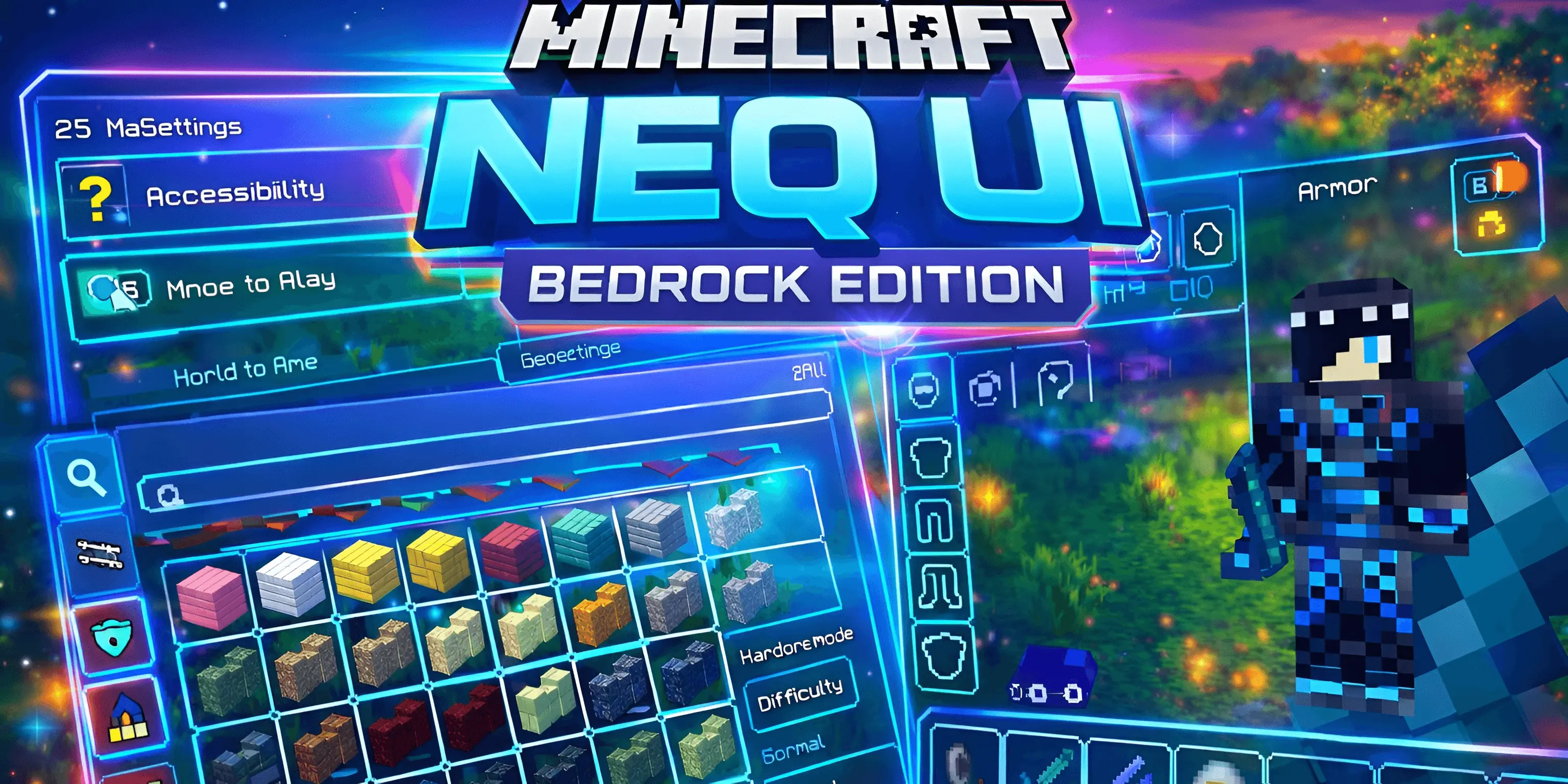
Neq's Clean UI Mod will improve the HUD and game interface in Minecraft. It will make it simpler and better, with less lag and a more comfortable game. You probably don’t spend much time thinking about the Minecraft interface until you try a different one. Neq’s Clean UI changes the look of the menus and on-screen elements you use throughout the game, giving them a cleaner, more modern style. You’ll notice the difference while checking your inventory, choosing an item from the hotbar or pausing to change a setting. It’s a visual change that stays with you during ordinary play, whether you’re building a house, exploring a cave or sorting through supplies after a long trip.
The menus are designed to feel less cluttered, with a more consistent appearance and a revised color scheme. Buttons and panels have a simpler look, making the screens you open regularly feel a little fresher. The pack also pays attention to contrast, which can make interface elements easier to distinguish. You’ll still need a little time to get used to the new appearance, especially if you’ve played with the standard interface for years. Open a few menus and look through your settings after activating the pack; it’s the easiest way to see which changes you like.
The hotbar and inventory are among the parts you’ll probably notice most often. They’re always close at hand when you’re switching between a pickaxe, food and building blocks, so even a small visual change can make the game feel different. The redesigned interface suits players who prefer a tidy screen and don’t want the menus to draw too much attention away from the world. If you’re working on a large build, you can spend a while placing blocks and then open your inventory without being greeted by the familiar old layout. During survival, the updated look is there while you manage equipment and supplies.
There’s a choice of color themes as well, including an emerald theme. That gives you an opportunity to find a look that feels comfortable alongside the rest of your game. A favorite texture pack or a carefully chosen skin can make Minecraft feel more personal, and the interface is another part of that experience. Try the pack for a full play session rather than judging it only from the main menu. Check how it looks in a bright area, at night and while you’re using your inventory. What matters most is whether you find the information easy to read when you’re actually playing.
To try Neq’s Clean UI, import the resource pack and activate it in your settings. Then load a world and spend some time with the new menus. If you use other packs that change the interface, check how they look together; you may need to adjust their order or choose the one you prefer. This is a good option when you want Minecraft’s familiar gameplay with a different look for the screens you see every day. It doesn’t take a new world or a complicated setup to appreciate the change—just open your inventory and take a look.
Installation Mod:
- Download the .mcaddon / .mcpack;
- Open the file to import into the game;
- In World Settings → Resource Packs and Behavior Packs, enable it (turn on Experiments if needed);
- Have fun!
Comments (0)