Compass Radial Screen UI Mod / Addon
- 28-11-2025, 10:38
- 1 107
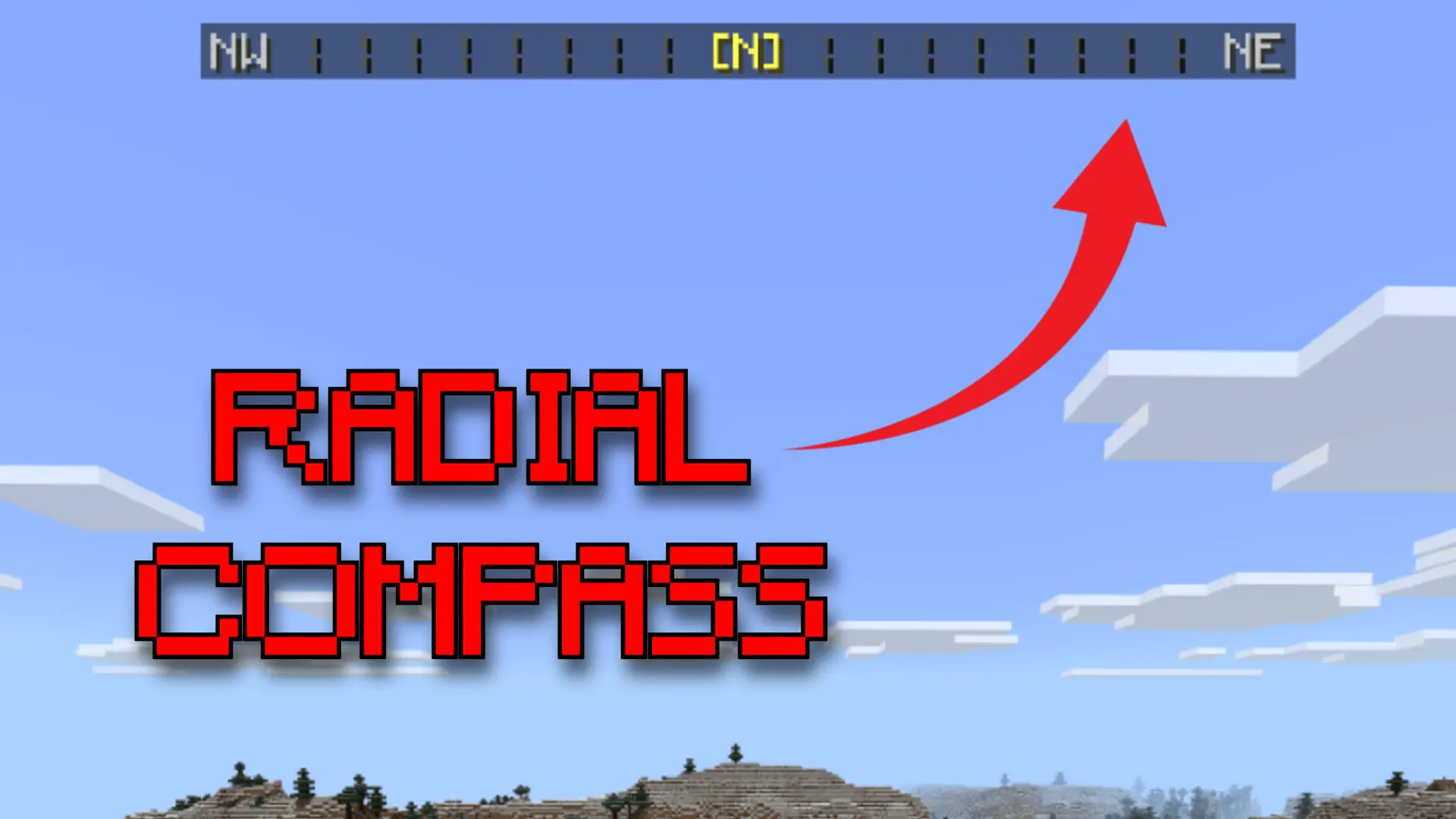
Compass Radial Screen UI Mod is one of those tiny interface tweaks that quietly make your world way easier to navigate. Instead of guessing which way you’re running or constantly opening maps, you get a slim compass strip sitting at the top of your screen, showing you the direction you’re facing as you move. Turn your camera and the radial slides with you, so you can line up bases, portals, villages, and waypoints without stopping to check coordinates every five seconds. It feels natural after about a minute, and then you kind of don’t want to play without it.
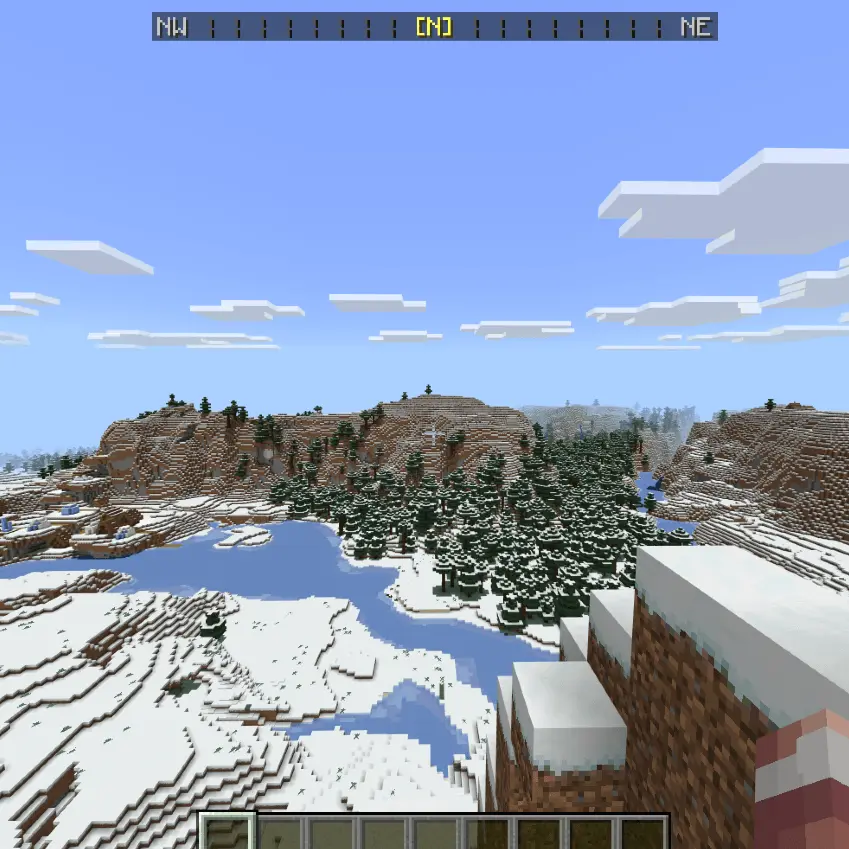
The nice part is how lightweight it is. The compass is built into the HUD, not slapped on as some huge overlay that blocks half your view. There’s a tiny built-in delay so it doesn’t mess with titles or popups you already have in your world, which means boss bars, death messages, or custom UI from other packs still show up like normal. As long as another pack isn’t directly messing with the same HUD file, this thing just layers in on top and behaves.
In survival, it’s super handy for long trips and multi-base worlds. You can call out “meet me north of spawn� on a Realm and everyone actually has a sense of where north is without digging into settings. If you run adventure maps, city worlds, or SMP hubs, it gives everything a subtle “polished game� feel instead of pure vanilla UI. Nothing about the gameplay changes—you still have to survive, mine, and fight—but with Compass Radial Screen UI Mod on, you’re never wandering in circles wondering where home went.
Installation Mod:
- Download the .mcaddon / .mcpack;
- Open the file to import into the game;
- In World Settings → Resource Packs and Behavior Packs, enable it (turn on Experiments if needed);
- Have fun!
Comments (0)