Mob Selector Mod / Addon
- 28-11-2025, 13:29
- 747
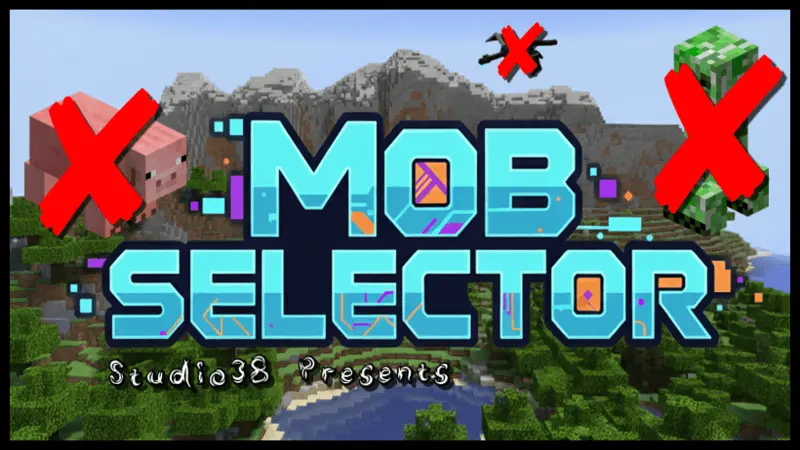
Mob Selector Mod is basically a big “settings menu for mobs� built right into your world. Instead of being stuck choosing between full Peaceful or full chaos, you can tune things exactly how you want. Want zombies and skeletons but no creepers blowing the front off your base? Done. Want villagers, animals, and a few spooky mobs at night but no tiny annoying stuff like vexes? Also possible. You get way more control over how your survival world feels without touching commands or behavior packs by hand.
Everything runs through one simple interface. Hop into Creative, hold a regular Book, and the Mob Selector menu opens up for you. From there you just scroll through the list and toggle which mobs are allowed to show up. Once you disable something, the game just acts like that mob doesn’t exist anymore for spawning, so you don’t have to build weird workarounds or overlight everything just to keep a specific mob out. It’s all handled cleanly behind the scenes.
One creeper can turn an afternoon of building into an emergency repair job. Mob Selector gives you a way to keep zombies, skeletons, and other creatures around while deciding which mobs you’d rather leave out.
The idea is simple: open the selector menu and choose the mobs allowed in your Minecraft Bedrock world. The linked download uses a regular Book to bring up the menu in Creative mode. From there, you can go through the available creatures and adjust your choices without typing a string of commands. Want to keep the usual nighttime danger but stop creepers from wrecking your builds? That’s one way to use it. You could also keep villagers and farm animals while removing hostile mobs that get in the way of a relaxed building session. The menu covers more than monsters, so take a moment to look through your choices before switching things off. It’s easy to focus on the creature that keeps annoying you and forget that other mobs play a part in your world too.
Those choices can change the feel of survival in ways that aren’t obvious at first. Keeping skeletons means nighttime walks can still turn into a frantic sprint for cover, even if creepers are off the guest list. Removing a mob may also make its drops harder or impossible to obtain through your usual routine, so consider what you need before settling on your settings. If you’re working toward a particular item, check whether the creature associated with it is still allowed. The same goes for farms and trading setups: think about the animals, villagers, and hostile mobs you actually use. Mob Selector doesn’t hand you replacement loot or automatically redesign your farms around your choices. It gives you control over the creature lineup, and the consequences depend on what you decide to keep. You can always start with one troublesome mob, play for a while, and see whether the change makes the world more enjoyable.
There’s plenty of room to get creative with the idea. A group of friends might want a survival world where monsters still appear but no one has to patch another creeper crater beside the front door. Someone building a town could keep villagers and animals around while cutting down on interruptions. Or you could put together a challenge based on the mobs your group finds the most fun to fight. Before making changes in a shared world, agree on the lineup so nobody discovers halfway through a project that a creature they needed has been removed. It’s also sensible to try the settings in a copy of an established world first, particularly if you have pets, farms, or other mobs you care аbout: the listing doesn’t explain exactly what happens to every creature already present when a selection changes. Once you’ve found a mix you like, get back to playing. The world still feels like Minecraft, but the encounters waiting outside your door are a little closer to the ones you actually want.
This works really well on survival servers and Realms too. You can build a world where creepers are banned but other hostile mobs still roam, or set up a “peaceful but with villagers and animals only� style map for building and roleplay. Mob Selector Mod doesn’t change drops, loot, or progression on its own; it just hands you the power to decide which creatures are part of your story and which ones never get to spawn in the first place.
Installation Mod:
- Download the .mcaddon / .mcpack;
- Open the file to import into the game;
- In World Settings → Resource Packs and Behavior Packs, enable it (turn on Experiments if needed);
- Have fun!
Comments (0)