Java Combat Evolved Mod / Addon
- 4-04-2026, 08:48
- 650
Mods / Addons / Mods 1.26 / Mods 1.21
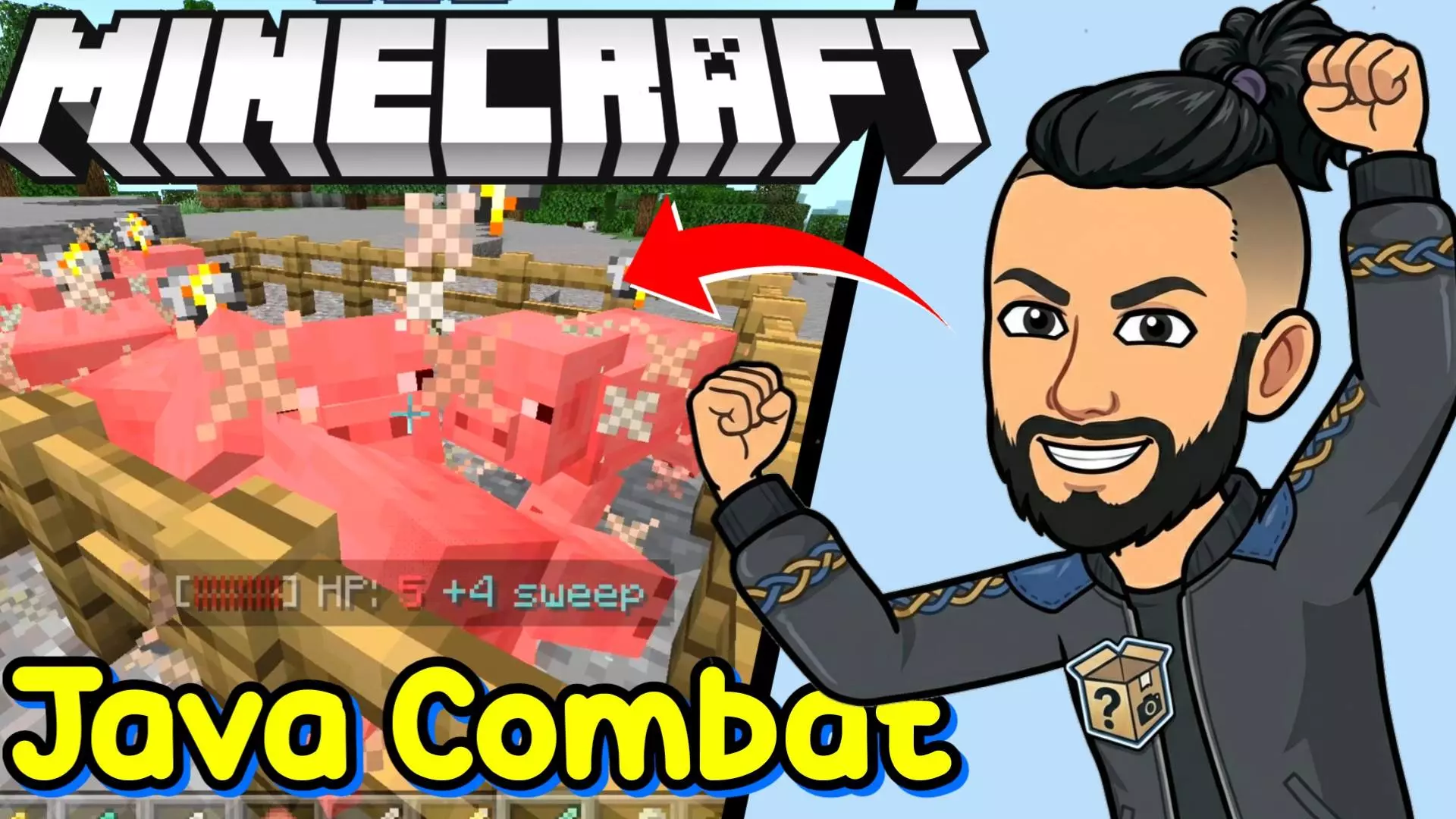
Java Combat Evolved Addon will bring the combat system we love most from the Java version of the game to Minecraft Bedrock.


Fighting in Minecraft Bedrock can feel very different once you have to think about the timing of each swing. Java Combat Evolved brings Java-inspired combat mechanics into your world, including attack cooldowns, sweeping sword attacks, critical hits, and new options for battles between players. If you’re used to swinging as quickly as possible when a zombie gets close, the first few fights may take some getting used to.
The biggest change is the attack cooldown. After you strike, your weapon needs time to recover before it can deal full damage again. You can still attack sooner, but a hit made before the weapon is ready will be weaker. Watch the indicator above your hotbar as it fills, then choose your moment to strike. This doesn’t mean you have to stand still and wait while a skeleton shoots at you. Move around, keep some distance where you can, and learn the rhythm of the weapon in your hand. Swords and axes have different cooldowns, so switching between them may take a little practice.
A sword is particularly useful when enemies crowd together. Its sweeping attack can damage nearby enemies when you hit your main target, giving you a way to deal with a group instead of focusing on one mob at a time. Different swords have different sweep ranges, and the effect has its own particles and sound. You can adjust the range and damage in the settings if you want to change how strong it feels. An axe doesn’t have the same sweeping attack, but it offers another approach for players who prefer a heavier hit. Try both against mobs before deciding what to carry on a longer expedition.
Critical hits add another reason to pay attention to movement. Strike while you’re falling and you can deal extra damage, provided the conditions for a critical hit are met. For example, the attack won’t count as a critical hit if you’re on the ground, in water, or sneaking. A well-timed jump can make a difference, but it also takes your attention away from the ground around you. Trying to land a critical hit beside a drop or in a cramped cave may not be worth the risk. Give yourself room to practice, and you’ll get a better sense of when the extra damage is useful.
There’s also a combo system for players who can keep their attacks going. Land consecutive hits within the time limit and a counter begins to build. Reach five hits and you receive a short Strength effect. Stop attacking for too long and the counter resets, so you’ll need to balance keeping the sequence going with staying out of danger. In a fight against several mobs, that can lead to an interesting choice: press forward to maintain the combo or step back, recover, and accept that you’ll have to start again.
Battles against friends have their own options. Axe hits can apply a temporary slowing effect and mining fatigue to another player, giving PvP encounters another detail to manage. The PvP stun can be disabled separately if your group would rather play without it. You can also turn individual features on or off, adjust sweeping attacks, and change their damage through the settings menu. To open that menu, hold a name tag and sneak. If you want to see how you’ve been doing, hold a book and sneak to view statistics such as hits, mob kills, critical hits, and sweeping attacks, along with a leaderboard.
Java Combat Evolved works well for a survival world where you want ordinary fights to demand a little more attention. A few zombies outside your door are still a familiar problem, but the way you deal with them changes when every swing has a rhythm. Activate the behavior pack in your world settings, take a sword somewhere safe, and practice watching the cooldown before heading into a more dangerous fight. Once the timing becomes familiar, you can experiment with axes, critical hits, and settings until combat feels right for your world.
Installation Mod:
- Download the .mcaddon / .mcpack;
- Open the file to import into the game;
- In World Settings → Resource Packs and Behavior Packs, enable it (turn on Experiments if needed);
- Have fun!
Comments (0)