Sword Blocking Addon
- 1-03-2026, 04:01
- 7 246
Mods / Addons / Mods 1.26 / Mods 1.21 / Mods 1.20 / Mods 1.19 / Mods 1.18

Sword Blocking Addon is a very useful Sword Blocking feature to get less damage from enemy attack. The mod works with other add-ons and swords. The skeleton has the high ground, your shield is back at the base, and there’s nowhere to hide. Crouch with your sword ready and that incoming arrow suddenly looks a lot less scary.
Sword Blocking gives swords a defensive use in Minecraft Bedrock. Hold a compatible blade in your main hand, start sneaking, and you’ll take less damage from certain attacks. There’s no special sword to craft before you can try it out. Look for the “Blocking� icon on the weapon, find a mob you can handle, and get used to switching between attacking and defending. It’s a straightforward addition, but it can make a difference when a cave trip goes sideways.
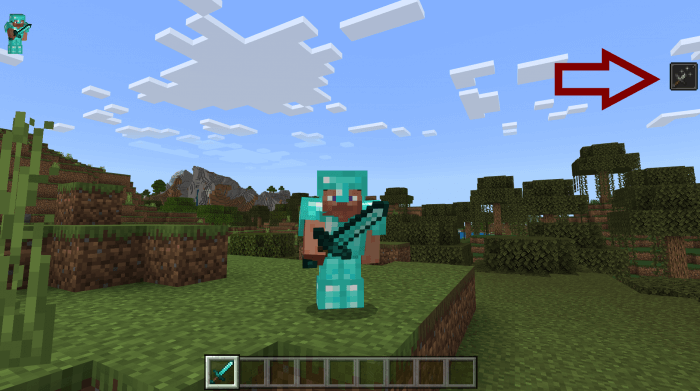
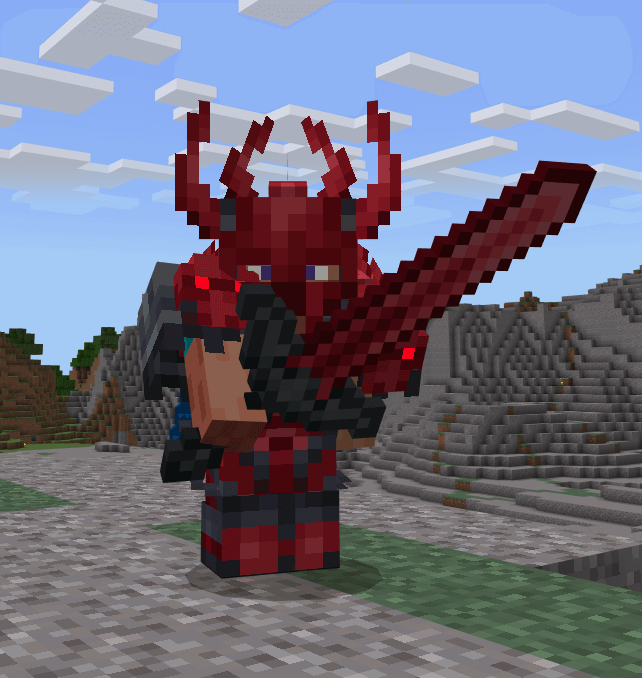
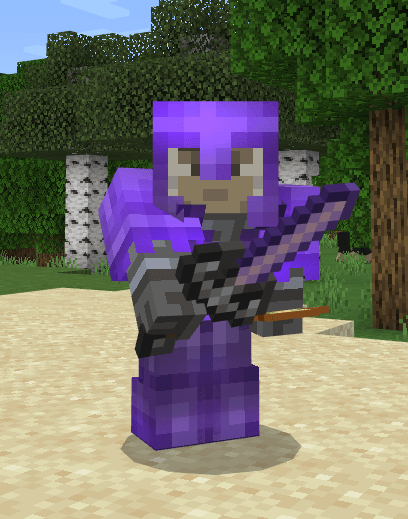
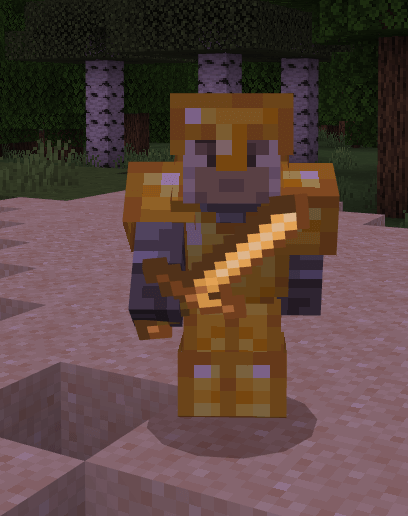
Here’s what your guard can actually handle: melee attacks deal 80% less damage while blocking, and projectile damage is reduced by 99%. A skeleton’s arrows become much easier to deal with, but a pack of zombies can still chip away at your health. Witches are another problem entirely. Splash potion damage isn’t blocked, so crouching in front of one and hoping for the best is a quick way to regret your decisions. Keep food on your hotbar, pay attention to your hearts, and use the protection to buy yourself time rather than treating it like a free pass through every fight.
One thing can trip you up: shields take priority. If you have a shield equipped, the sword’s blocking ability won’t kick in. Put the shield away when you want to rely on your blade, then hold the sword and sneak. That gives you room to experiment with a different approach, whether you’re carrying something else in your offhand or simply forgot to bring a shield along. The feature can also work with weapons from other add-ons. Check for the blocking icon first, though, since a custom weapon needs to be recognized as a sword for the ability to work. A blade that looks impressive isn’t necessarily compatible.
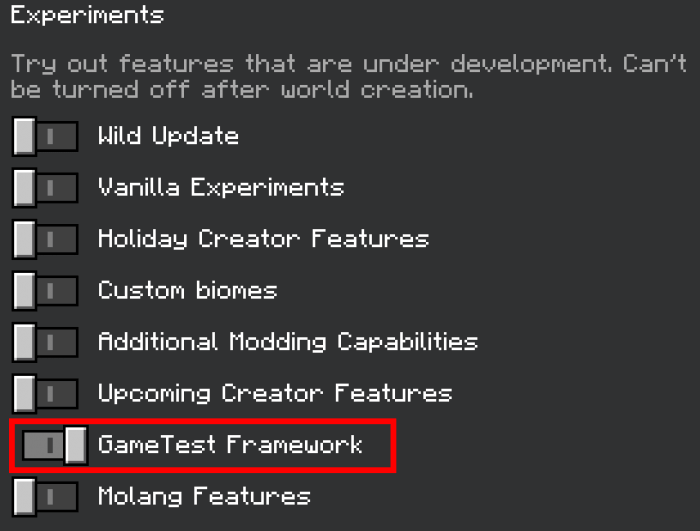
Try it in a mineshaft, where skeletons love showing up at the far end of a tunnel. Block while you close some distance, then go after the archer before another mob wanders into the fight. In a shared world, you could also test the mechanic with a friend and get a feel for how much damage gets through. Before jumping in, enable Beta APIs in your world’s experimental settings and make sure both the behavior and resource packs are active. Then grab a compatible sword and see how it feels in a fight. You’ll still need to dodge, heal, and know when to run, but at least that sword can do more than swing when trouble finds you.
Installation:
- Download Mod;
- Open the downloaded file to install;
- Select it in the settings;
- Have fun!
Comments (0)