Revive a Player Mod / Addon
- 17-10-2025, 05:47
- 904
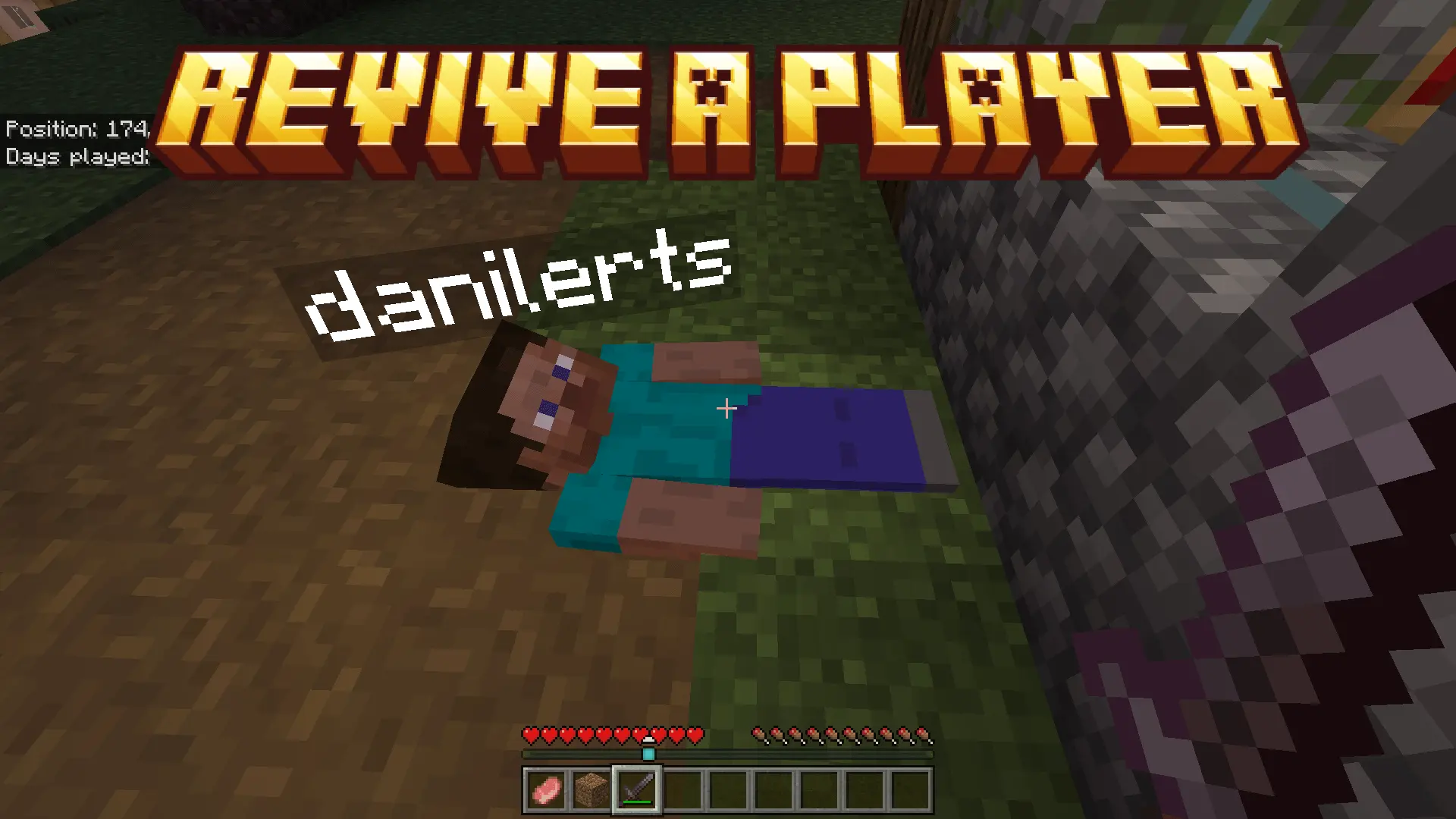
Revive a Player Mod — when a hit should end your run, it doesn’t; you crumple, the screen tightens, and a big invisible clock starts at sixty. You’re not a ghost yet—you’re a problem to solve. Teammates can sprint over and mash interact five times on your body to pull you back up. If the coast is bad or the team is wiped, you can press Sneak to give up early and move on, but every second you wait is a chance for a clutch save.
The best squads treat downs like mini-missions. One player keeps eyes up and peels mobs; the other goes straight for the revive, counting clicks out loud—“one, two, three”—so nobody panics. Use natural cover: corners, doorframes, the lee side of a hill. If you drop in an open field, crawl a few blocks toward safety while the team clears space, then let them finish the five taps. In tight caves, place a torch first so the rescue isn’t blind; on raids, kite the last wave past the downed player, then double back together for a safer revive window.
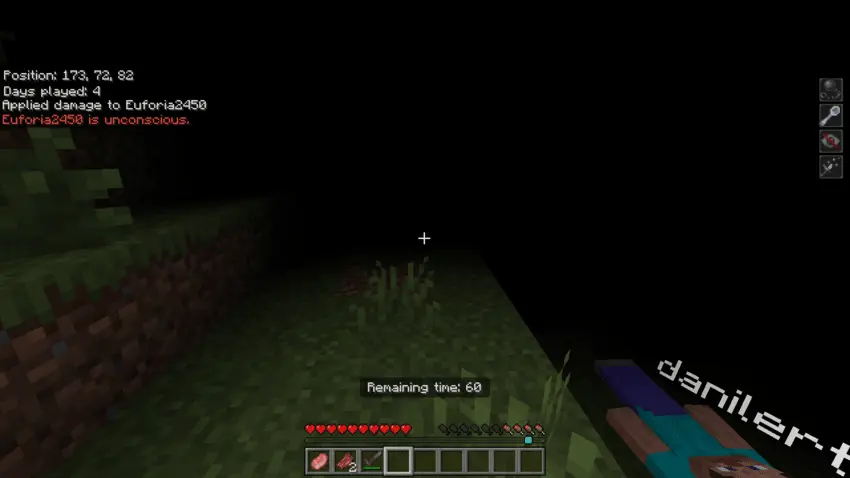
Your teammate just took a fatal hit, but the adventure isn’t over yet. Revive a Player gives your Minecraft Bedrock crew sixty seconds to pull off a rescue.
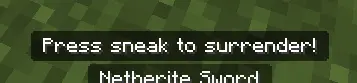
When a player takes fatal damage, the add-on puts them into a downed state instead of immediately ending their run. A nearby teammate can bring them back by interacting with the downed player five times. That’s the whole rescue mechanic: reach your friend, complete the interactions, and get them back into the action before the timer runs out. If nobody manages to help within sixty seconds, the downed player dies. There’s also an option to surrender early by pressing Sneak, which can be useful when the rest of the group is too far away to reach you. The countdown makes every rescue a decision. Do you rush in while monsters are still nearby, or clear enough space to give yourself a safer chance? Either way, you’ll need to act before that minute disappears.
A cave trip is a perfect place for the system to create some memorable moments. Your group might be collecting ore when a fight breaks out in a narrow passage and one player goes down. Instead of immediately heading back from spawn, that player can wait while a friend deals with the threat and moves in for the revive. With a larger crew, one person can watch for approaching mobs while another focuses on helping. Communication helps: tell your teammates where you went down, call out any danger you can see, and let them know if time is getting short. The same thinking applies above ground. During a village raid or a nighttime trip home, staying close enough to reach one another can turn a bad encounter into a comeback. It doesn’t remove the danger from survival; it gives your team a reason to respond together when things go wrong.
Revive a Player is best suited to worlds where people explore together. It gives friends a chance to recover from an unlucky fight and continue the trip as a group, rather than immediately splitting the party between a dangerous cave and a distant spawn point. You can even build your own cooperative challenges around that idea: take a team into a structure, agree to stay within helping distance, and see whether everyone can make it home. Before a big expedition, it’s worth practicing the five interactions somewhere calm so each player knows what to do when the pressure is on. To install the add-on, import its file, enable the packs in your world settings, and activate the required experimental options. Then head out with a friend and keep an eye on each other. The best moment might be the fight you win—or the last-second rescue that lets everyone stay for the next one.
Communication matters more than gear. Call your timer (“twenty left”), mark hazards (“creeper behind you”), and don’t start the five-tap unless the area is actually stable—nothing wastes a run like eating a second down mid-rescue. And if help clearly won’t make it, hit Sneak and reset fast so the group keeps momentum. Simple rules, big payoff: fewer instant deaths, more hero moments, and a reason to stick close without playing scared. If your world thrives on co-op, Revive a Player Mod turns every wipe into a winnable scramble.
Installation Mod:
- Download the .mcaddon / .mcpack;
- Open the file to import into the game;
- In World Settings → Resource Packs and Behavior Packs, enable it (turn on Experiments if needed);
- Have fun!
Comments (0)