All Stacker (Item & Mob Stack) Mod / Addon
- 20-10-2025, 12:37
- 1 177

All Stacker (Item & Mob Stack) Mod — the quiet upgrade your world needed when farms pop off and caves turn into confetti. Instead of littering the ground with a hundred separate items or letting a mob pile tank your frames, the addon neatly stacks what’s nearby: drops compress into a single, readable pile and groups of the same mob bundle together, keeping the scene clean and your tick rate happy. You still play the same game—loot, fights, and routes—just without the stutter every time something explodes into pieces.
It shines in the usual trouble spots. Gunpowder farms stop flooding chunks with individual drops. Raid waves feel intense without turning your base into a slideshow. TNT strip-mining leaves a few smart stacks instead of a carpet of cobble you’ll never pick up. Long nether sessions run smoother because those rivers of nuggets and swords condense instead of snowballing your entity count. When you sweep through to collect, it’s quick—one pick-up and you’re back on the move.

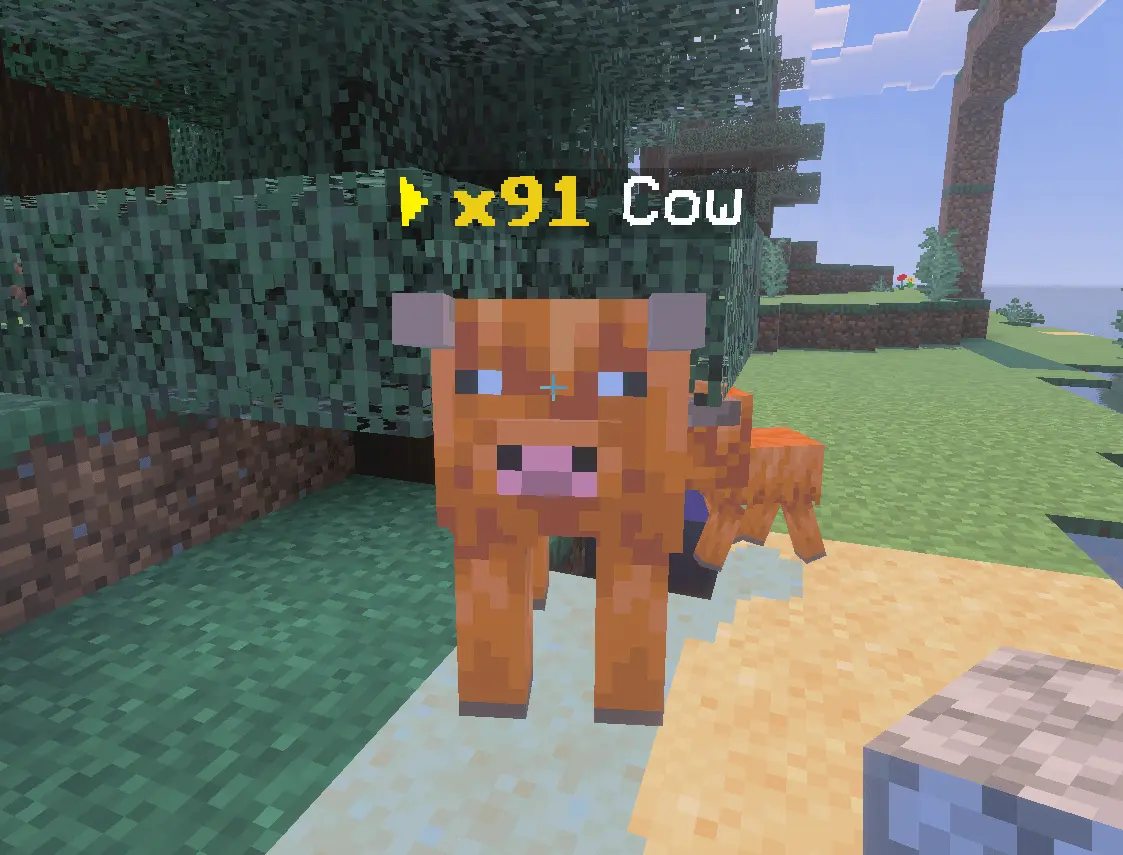
Your mob farm is working overtime, loot is scattered everywhere, and your frame rate has decided it’s had enough. All Stacker helps clean up the mess by grouping nearby items and mobs together.
This Minecraft Bedrock add-on is aimed at one of the less glamorous parts of a busy survival world: managing all the entities piling up around you. Dropped items can be combined into readable stacks, while nearby mobs of the same type can be grouped to reduce the number of separate entities the game has to handle. The goal is to ease lag and make crowded areas easier to manage. How much difference you notice will depend on your world, device, and what’s happening around you.
Item stacking comes in handy when a farm produces more drops than you can pick up immediately. Instead of watching a patch of ground disappear under a jumble of individual items, you can see matching drops grouped together with a stack label. It’s also useful after a long mining session or a messy fight, when you’re trying to collect your haul and get moving again. You still need to keep an eye on what you’re collecting, but the area is much easier to read when the drops aren’t spread all over the place.
Mob stacking tackles a different problem: too many creatures crowded into one spot. The add-on can group nearby mobs, so a visible mob may represent more than one creature. That’s worth remembering around animal pens and farms, especially before you start changing your usual setup. The available settings let you adjust how mob stacking behaves, including its range and what happens when stacked mobs die. Try those options with a small group first so you can see how they affect your own farm before relying on them for a bigger operation.
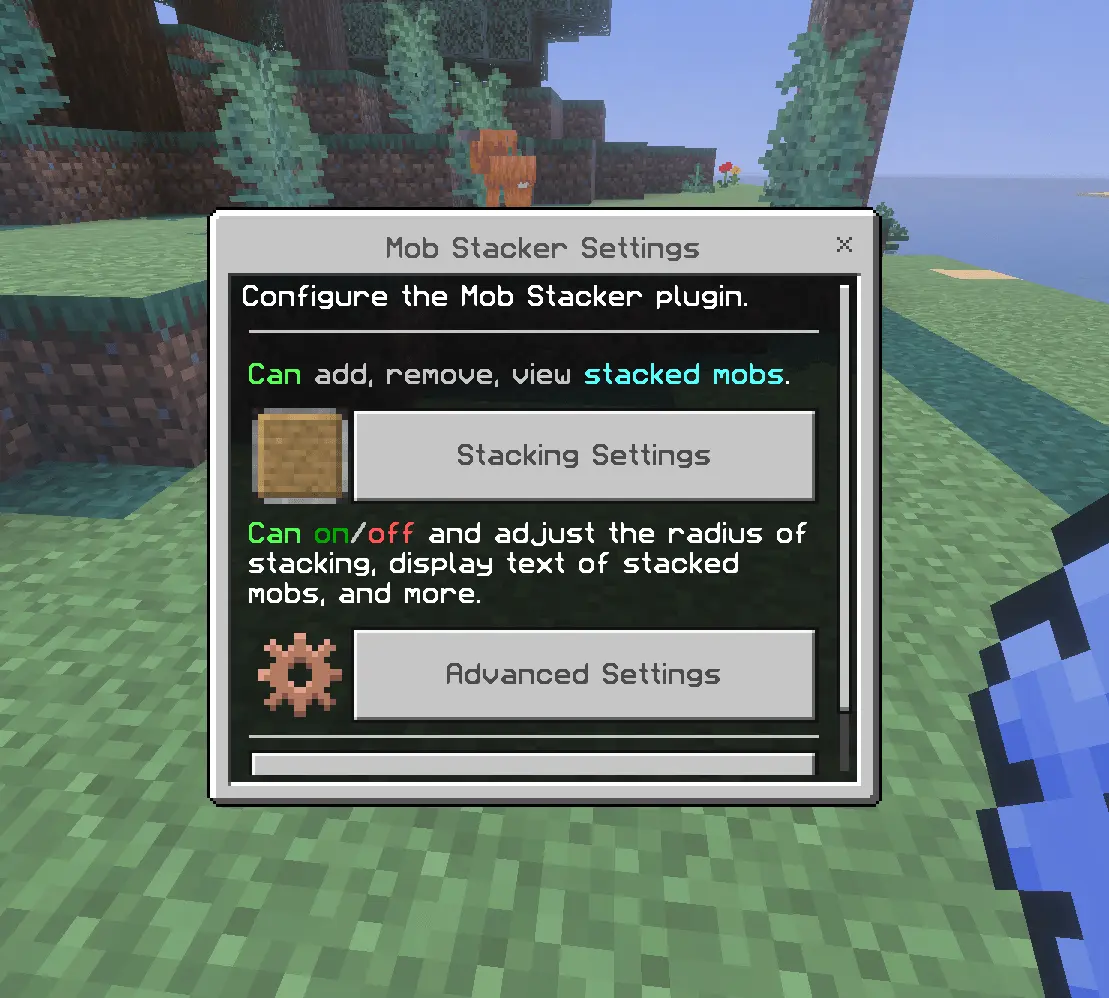
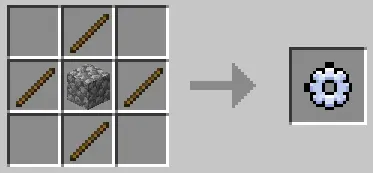
You can manage the add-on through an in-game settings menu, with separate controls for item and mob stacking. Toggle the features you want, look through the available preferences, and adjust them to suit your world. English and Thai language options are available, and the add-on’s current documentation says settings changes apply without a restart. Features and menu details can differ between versions, so check the instructions for the file you install rather than assuming every release has the same options.
All Stacker is a useful pick if your Minecraft world has grown from a small starter base into a maze of farms, animal pens, and collection areas. Import the add-on and enable its behavior and resource packs in your world settings, then test it where you normally see lots of drops or mobs. It won’t solve every possible cause of lag, but it gives you a practical way to reduce some of the clutter that comes with a busy Bedrock world.
Control lives where it should: in game. Open the built-in GUI to tune behavior on the fly—enable or disable stacking for items and mobs, adjust preferences, and apply changes without restarting your world. It’s built to be achievement-friendly and avoids beta APIs, so you don’t have to flip experimental switches just to enjoy the benefits. And with multi-language support (English & Thai), everyone on your server can understand the menus at a glance.
If you love big builds, loud farms, or marathon sessions and want the world to stay buttery while you play, All Stacker (Item & Mob Stack) Mod cleans up the noise and lets you keep the fun.
Installation Mod:
- Download the .mcaddon / .mcpack;
- Open the file to import into the game;
- In World Settings → Resource Packs and Behavior Packs, enable it (turn on Experiments if needed);
- Have fun!
Comments (0)