Blocky Flashlights Mod / Addon
- 1-11-2025, 18:11
- 840
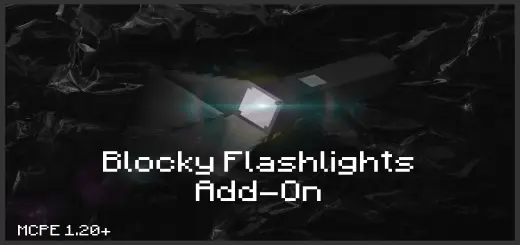
Blocky Flashlights Mod hands you a proper beam. Point your crosshair and the darkness ahead opens up—tunnels read cleanly, drop-offs stop being jump scares, and long night runs feel steady instead of guessy. It’s the kind of tool that quietly reshapes your loop: you explore first and place light second, marking only the spots you actually want to remember.
Out in survival, it shines on pace and control. Walking a fresh cave, you sweep ledges, check ceilings for skulkers, and trace ore veins without littering the floor with throwaway torches. Strip-mines become quicker because you can scan the face you’re chipping without stopping every few steps. On the surface, rain and thunder no longer kill your visibility—follow a river, hug a treeline, or cross a meadow with a single steady cone in front of you. Builders get the best of both worlds: keep a site moody while you frame a roof, then add permanent lighting only when you’re happy with the shapes.
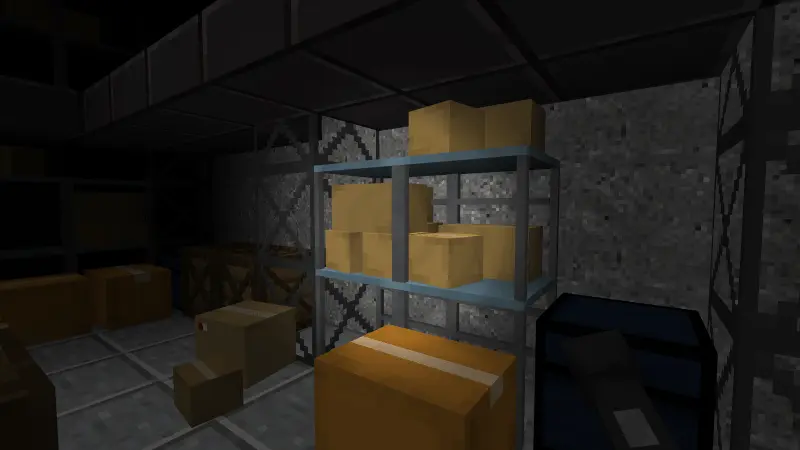
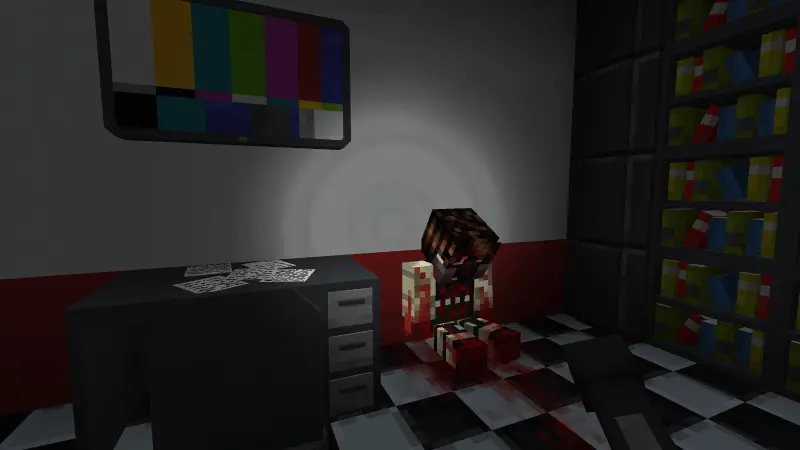
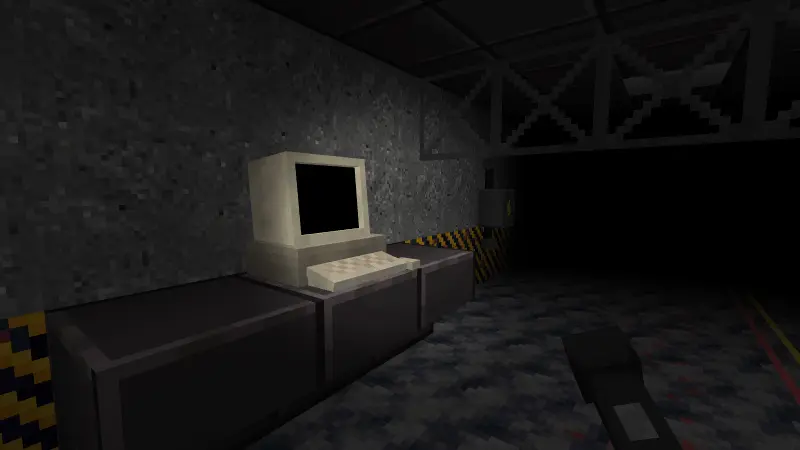
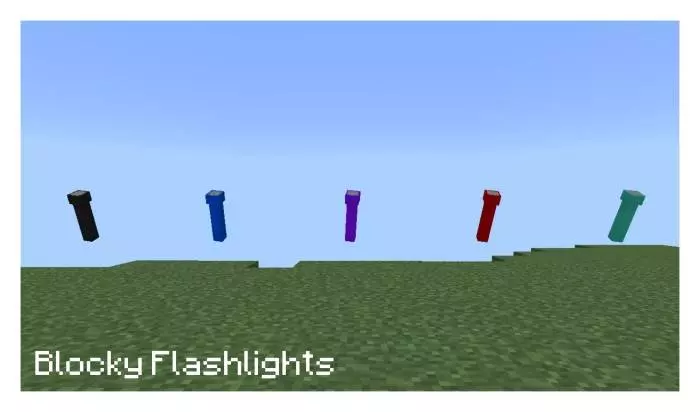

That cave looks a lot less inviting when your last torch is behind you. Blocky Flashlights adds a portable light to Minecraft Bedrock, plus a Fog Device for anyone who wants their adventures a little creepier.
Take a flashlight into a cave and you can illuminate the area ahead as you explore. Sweep the light across a tunnel, check the edge of a drop, or get a better look at the next stretch of stone before moving in. It’s a different feel from lighting a route one torch at a time, particularly when you want to scout a space before deciding where to build or mine. You can still carry torches to mark your way back or provide lasting light where you need it. Above ground, a flashlight also fits a nighttime trip between your base and a nearby project. If your world has a modern town, an abandoned building, or a player-built bunker, the blocky tool feels right at home there too. Different flashlight colors give you a few looks to choose from while you put together your exploring kit. You might pick one for a practical mining trip and another to match the outfit you wear when showing friends around your latest build.
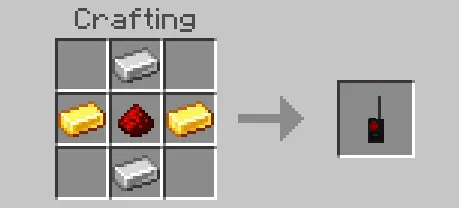
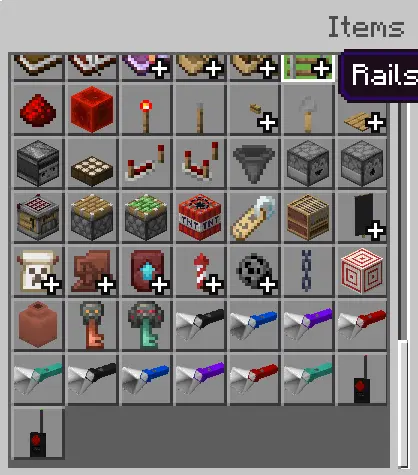
The Fog Device takes the atmosphere in another direction. Use it to turn fog on or off and give your surroundings a darker, more ominous mood. On a computer, right-click with the device; on a touchscreen, hold the screen to use it. Try it around a player-built haunted house or along a forest path, then bring your flashlight along for the walk. A familiar route can feel surprisingly different when the view ahead is harder to make out. Both the flashlight and the Fog Device have crafting recipes, though you’ll need to check the recipes in the game for their ingredients. You can also find the addon’s items in the Creative inventory, which is handy if you want to experiment with the look before planning a survival adventure. Try the device in a few settings and decide where you like the fog best: a quiet village street and a winding cave entrance can make for very different scenes.
Before heading underground, there’s one important quirk to know: the addon notes that using a flashlight while wearing a helmet can remove the helmet. Take it off first and keep it safe in your inventory when using the light. You’ll also want to prepare for the usual cave hazards; better visibility is helpful, but a flashlight doesn’t replace armor, food, or a careful look before stepping over a ledge. For a group adventure, one player can lead the way with the light while the others keep watch and gather resources. To install the addon, open its file with Minecraft, activate the imported packs in your world settings, and enable the required experimental features. Then pick a dark place to explore, switch on your light, and see what the next tunnel has in store.
Co-op, it’s a natural role. One player leads with the beam and calls hazards; the second mines, fights, or maps. For travel, pair it with boats or horses to keep routes readable without turning the countryside into a torch highway. A few practical tips keep things smooth: still carry a handful of torches for breadcrumbs, keep a water bucket for lava surprises, and don’t cluster multiple moving lights right next to busy farms if your device starts to chug. If you’ve ever wanted clean, on-demand visibility that stays where you look instead of where you left it, Blocky Flashlights Mod earns a permanent slot in your kit.
Installation Mod:
- Download the .mcaddon / .mcpack;
- Open the file to import into the game;
- In World Settings → Resource Packs and Behavior Packs, enable it (turn on Experiments if needed);
- Have fun!
Comments (0)