Just Another Dynamic Mod / Addon
- 3-11-2025, 13:23
- 591
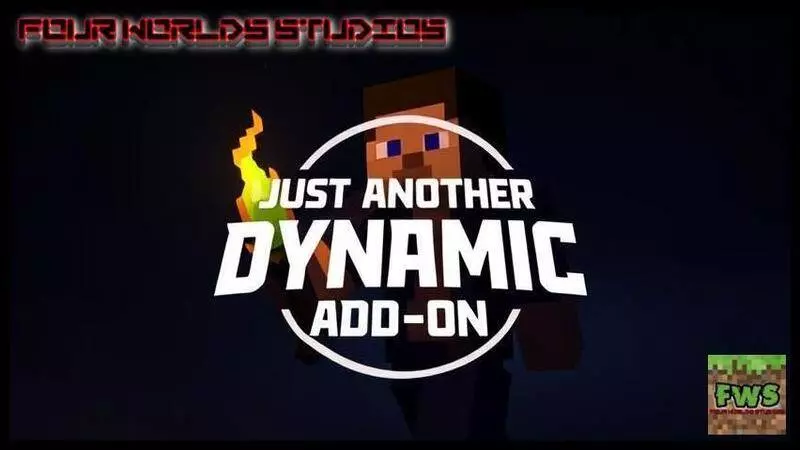
Just Another Dynamic Mod hands the light source back to you. The second you grab a glowing item or block, the darkness ahead lifts—shafts read cleanly, ravines stop feeling like blind drops, and stormy nights are actually playable. You’re not spamming torches every few steps just to see what’s five blocks in front of you; you move with a live cone of visibility and only place permanent light where you actually want a breadcrumb or a build accent.
Out on a fresh world, it changes your rhythm immediately. In a branch mine you can sweep the face, spot ores, and keep walking without breaking flow. In the Nether, bridging feels sane because your footing stays visible instead of guessing at silhouettes over lava. Surface travel gets calmer too: follow riverbanks, cut through forests, or trace hillsides with the beam leading instead of your memory. Builders get a big win—keep a site moody while framing interiors, then lock in final lighting once the shapes feel right.

You step into a cave, pull out a light source, and the ground ahead finally comes into view. Just Another Dynamic gives Minecraft Bedrock a simple but welcome change: light can travel with you while you explore.
The effect is most noticeable underground, where every new tunnel raises the same question: is that a safe path or a drop you’re about to walk straight into? Hold a supported glowing item or block, and the area around you lights up as you move. You can check the cave floor, inspect a wall for ore, and get a better look around a corner without placing a torch at every step. It makes a long mining trip feel less stop-and-start, particularly when you’re trying to get a sense of a large cavern before deciding where to go. Keep your pickaxe close, though. You’ll still need to switch tools when it’s time to dig, and the monsters waiting in the dark aren’t going to disappear just because you can see them sooner. A little extra visibility can help you spot trouble, but you still have to deal with it.
Moving light is useful above ground, too. If you’re traveling after sunset, carrying a glowing item can make it easier to follow a path through a forest or check your footing along a riverbank. Builders can use it while working on a dim interior, especially when they haven’t decided where the permanent lighting should go. Walk through the room, look at the shape of the walls and ceiling, and place your final lights once you know how you want the space to feel. It’s also handy when you’re exploring a structure with friends: one player can lead the way with a light source while the others watch for mobs or gather resources. You may want to test the items you normally carry to see which ones work with the add-on, since the linked description doesn’t provide a complete list of supported sources.
Don’t leave all your regular torches at home, though. A light that follows you is great for seeing the next few steps, but placed lights can mark a route and remain behind when you leave. Use them to identify a tunnel junction, a valuable ore vein, or the entrance you’ll need to find again after wandering deeper underground. They’re useful around your base as well, where you probably want the area lit even when you’re somewhere else. Just Another Dynamic fits naturally into the way you already play: carry a light while scouting, place one when a location needs it, and keep moving. For a first test, head into a familiar cave and compare how it feels to walk through with a glowing item in hand. You may discover you’ve been stepping past useful side passages—or the edge of a ravine—a little more often than you realized.
It’s still smart to carry a tiny stack of torches for markers and bases. Use your moving light to navigate, then drop a single torch to tag a turn, a spawner, or a vein worth returning to. In co-op, put the “point” player on glow duty while the others mine, map, or cover angles; callouts are cleaner when everyone can actually see the floor. Simple idea, huge quality-of-life boost—once you run with real, dynamic light, going back to blind steps feels ancient.
Installation Mod:
- Download the .mcaddon / .mcpack;
- Open the file to import into the game;
- In World Settings → Resource Packs and Behavior Packs, enable it (turn on Experiments if needed);
- Have fun!
Comments (0)