Phonk Edit Mod / Addon
- 16-11-2025, 09:39
- 1 365

Phonk Edit Mod is built for players who love turning normal sessions into pure edit material. Instead of recording flat, silent gameplay and editing everything later, this mod lets the action hit different right as it happens. Every swing, clutch escape, or crazy combo can kick in slow motion and a phonk beat, so even basic moments like mining, taking damage, or using key items feel like they’re straight out of a YouTube edit.
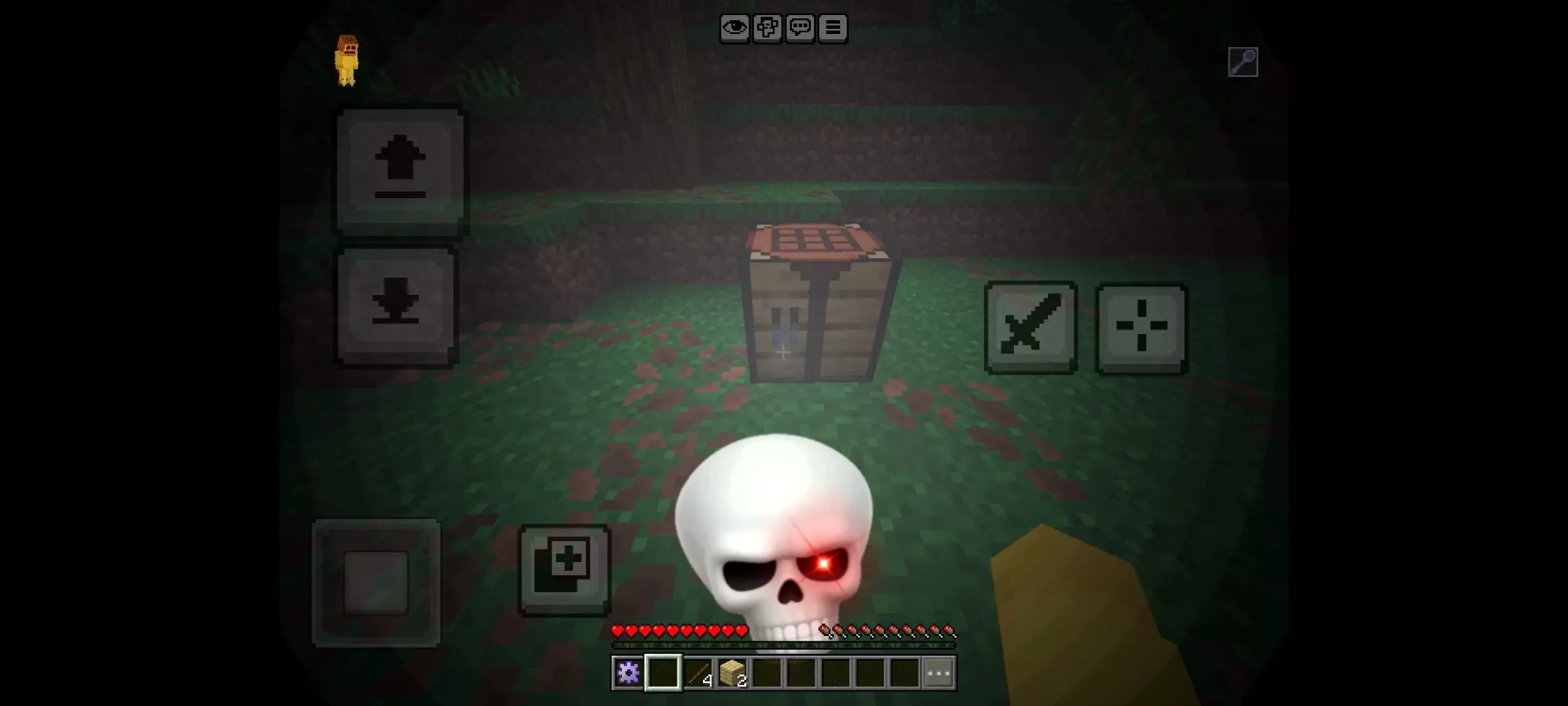
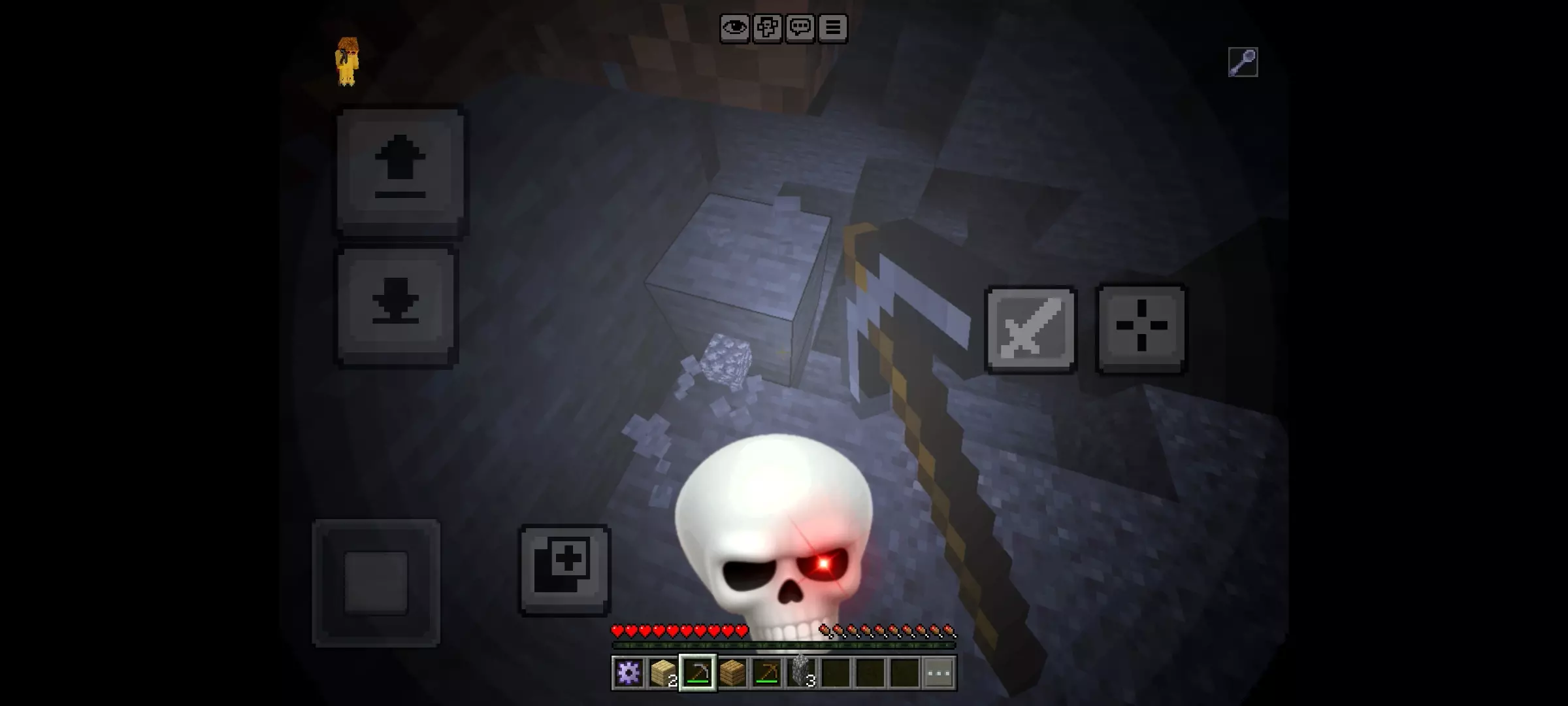
You break a block, and suddenly the music kicks in like you’ve just pulled off the greatest move in Minecraft history. Phonk Edit gives ordinary gameplay the dramatic treatment, even when the big moment is you mining cobblestone.
This Minecraft Bedrock add-on brings the style of short phonk edits into the game with music and effects that can play during everyday actions. Mining, attacking, using an item, or taking damage can all become a lot more dramatic than you expected. Land a hit on a zombie and you might get a moment that feels ready for a highlight reel. Take fall damage because you missed a jump, and that can get the same treatment too. The fun is partly in seeing which moments end up feeling far more important than they actually were.
The add-on includes three phonk tracks, so you can choose a sound that fits your session. Try one while clearing a cave, switch things up for a round of PvP, or put the effects on while you and your friends work through a challenge map. There’s also a slow-motion option for giving the action a more dramatic pace. It can make a close fight fun to watch, but it’s just as likely to make you laugh when it kicks in during something as simple as collecting blocks for a house.
If you like making Minecraft clips, Phonk Edit gives you effects to play with while you record. Set up a duel with a friend, try a parkour course, or record a survival session and see what moments stand out afterward. You might get the big victory you were hoping for, or the best clip might be the time you confidently swung at a mob and immediately got knocked into a hole. Either way, the music and slow motion give the moment some extra personality before you start cutting your video together.
The effects can be toggled, so you can turn them off when you want a quieter session and bring them back when everyone is ready for another round of chaos. That’s useful if you’re switching between a building project and a game night with friends. Spend some time getting the settings how you like them, then try the different tracks and see which one you want to keep on for your next adventure.
Import the add-on, activate its packs in your world settings, and check the experimental settings if it needs them. Once you’re in the game, try a few ordinary actions and wait for the first edit-worthy moment. It might be a perfectly timed sword hit—or it might be you accidentally punching a tree.
You’re not locked into one vibe either. Phonk Edit Mod includes three different tracks you can swap between, so you can match the sound to what you’re doing — chill movement, tense PvP, or full chaos. The slow-mo isn’t just a gimmick: it helps you actually see what’s going on in fights and makes your replays or recordings way more fun to watch back.
Everything is toggleable, so if you just want to play normally for a bit, you can kill the effect and bring it back when it’s time to record or stream. Whether you’re making shorts, TikToks, or just messing around with friends, Phonk Edit Mod turns random moments into clean, ready-to-clip highlights without needing any editing software at all.
Installation Mod:
- Download the .mcaddon / .mcpack;
- Open the file to import into the game;
- In World Settings → Resource Packs and Behavior Packs, enable it (turn on Experiments if needed);
- Have fun!
Comments (0)