Dynamic Light (Multiplayer) Mod / Addon
- 16-11-2025, 09:59
- 634
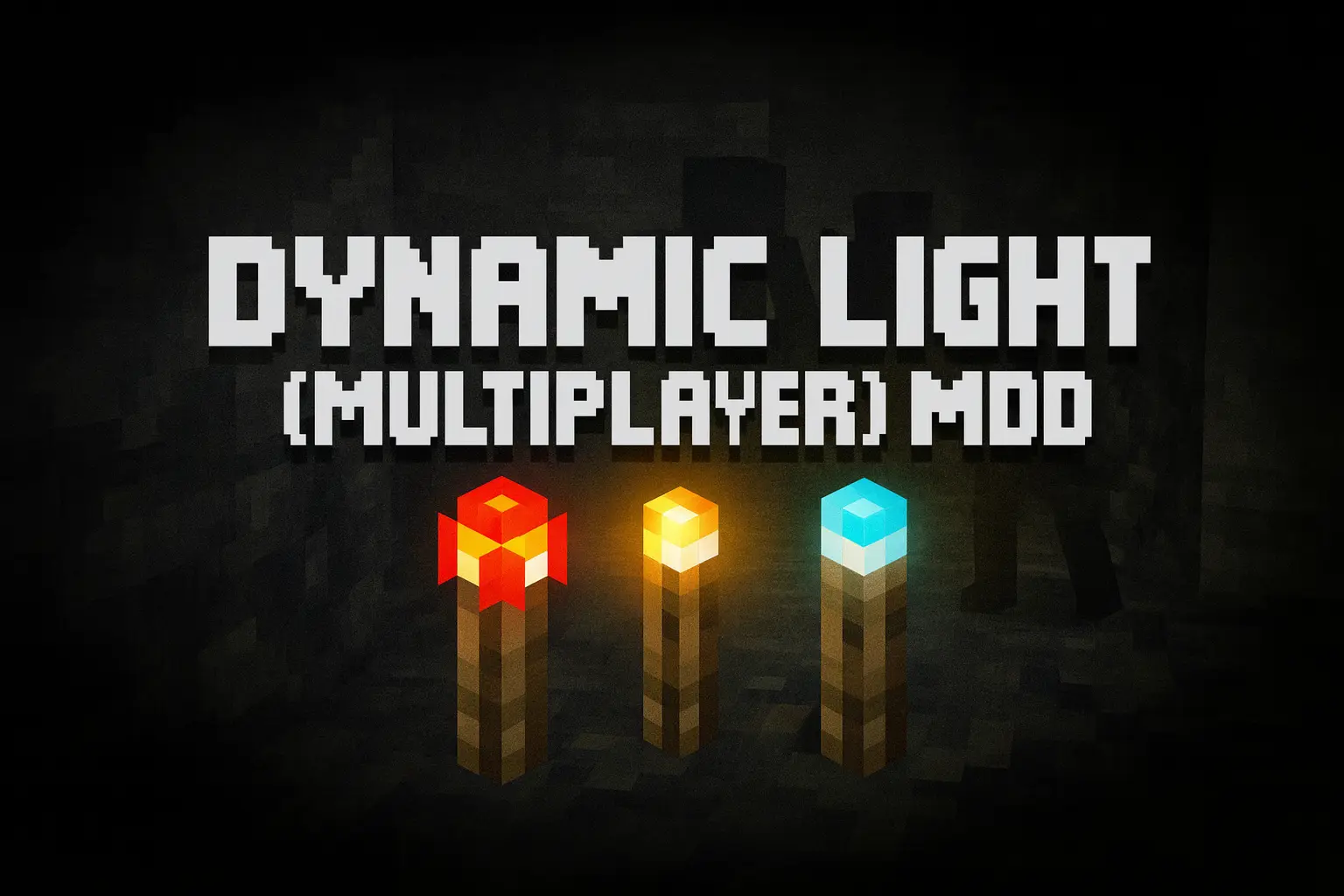
Dynamic Light (Multiplayer) Mod turns every light source you carry into a moving spotlight that actually matters while you play. Instead of spamming torches every few blocks, you can walk through caves, bases, and adventure maps with light that follows you smoothly as you move, climb, or mine. The addon hooks directly into vanilla items, so holding a torch, lantern, glowstone, or other bright gear instantly throws out a radius of light around your player without any weird custom blocks or special tools to remember.

Because Dynamic Light (Multiplayer) Mod is built entirely on scripts, it feels clean and modern rather than hacky. The logic runs behind the scenes, tracking who’s holding what and where, then updating nearby brightness in real time. You don’t have to toggle modes or mess with extra items; just keep a light source in your hand or hotbar and explore normally. Drop that item on the ground, and it can keep glowing as a marker or temporary campsite light, which is perfect for marking cave branches, mob spawners, or the way back out of a ravine.
The big difference here is that this mod is actually designed with multiplayer in mind. Multiple players can run around with their own dynamic lights at the same time, and everyone sees their own glow as they explore. That makes co-op mining runs, horror maps, and survival servers feel way more alive, because light is no longer static and dead once you leave an area. It stays attached to the people actually playing.
On top of that, Dynamic Light (Multiplayer) Mod is completely open source and unobfuscated, which means curious creators can dive into the jаvascript/TypeScript code, learn how it works, and bend it to their own ideas. You can study how items are detected, how the lighting logic is structured, and even fork your own internal version for custom packs or servers. Whether you’re a casual player who just wants better cave exploration or a scripter looking for a clean dynamic lighting example, this addon gives you both a practical tool and a solid learning resource in one package.
Installation Mod:
- Download the .mcaddon / .mcpack;
- Open the file to import into the game;
- In World Settings → Resource Packs and Behavior Packs, enable it (turn on Experiments if needed);
- Have fun!
Comments (0)