Auto Grab Item Mod / Addon
- 7-02-2026, 04:26
- 855
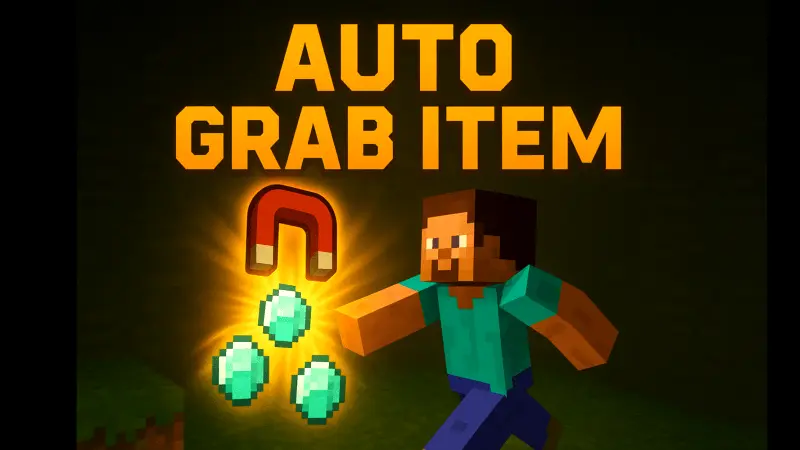
Auto Grab Item Mod is one of those tiny tweaks that you feel immediately. You break a whole row of crops, a patch of ores, or clear out a mob pack, and instead of jogging around scooping up drops, everything just slides right over to you. Items don’t sit scattered on the ground, they jump into your inventory as if your character suddenly has built-in magnet hands. It doesn’t change the loot itself or how you get it — it just removes that slow cleanup phase after every action.
It’s especially nice during long survival sessions. Strip-mining, tree farming, raid cleanup, XP grinding at a mob farm — all those routines that usually leave the floor covered in junk become way less tedious. You swing, things drop, and they’re already on you while you’re moving on to the next block or the next mob. No more backtracking through caves because you left half your coal behind in a dark corner.
Under the hood, the addon stays clean: no player.json edits and no experiments required. That means it plays nicely with most other Bedrock packs and doesn’t ask you to flip a bunch of toggles just to run it in a normal world. You drop Auto Grab Item Mod into your survival setup, load up like usual, and the only difference you notice is how smooth item collection feels. It’s simple, it doesn’t scream for attention, and once you get used to it, going back to manual pickup feels weirdly slow.
We tried recording a tour of our Minecraft server for a friend who hadn't played with us in months. I was supposed to walk around the village, show the new buildings, and explain what everyone had been working on. Pretty simple. Except my brother kept following me around in full golden armor, jumping into every shot like a tourist desperate to be photographed. I told him to stop. He switched to a chicken skin and started hiding behind fences instead. By the time we reached the harbor, three other players had joined him. I couldn't show a single building without somebody dancing on the roof or throwing eggs in the background. We eventually finished the recording, although half the footage was completely unusable. Our friend watched the final video and asked why there was a chicken following me everywhere. Nobody answered. My brother is still incredibly proud of his performance.
Installation Mod:
- Download the .mcaddon / .mcpack;
- Open the file to import into the game;
- In World Settings → Resource Packs and Behavior Packs, enable it (turn on Experiments if needed);
- Have fun!
Comments (0)