SYCURE'S Dynamic Lighting And Offhand Mod / Addon
- 27-11-2025, 18:19
- 1 135
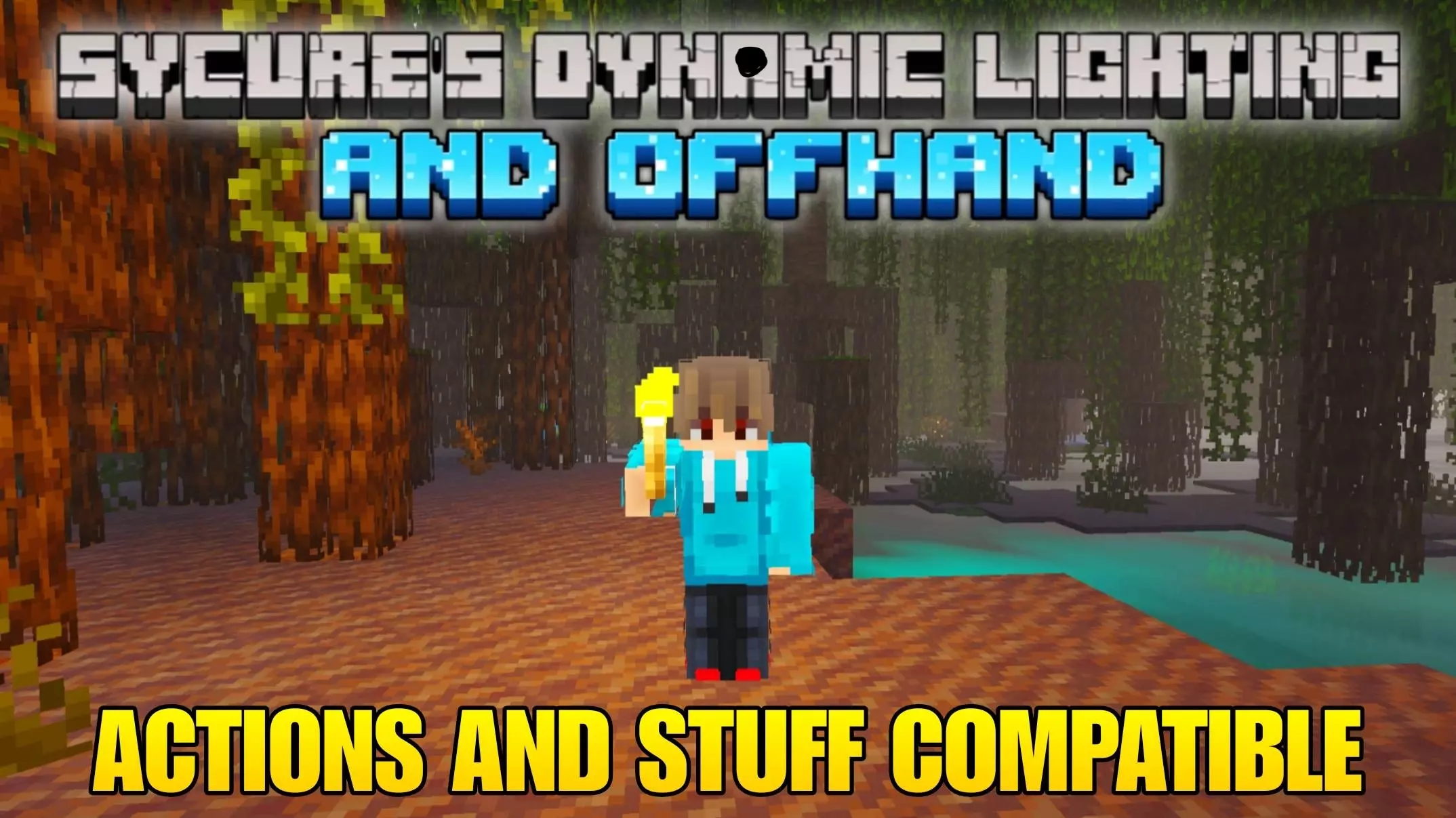
SYCURE'S Dynamic Lighting And Offhand Mod is basically the “finally” addon for anyone who’s been jealous of Java players running through caves with a torch in their offhand. With this installed, any proper light source you hold—torches, glowstone, copper bulbs, and more—actually shines while you’re carrying it. You don’t have to spam blocks on the walls every few steps just to see where you’re going. You move, the light moves with you, and the whole game instantly feels more modern.


A dark cave is a lot less intimidating when the light comes with you. SYCURE’S Dynamic Lighting and Offhand lets you carry a glowing torch while keeping your other hand ready for the next block or mob.
The change is easy to appreciate the moment you step underground. Hold a supported light source, and it illuminates the area around you as you move instead of needing to be placed first. Torches, glowstone, and copper bulbs are among the examples listed for the add-on, giving you more than one way to light your path. Walk into a branching tunnel and you can look around before deciding where to go; turn back toward the entrance and your light follows. It’s useful above ground, too, whether you’re crossing a dark forest or checking on a build after sunset. You can still place torches where you want lasting light. A handheld source moves away when you do, so it’s worth lighting up the paths and rooms you plan to return to rather than leaving everything behind you in the dark.
The offhand torch is where this Minecraft Bedrock add-on really earns its place on a mining trip. With a torch in your offhand and a pickaxe in your main hand, you can see what you’re digging without swapping between the two every few seconds. Run into a hostile mob? Switch to your sword while keeping your light close. That makes those awkward cave encounters a little easier to read, especially when you’re trying to work out whether there’s another drop behind the zombie in front of you. The listed offhand feature specifically covers torches; it’s not a promise that every item can be equipped or used there. To set up a torch, the add-on’s instructions describe placing it in the inventory crafting area and selecting the result. Once you have it equipped, you can get back to exploring with your main hand available for your usual tools.
There’s a nice creative side to carrying light, too. If you’re building an underground base, you can walk through unfinished corridors and check their layout before committing to a permanent lighting scheme. On an adventure through a mineshaft, a torch in hand gives the trip a more natural feel than stopping to decorate every corner on the first pass. The add-on is described as suitable for both survival and creative play, and its listing says experimental features aren’t required. The page you’re downloading from provides separate behavior and resource packs, so import and enable both when using those files. As with any add-on, try it in a copy of an important world first and check that the torch and lighting behave as expected in your setup. You’ll still need to watch your footing and listen for creepers, but at least you can bring a little light into the next tunnel without putting your pickaxe away.
The offhand system is the other half of the upgrade. You can stick a torch in your offhand like on Java and keep your main hand free for a sword, pickaxe, bow, whatever you’re using. That means you can mine, fight, or explore while still lighting the way, which feels amazing in survival runs and deep cave expeditions. It’s especially nice on mobile, where swapping items mid-fight is already annoying; this addon is tuned to be lightweight enough that your phone or tablet doesn’t freak out from the extra lighting logic.
It’s fully updated for the Copper Update, so all the new copper-based light blocks plug straight into the system too. No experiments required, no weird setup, and it works in both survival and creative. Drop it into your main world, load in, walk into a dark tunnel with a torch in your offhand, and you’ll instantly understand why people don’t want to play without SYCURE'S Dynamic Lighting And Offhand Mod once they try it.
Installation Mod:
- Download the .mcaddon / .mcpack;
- Open the file to import into the game;
- In World Settings → Resource Packs and Behavior Packs, enable it (turn on Experiments if needed);
- Have fun!
Comments (0)