Sync (Create mods without coding) Mod / Addon
- 28-11-2025, 06:30
- 723
Sync Mod – Create mods without coding basically turns your world into a low-key dev environment that anyone can use. Instead of digging into JSON, scripts, or external tools, you stay in the game, open Sync’s menus, and wire up your own rules with simple forms and switches. Want a sword that gives a speed boost on hit, a region where blocks can’t be broken, or a custom reward every time a player gets a kill? With Sync Mod you’re not asking some coder friend to do it—you’re just clicking through options until it behaves the way you want.
The cool part is how flexible it is for different kinds of players. If you run a survival world, you can use Sync Mod to set up protected bases, custom drop rules, death penalties, or little XP bonuses for certain tasks. If you build adventure maps, you can plug in interactive NPCs, triggers, and simple UIs that react to items, locations, or player stats—perfect for quests or story moments. On servers and realms, you can set up shop systems, player trackers, or anti-grief rules without ever leaving the world.
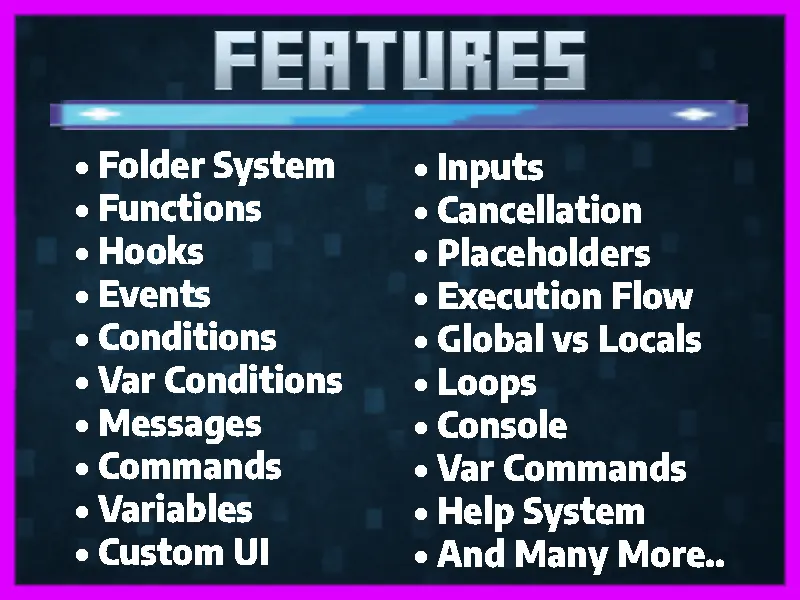
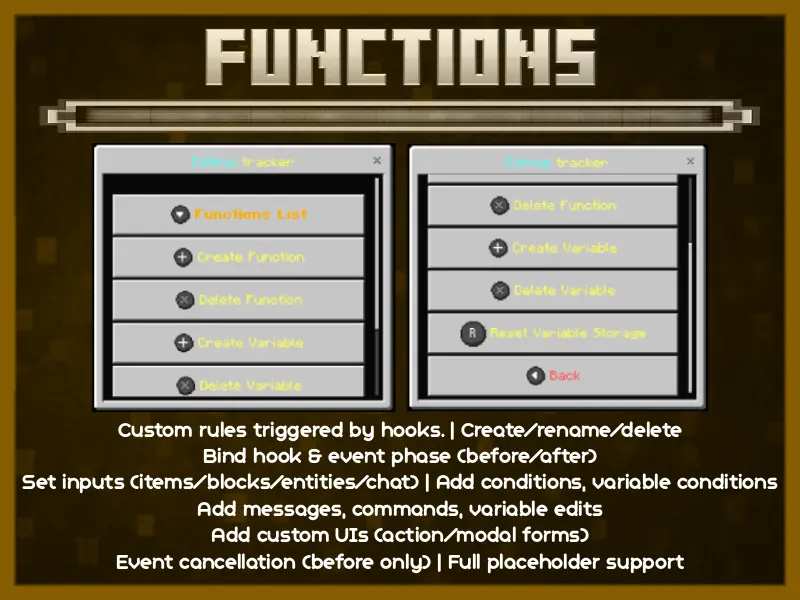
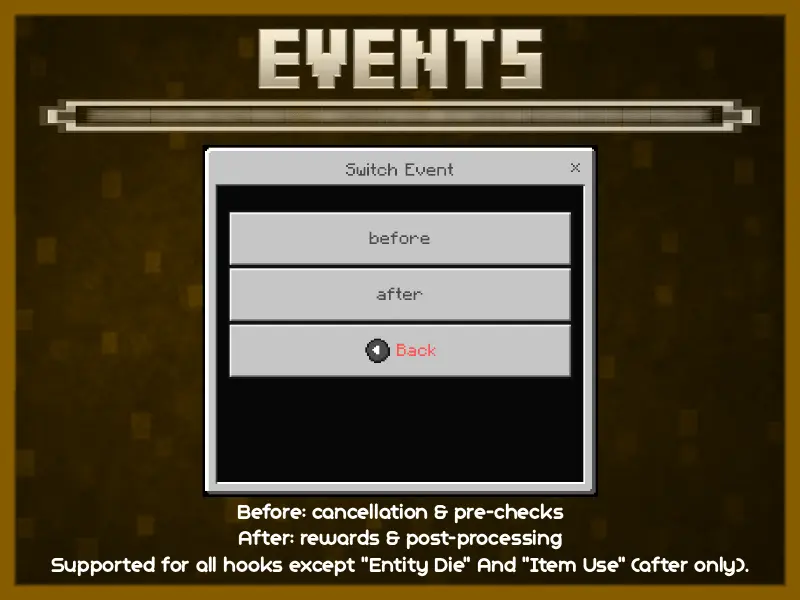
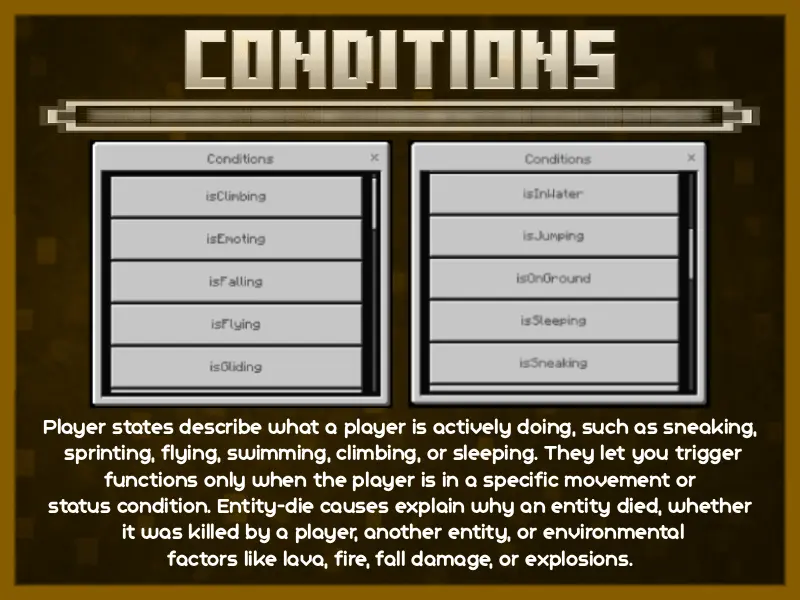
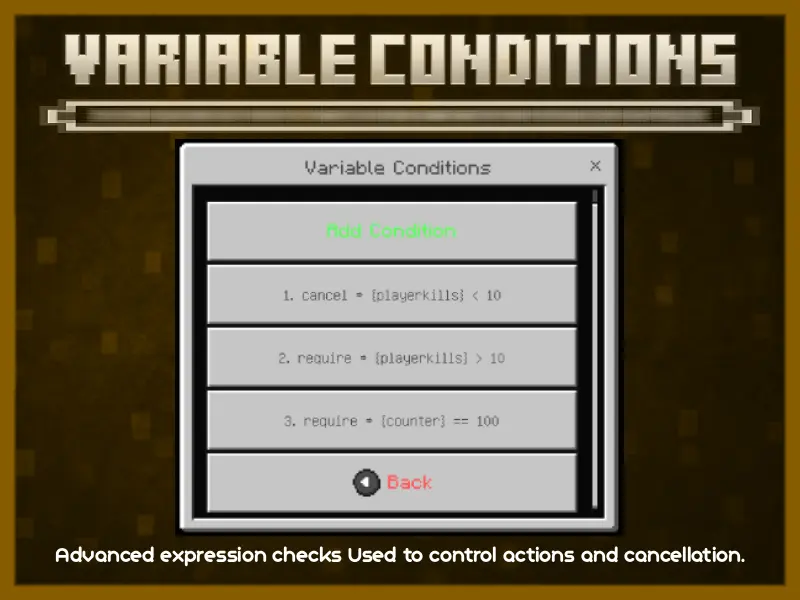
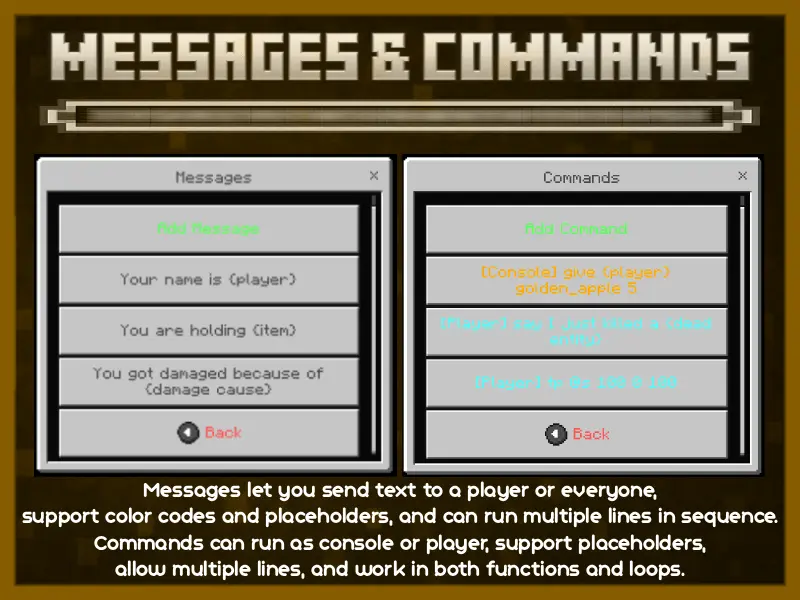
Got an idea for a Minecraft mechanic but no desire to learn scripting first? Sync lets you build custom rules and interactions through menus inside your Bedrock world.
The basic idea is to connect something that happens in the game to an action you choose. Conditions give you another way to control when an action runs. Start with one small interaction and test it before adding more rules. Once you see how the pieces fit, you can build something more involved without trying to solve everything at once.
There’s plenty here for adventure maps and multiplayer worlds. You can set up protected areas, track player stats, or build an interactive shop with its own menus. Want a button that opens another screen or sends a player a message? Sync’s interface tools can handle that. You can also create variables to keep track of information. That opens up ideas such as personal counters alongside a shared world total. Loops add another option: they run actions at intervals, which can be useful for timers, recurring messages, or tracking playtime. These systems take some planning, and the custom interface builder is marked as a beta feature, so expect to experiment. Sync provides the building blocks; you still decide how the rules should fit together and test whether they behave the way you want.
What makes this add-on interesting is the chance to experiment while you’re already playing. You don’t have to leave your world and write a script just to try a simple rule, although some options support commands if you want to use them. Your setups are saved in the world, making them useful for projects you plan to return to with friends. If something doesn’t work, there’s an error console that records recent problems and helps you inspect the action that failed. An in-game help menu can also explain the tools when you’re figuring out where to begin. To set up Sync, activate its behavior pack and enable Beta APIs in the world settings. Then pick a manageable first project: maybe a message tied to an event or a counter that changes when a player performs an action. Test it, tweak it, and build from there. Sync is a toolkit for creating behavior within your world, so what you make depends on the tools and events it provides.
Everything Sync creates is saved directly inside the world, so once you set it up, it just… lives there. No external editor, no config file hunting, and everyone who joins gets to play inside the systems you built. If you’ve ever had an idea like “it’d be sick if my world did X when Y happens” but didn’t know how to code it, Sync Mod is pretty much the shortcut that finally lets you pull it off.
Installation Mod:
- Download the .mcaddon / .mcpack;
- Open the file to import into the game;
- In World Settings → Resource Packs and Behavior Packs, enable it (turn on Experiments if needed);
- Have fun!
Comments (0)