View FPS Mod / Addon
- 10-12-2025, 18:25
- 944
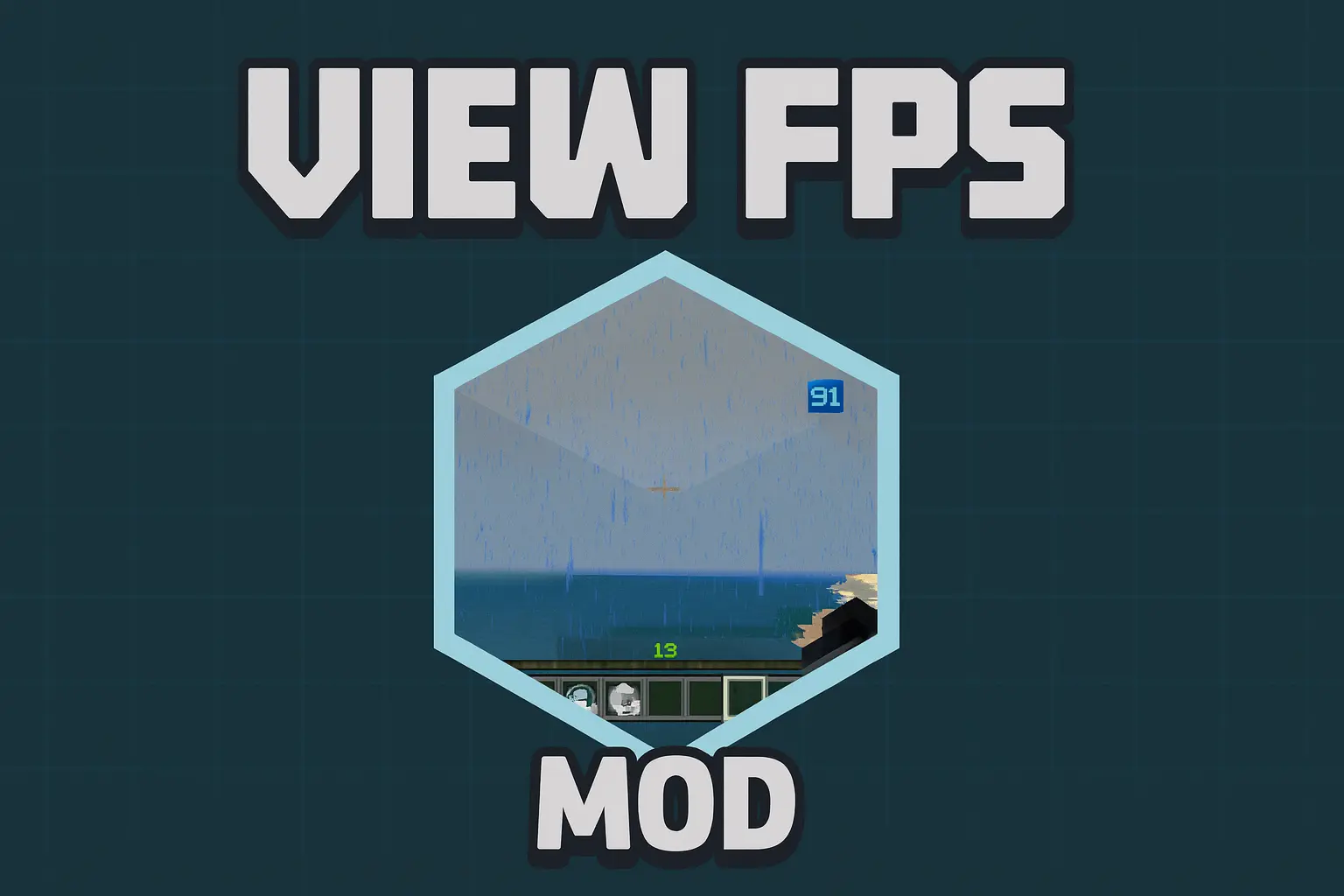
View FPS Mod is one of those small quality-of-life packs that you start using “just to test something� and then never turn off. Instead of guessing whether your world is lagging or if it’s just in your head, you get a clean, real-time FPS counter right on your screen while you play. It works on local worlds, servers, and Realms, and you can even run it as a simple local texture pack while joining other people’s worlds, so you always know how your device is handling whatever chaos is going on.
Unlike a lot of FPS or HUD packs that mess with cosmetics, this one lets you keep your cape visible. If you care about performance and drip, View FPS Mod doesn’t make you choose between them. You can still rock your favorite cape or cosmetic setup while keeping an eye on how heavy your shaders, big redstone builds, mob farms, or modpacks really are. It’s perfect when you’re testing new addons, tweaking settings, or trying to figure out why your frames tank every time you step into a certain chunk.
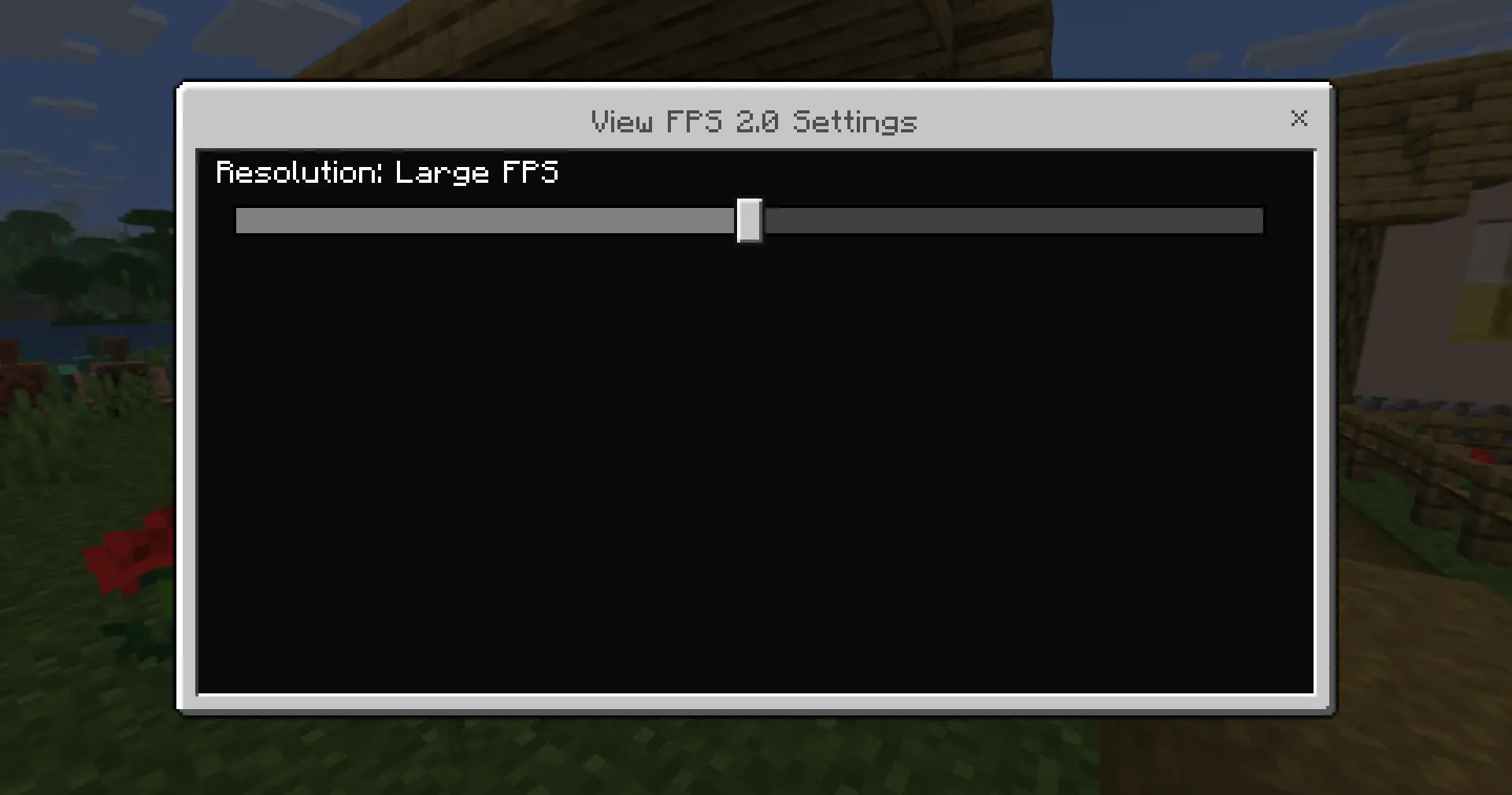
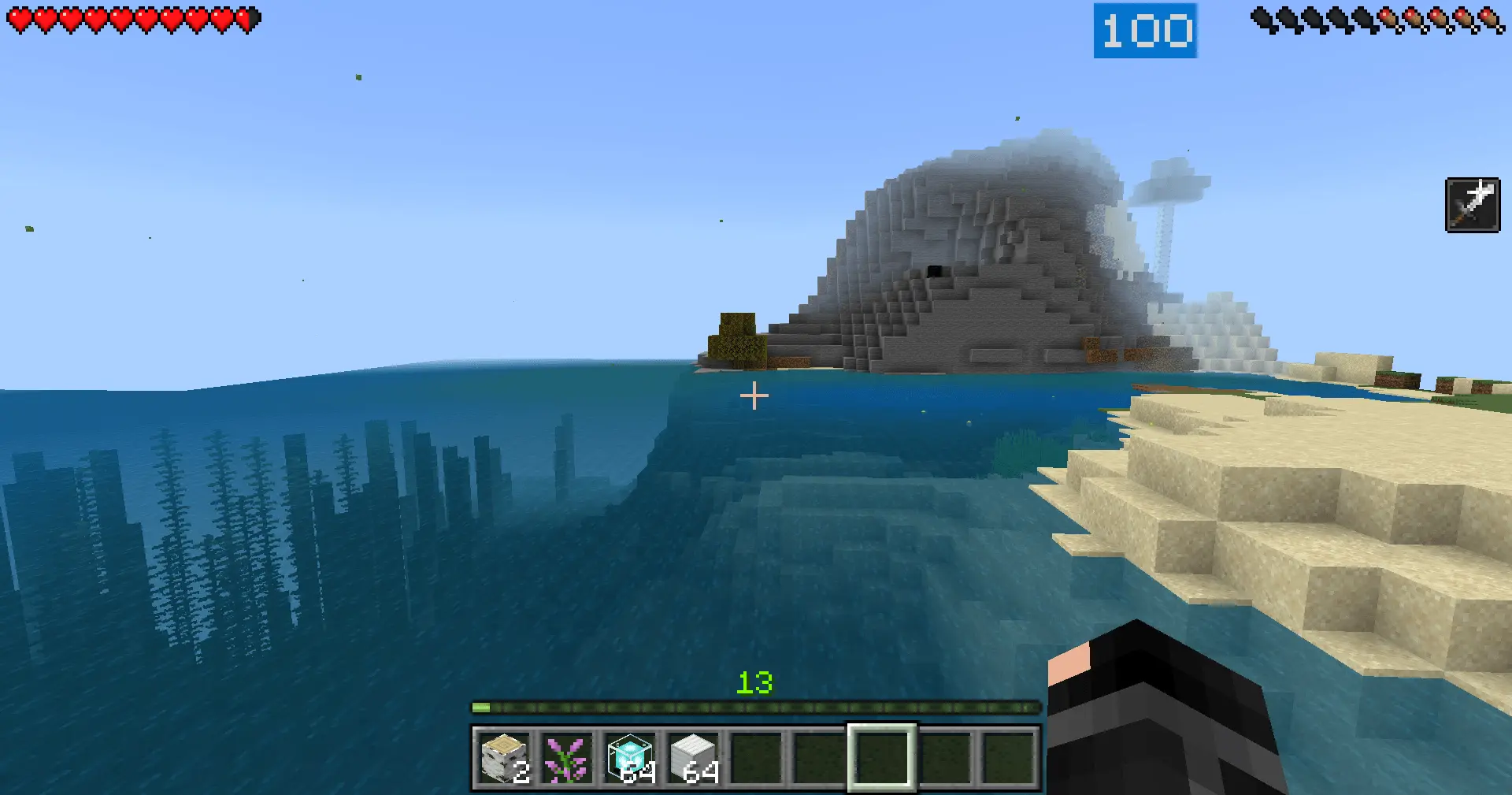
For Realm owners and server players, it’s also a good way to compare setups. You and your friends can all run the same FPS counter, see where frames drop, and decide which areas need cleanup or optimization. Simple idea, super practical: View FPS Mod just gives you clear numbers so you can stop guessing and actually tune your Bedrock experience.
Installation Mod:
- Download the .mcaddon / .mcpack;
- Open the file to import into the game;
- In World Settings → Resource Packs and Behavior Packs, enable it (turn on Experiments if needed);
- Have fun!
Comments (0)