Portable Beacon Mod / Addon
- 16-12-2025, 04:21
- 500
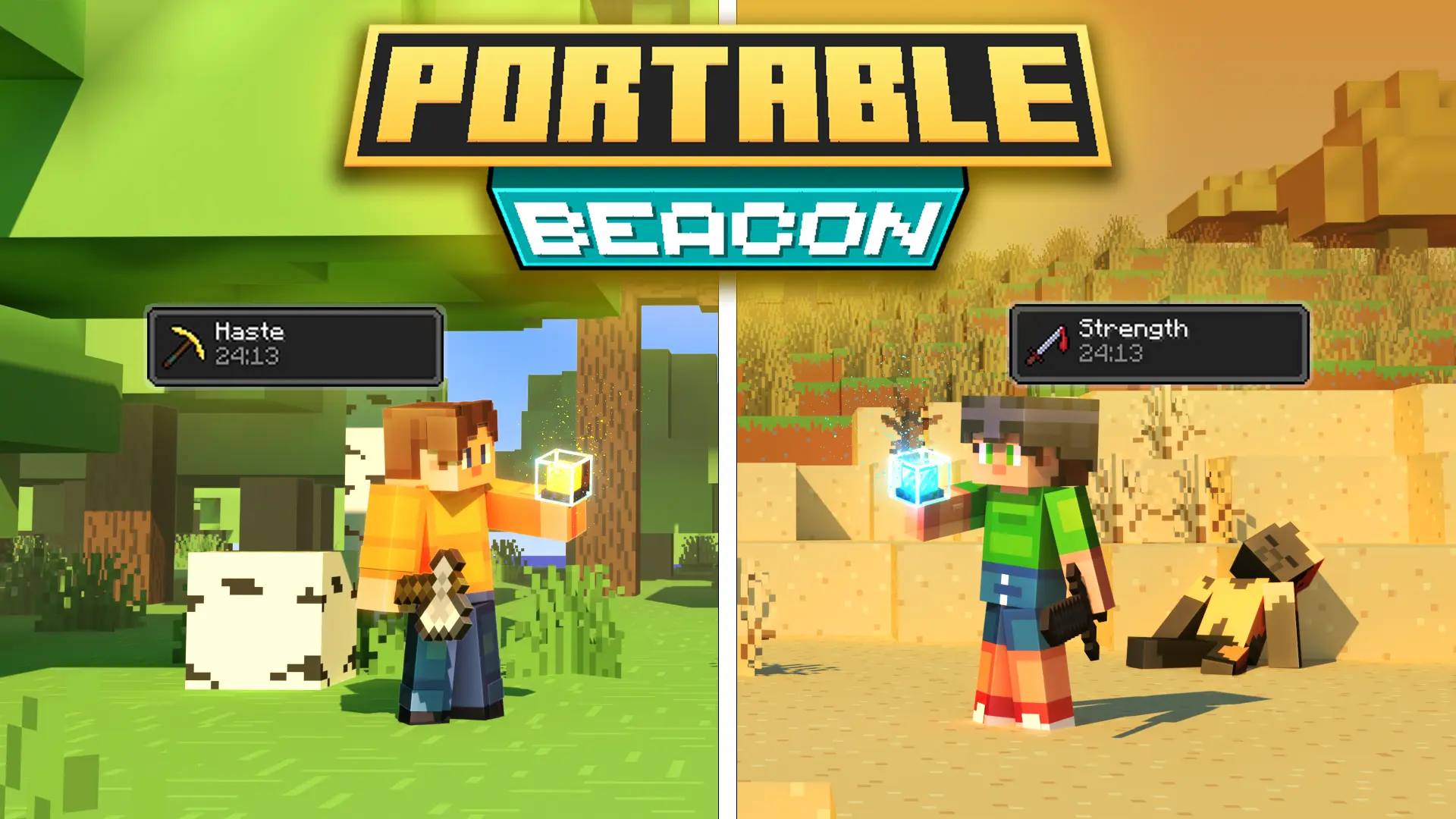
Portable Beacon Addon is basically for players who love beacon effects but hate turning every adventure into a “go back to base� chore. Instead of building a full beacon pyramid and staying near it, you get the effect while the Portable Beacon is in your hand or in your shield slot. That means your bonuses follow you, which feels insanely convenient the moment you leave your base and realize you’re still running around with that boosted, ready-for-anything energy.
In real gameplay, this hits hardest during long travel days and messy cave runs. You’re climbing, mining, dodging mobs, and moving fast instead of constantly stopping to reset your rhythm. It’s also super clutch for combat because you can keep the Portable Beacon equipped and stay focused on what you’re doing, rather than setting up a whole structure just to feel “fully geared.� If you’re the type who explores far from spawn or gets into fights on the move, this addon fits right into that playstyle.


You can swap and upgrade effects through a UI, which is nice because it keeps the whole thing simple and quick. Little tip: don’t treat it like a “set it once and forget it forever� thing—use that UI to match what you’re doing. Heading into caves or a nighttime run? Pick something that supports your survival flow. Going into combat? Swap to something that helps you stay consistent in a fight. Portable Beacon Addon is at its best when you’re actually switching effects to match the moment, not just leaving one effect on forever.
Portable Beacon Addon also feels like a clean quality-of-life upgrade for Minecraft Bedrock worlds where you want more action and less setup. Just remember: having a constant effect can make things feel stronger than vanilla, so if you’re trying to keep your world balanced, use it smart and don’t let it turn every encounter into easy mode.
Installation Mod:
- Download the .mcaddon / .mcpack;
- Open the file to import into the game;
- In World Settings → Resource Packs and Behavior Packs, enable it (turn on Experiments if needed);
- Have fun!
Comments (0)