INVISIBLE MODE Mod / Addon
- 19-12-2025, 07:10
- 852
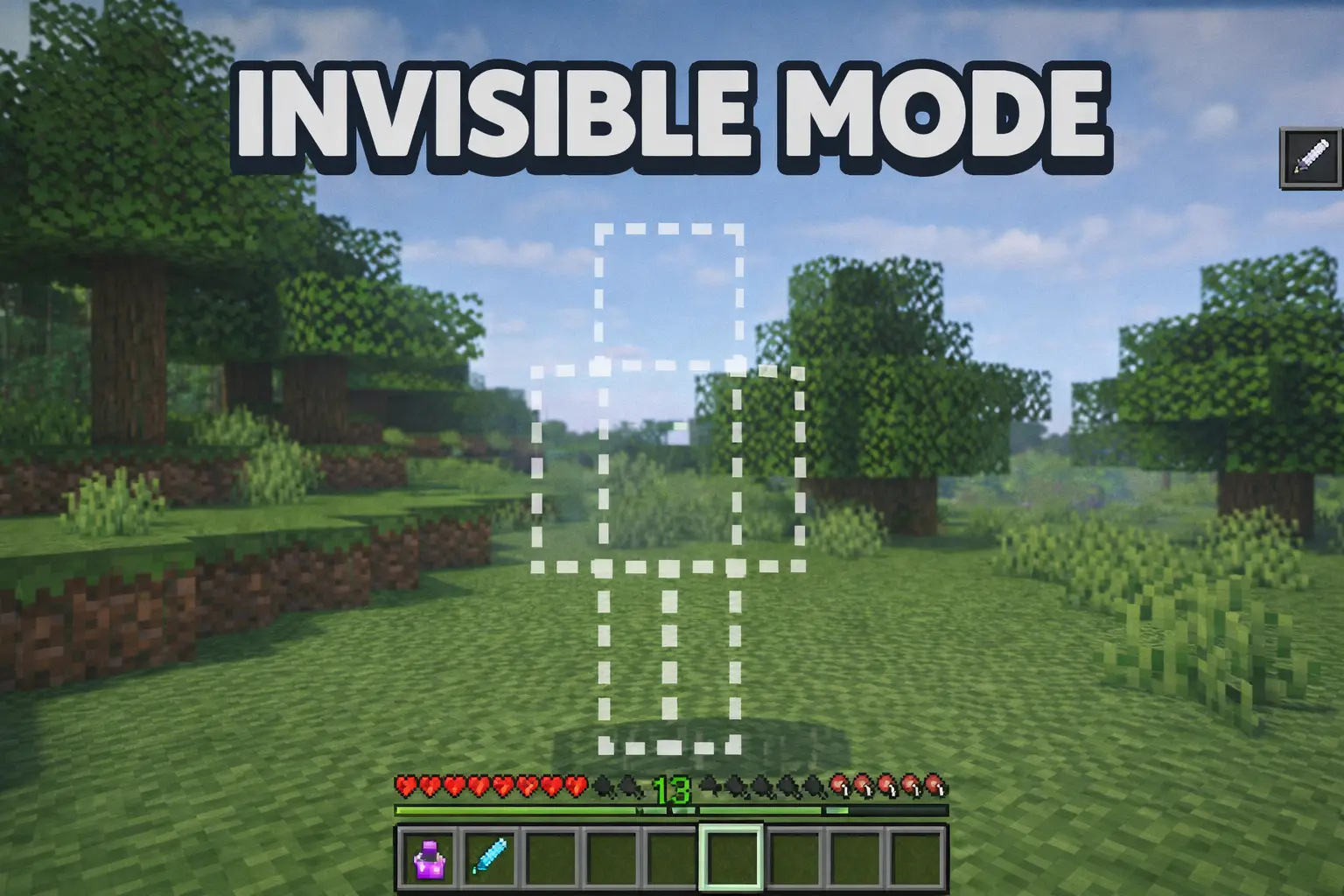
INVISIBLE MODE Mod is all about quick, clutch stealth without turning your world into a complicated system. You don’t need some long setup or a whole “magic progression” to use it. The mechanic is straight to the point: sneaking makes you invisible for 10 seconds. That’s it. And because it’s a short window, it feels more like a tactical move you pop at the right moment instead of a permanent cheat mode you leave on forever.
In real Minecraft Bedrock gameplay, 10 seconds is actually a lot when you use it smart. It’s enough time to break line of sight, reposition in a cave, or slide past something that would normally start a fight you don’t want. Think of those moments where you’re low on food, your armor is beat up, and you just need to get out without turning the whole area into a chase scene. Hit sneak, go invisible, and move with a plan—don’t panic-run in circles, because the timer is short and you want those seconds to count.
It’s also perfect for exploration and base life. If you’re scouting a new area, you can use the invis window to peek around safely, get through a tight spot, or cross a dangerous patch without committing to combat. In multiplayer, it’s obviously hilarious for surprise moments—pulling up unseen, hiding in plain sight, or setting up a harmless scare. The best part is it doesn’t require editing player.json, which usually means it’s meant to stay lightweight and not mess with your core player setup.
Small tip for keeping it fun: treat invisibility like a getaway button, not a “win every fight” button. Use it to avoid trouble, not to start it, because 10 seconds disappears fast when you’re distracted. Time your sneak right before you enter a risky area, and if you’re using it around friends, keep it playful so it stays fun instead of turning every session into paranoia. INVISIBLE MODE Mod is simple stealth power—quick invis, quick moves, back to survival.
Installation Mod:
- Download the .mcaddon / .mcpack;
- Open the file to import into the game;
- In World Settings → Resource Packs and Behavior Packs, enable it (turn on Experiments if needed);
- Have fun!
Comments (0)