Invisible Skin
- 20-11-2025, 11:06
- 1 899
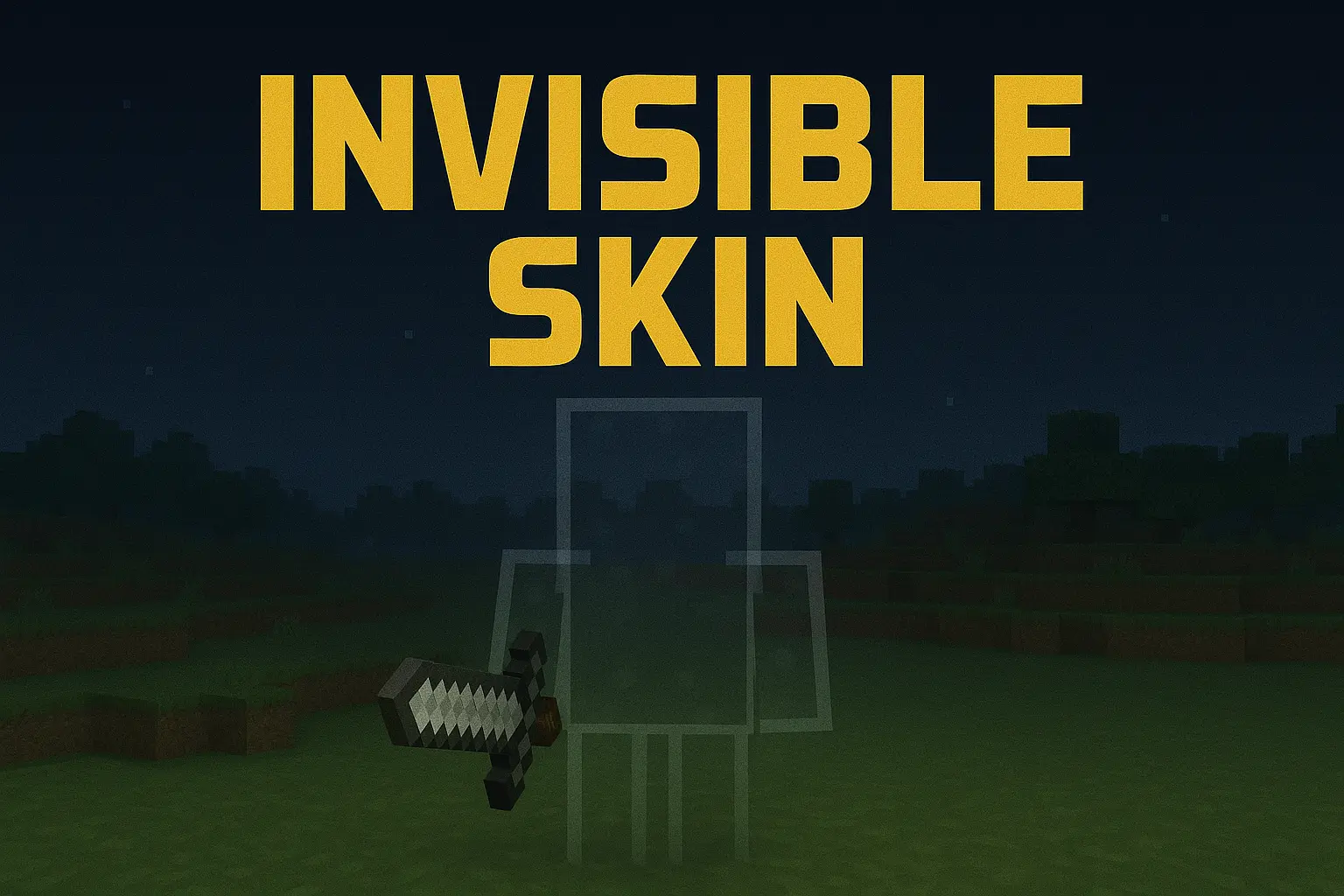
Invisible Skin is built for players who love sneaking around and messing with their friends’ heads. Instead of a bright, flashy outfit, this skin is designed to make your character practically disappear, so from a distance it looks like there’s no one standing there at all. It’s the kind of skin you throw on when you want to feel like a ghost wandering through bases, caves, or crowded server hubs.
With Invisible Skin, simple things like shifting in a corner, standing still in a dark hallway, or camping in leaves suddenly become way more effective. On survival servers and Realms, you can hide right next to someone’s chest room, watch them run past, and they might not notice you until you move. It’s great for pranks, light trolling with friends, or just playing that quiet “observer� role in your world.

This is still just a skin, so it doesn’t change your hitbox, reach, or any actual gameplay rules — players can hit you, you still take damage, and you’re not truly vanished from the game. But if you want your look to match a sneaky, low-profile playstyle, Invisible Skin is about as subtle as it gets.
How to Install Skins in Minecraft Bedrock
- Download a .png skin (64×64 or 128×128).
- Open Minecraft Bedrock.
- Go to Profile (hanger icon) → Edit Character.
- Tap Owned → Import → Choose New Skin.
- Select your .png file.
- Pick a model: Classic (Steve) or Slim (Alex).
- Confirm to equip and play.
Comments (0)