Dream Skin
- 20-11-2025, 05:49
- 950
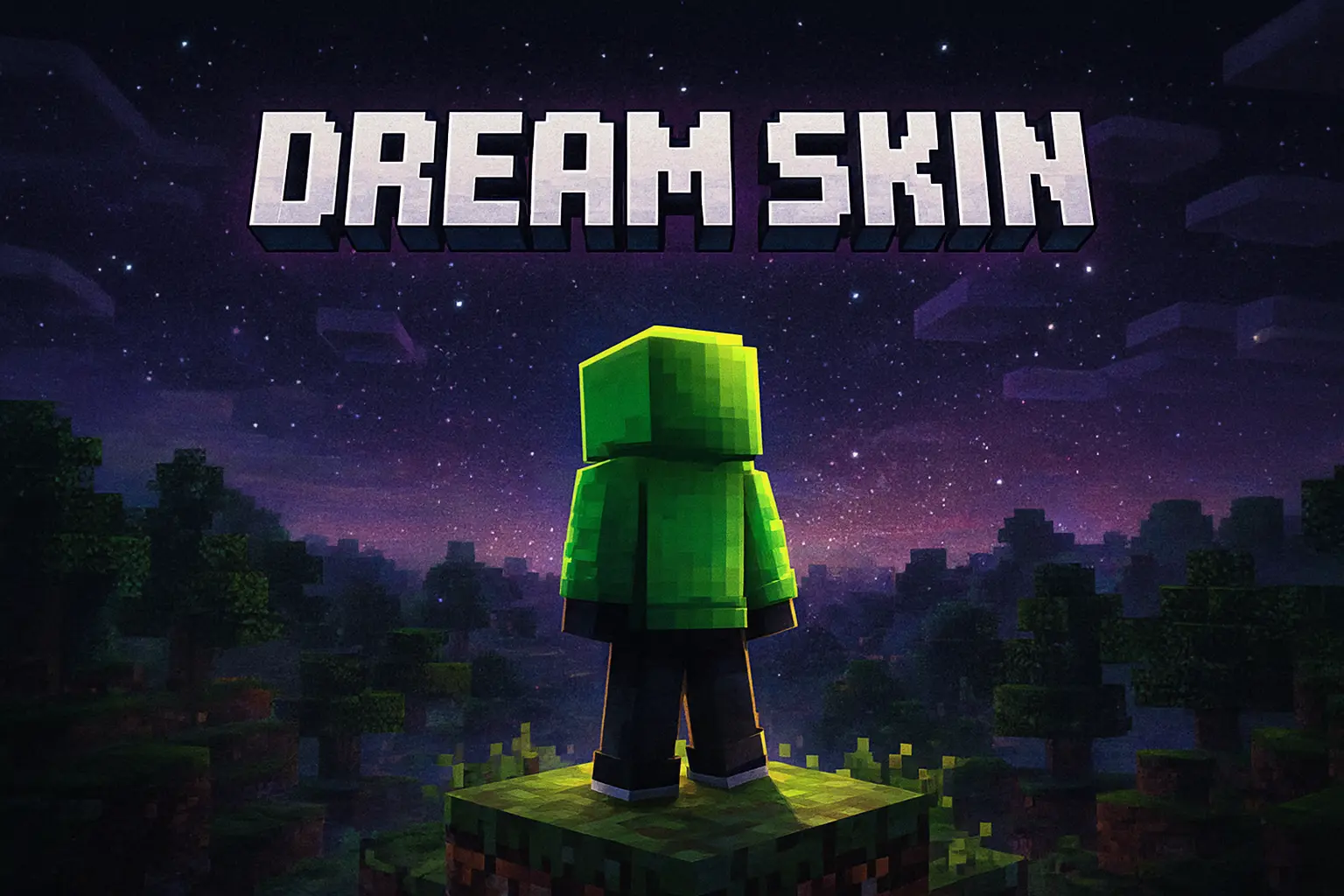
Dream Skin is your own spin on that instantly recognizable Dream-style character, made for players who want the same “sweaty speedrunner� energy without just copying the OG design. It keeps that simple, iconic vibe that works everywhere — from sweaty PvP duels and manhunts to chill SMP building sessions — but stays clearly your version, not a clone of the original.
With Dream Skin, you’re basically locking in a main character look that feels ready for challenge worlds, clutch moments, and highlight clips. It fits super well in survival servers where you’re always on the move: chasing eyes of ender, resetting bad seeds, or racing your friends to beat the dragon. The skin is clean and readable from a distance, so people on your server instantly know, “oh, that’s you,� even in crowded spawns and busy hubs.
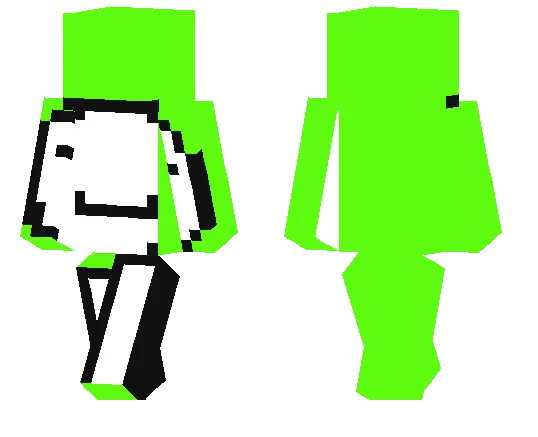
Since Dream Skin is purely cosmetic, nothing about your gameplay changes — your hitbox, movement, and combat all stay vanilla. You can queue into PvP, grind hardcore worlds, or just vibe on a Realm with friends without any balance issues. If you like the Dream-style persona but want it to feel more personal and unique to you, this skin is a solid identity to stick with across all your Minecraft worlds.
How to Install Skins in Minecraft Bedrock
- Download a .png skin (64×64 or 128×128).
- Open Minecraft Bedrock.
- Go to Profile (hanger icon) → Edit Character.
- Tap Owned → Import → Choose New Skin.
- Select your .png file.
- Pick a model: Classic (Steve) or Slim (Alex).
- Confirm to equip and play.
Comments (0)