Rayman Legends Skin Pack
- 3-10-2025, 14:22
- 1 348

Rayman Legends Skin Pack — three iconic looks tuned for Minecraft Bedrock play: Rayman himself, the limbless hero with that unmistakable floating-hand silhouette; Globox, the big-hearted goof who somehow survives the wildest scrapes; and Barbara, the axe-swinging warrior who always looks ready to charge first. The whole set reads fast in motion, which is exactly what you want when the village bell rings or a raid wave spills into your courtyard.
Drop these on for a fresh survival start and the vibe clicks instantly. I ran Rayman while laying out a spruce starter base and the outline stayed super readable under torchlight and rain, so teammates always knew who was sprinting back with logs. Swapping to Globox for Nether errands felt right for those chaotic bridge moments—big shape, easy callouts, no confusion in the glow. Barbara became my go-to for arena nights; on ladders, trapdoors, and stair stacks, her stance stays crisp, so clips and thumbnails look clean without the skin turning into noisy pixels.
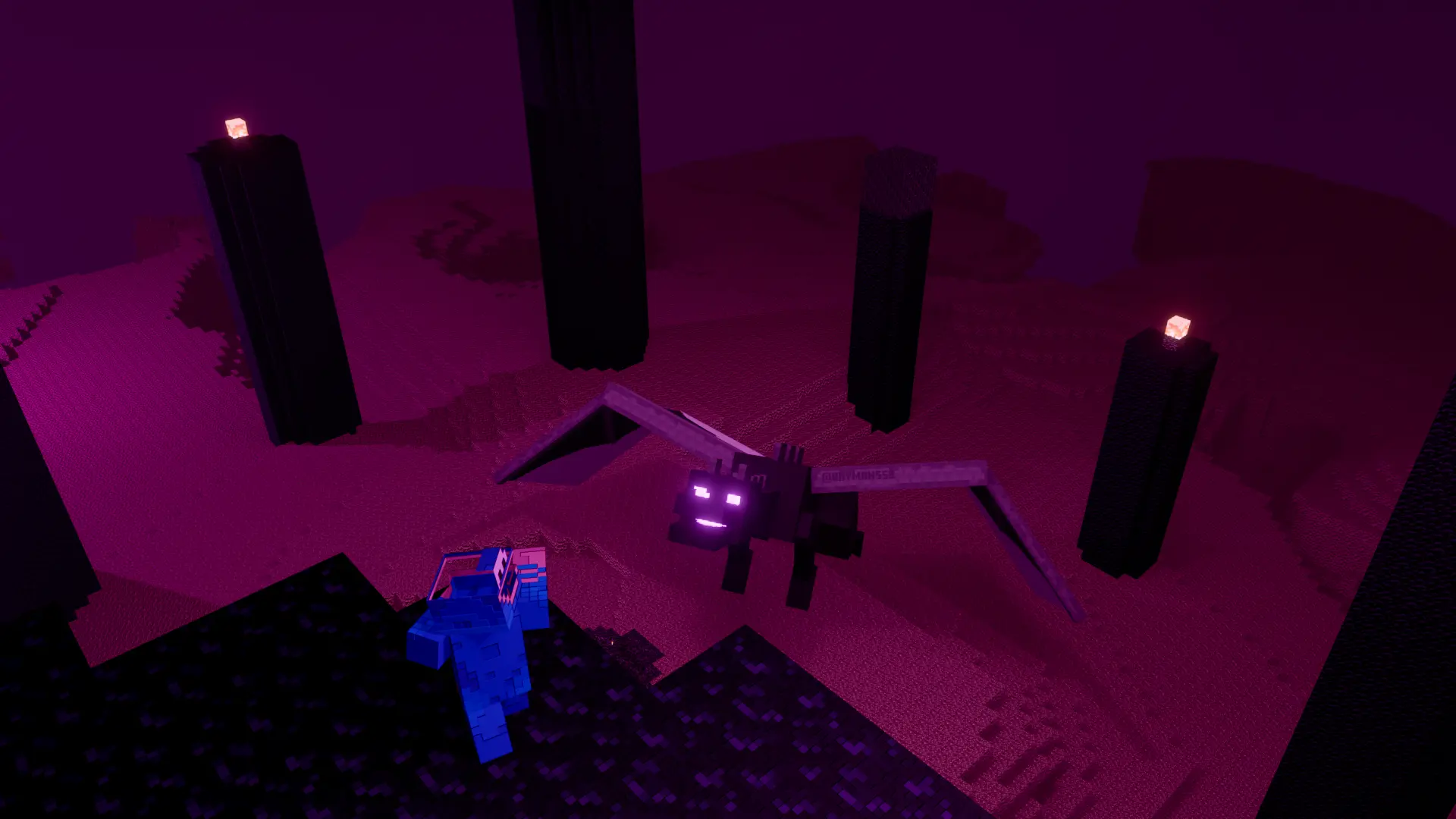

Rayman, Globox, and Barbara are ready for a new adventure, and this time the whole world is made of blocks. The Rayman Legends Skin Pack brings the trio to Minecraft Bedrock, so you can pick your favorite and head straight into your next survival run.
Rayman is an easy choice if you want the face of the series. His colorful look stands out whether you’re sprinting through a village, climbing a mountain, or lining up for a parkour challenge. There’s something especially fitting about taking a platforming hero onto a Minecraft obstacle course. You’ll still have to make every jump yourself, though, so don’t blame the skin when you miss the last block and land back at the start.
Globox brings a completely different kind of energy. He’s Rayman’s big-hearted buddy and a great pick for anyone who prefers the goofy side of the crew. Take him on a fishing trip, let him loose in a chaotic minigame, or make him the unofficial mascot of your survival base. If your group enjoys turning ordinary adventures into ridiculous stories, Globox fits right in. Even a routine trip to gather supplies feels like an opportunity for something to go wrong.
Then there’s Barbara, the warrior of the group. Her look is a solid match for players who are always first through the dungeon door or happiest carrying a weapon into a raid. Give her an axe, gather your team, and head toward the nearest adventure map. She can look just as good guarding a castle gate or exploring a snowy village, so you don’t need to spend every session fighting mobs to enjoy the skin.
The pack is especially fun with friends because the three characters make a recognizable team. One player can choose Rayman, another can go with Globox, and the third can pick Barbara before everyone heads off to build a base or tackle a custom map. Try a colorful parkour course, set up a friendly race, or make your own level-inspired town. The skins are cosmetic, so your gear and the way you play still depend on your Minecraft world. A Rayman skin won’t give you his platforming abilities, but it’ll make those jumps look the part.
The download comes as an .mcpack file. Open it with Minecraft Bedrock to import the skin pack, then visit the Dressing Room and choose the character you want to wear. This is a remake of the Rayman character skins from an older Minecraft console pack, making it a nice throwback if you remember playing with them years ago. Pick your hero, invite a couple of friends, and see where the next adventure takes your little crew.
For team play, the trio doubles as quick roles without typing: “Rayman on scout,” “Globox on supply,” “Barbara on front line.” It keeps comms short and keeps everyone locked on targets in mini-games. And because this is a skin pack, it’s purely cosmetic on Minecraft Bedrock—no hitbox changes and achievements stay on—so you can wear them on Realms, survival seeds, and creative showcases without messing with rules.
If you want a pack that’s bright, instantly recognizable, and easy to parse during real gameplay, Rayman Legends Skin Pack brings a fun, heroic feel to your world while staying fully vanilla-friendly in Minecraft Bedrock.
How to Install Skins in Minecraft Bedrock
- Download a .png skin (64×64 or 128×128).
- Open Minecraft Bedrock.
- Go to Profile (hanger icon) → Edit Character.
- Tap Owned → Import → Choose New Skin.
- Select your .png file.
- Pick a model: Classic (Steve) or Slim (Alex).
- Confirm to equip and play.
Comments (0)