Snow Weather Mod / Addon
- 19-12-2025, 10:02
- 1 024
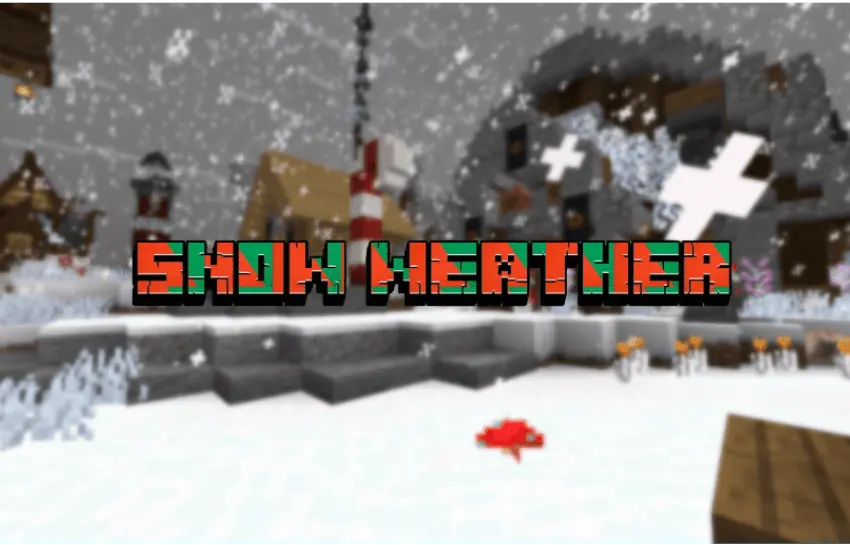
Snow Weather Mod is basically the “flip the world to winter� button. It lowers the temperature so snowfall happens across all biomes, not just the usual cold spots, which instantly changes the mood of survival and exploration. On top of that, it includes a bundle of New Year–related texture packs, so you can go full winter makeover or keep it lighter with just the visuals.
In day-to-day play, the biggest difference is how your routes and builds feel. When everything is getting snowed on, your base area looks like it’s in a holiday event, even if you didn’t build in a snowy biome. Long walks between biomes feel like a winter trek, and towns or villages you already know suddenly look “new� just because the atmosphere is different. If you’re into winter maps or cozy cabin builds, Snow Weather Mod makes it way easier to get that vibe without relocating your whole world.
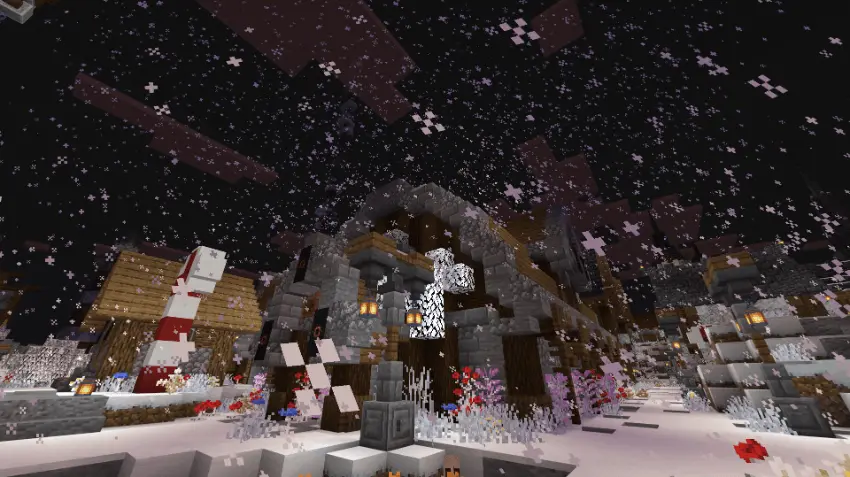
The texture pack side is a nice option if you don’t want to install the full mod because you’re worried about achievements resetting. The description says you can leave only the texture packs, and they handle the visual changes: grass colors and some other elements shift, and rain gets swapped to look like snow. That means you can still get the winter look while keeping things closer to a normal setup.
If you ever want to turn Snow Weather Mod off, it doesn’t leave your world permanently frozen. The snow and ice will melt over time after disabling, so you’re not stuck with a forever-winter save unless you want it. My only real tip is to decide what you care about more before you install: full snow-everywhere gameplay, or just the holiday visuals while staying cautious about achievements. Either way, Snow Weather Mod is a clean way to make Minecraft Bedrock feel like it’s New Year season without needing a brand-new world.
Installation Mod:
- Download the .mcaddon / .mcpack;
- Open the file to import into the game;
- In World Settings → Resource Packs and Behavior Packs, enable it (turn on Experiments if needed);
- Have fun!
Comments (0)