Ender Sans Mod / Addon
- 21-12-2025, 09:07
- 744
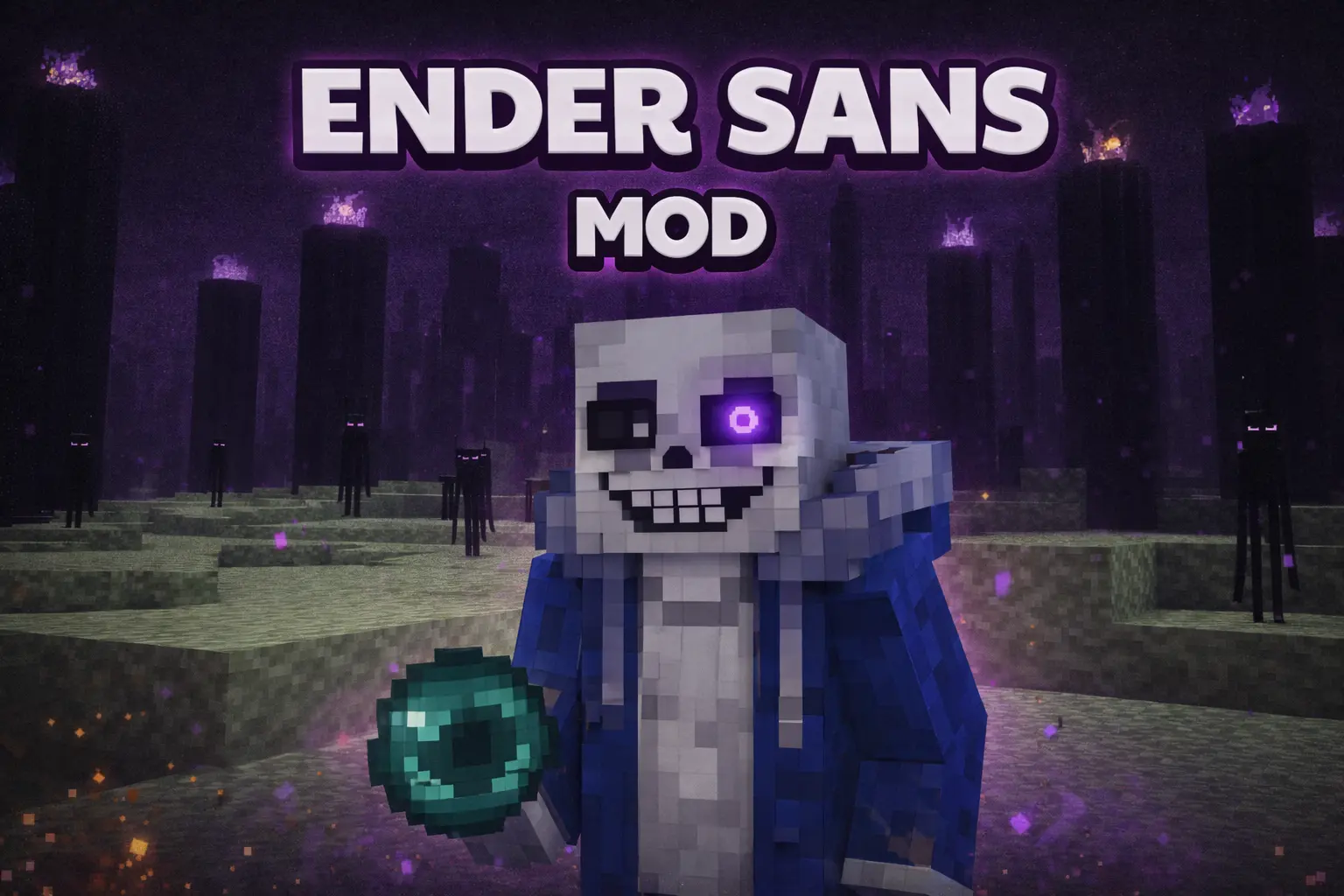
Ender Sans Mod is not a “cute new mob” addon. It’s a chaos button. The creator is super clear about it: /kill doesn’t work on him, he causes a lot of destruction, and he’ll kill mobs like it’s his full-time job. So if you’re thinking “I’ll test this in my main survival world,” don’t. Spawn him somewhere disposable, or in a dedicated arena world where you actually want the landscape to get trashed, because this thing is designed for spectacle and mob battles, not balanced survival progression.
What makes Ender Sans feel different is how he fights. He doesn’t move like a traditional mob, and instead relies on a bunch of attacks that basically turn the area into a hazard zone. His main attack is summoning bones that kill the target, which is already enough to make most fights feel unfair in the best “boss mod” way. Then he’s got lasers that severely damage mobs in a 10-block radius and also spawn TNT, which is where the destruction warning becomes real. If you want your arena to stay intact, you’re gonna learn fast that TNT plus lasers is a bad combo for anything built out of nice blocks.


He also summons ghosts around him that go after enemies, so fights don’t stay clean or predictable—there’s pressure coming from multiple directions. On top of that, he can summon red bones that levitate and kill mobs, and later you get into the truly wild stuff like the “little tornado guys” that send other mobs flying. The attacks stack into this nonstop “something is happening” vibe, which is exactly why the addon works so well for staged battles and content clips.
Best way to use Ender Sans Mod: build a throwaway flat arena, spawn waves of mobs, and treat it like a boss showcase. Keep your distance, expect collateral damage, and don’t bring anything you’re emotionally attached to into the fight. The mod literally says it’s meant for mob battles, and spawning him in survival is at your own risk—Ender Sans Mod is the kind of addon you use when you want your world to look like a disaster movie on purpose.
Installation Mod:
- Download the .mcaddon / .mcpack;
- Open the file to import into the game;
- In World Settings → Resource Packs and Behavior Packs, enable it (turn on Experiments if needed);
- Have fun!
Comments (0)