Pocket Smelter Mod / Addon
- 24-03-2026, 02:39
- 1 000
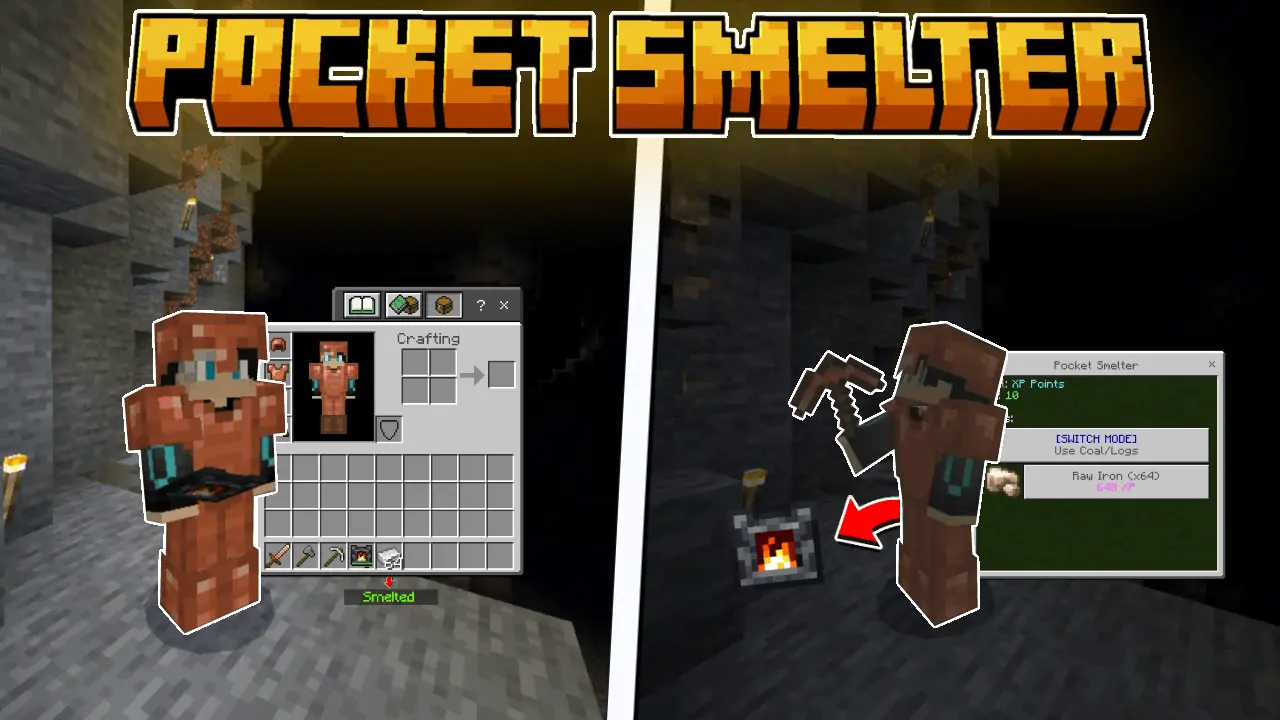
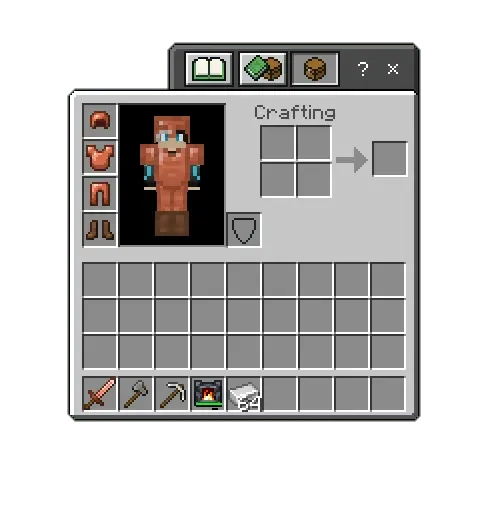
Pocket Smelter Mod is basically a “keep moving” smelting setup for Minecraft Bedrock. You craft a Pocket Smelter item, hold it, and open its main menu with a right click. From there, you can smelt items you’ve discovered or that you’ve added to your inventory, without needing to stop your whole session just to run back and babysit a furnace.
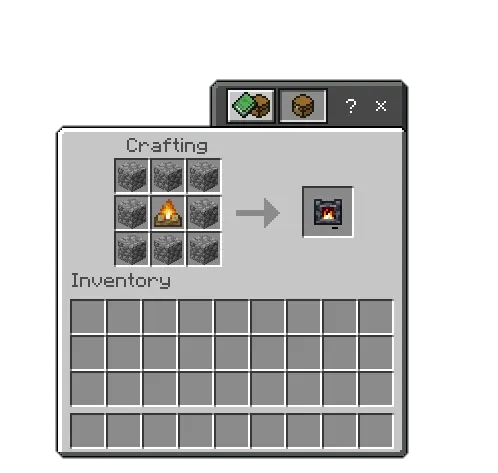
Crafting the Pocket Smelter item is straightforward: it uses 8 cobblestones and 1 campfire, so it feels like something you can build early once you’ve got the basics. In-game, it’s nice because the menu stays clean—smeltable items show up once you’ve discovered them or picked them up, so you’re not scrolling through a bunch of stuff you can’t even use yet. The actual processing is consistent too: it takes 3 seconds per stack, regardless of quantity, so you’re not punished for having a huge stack sitting there.
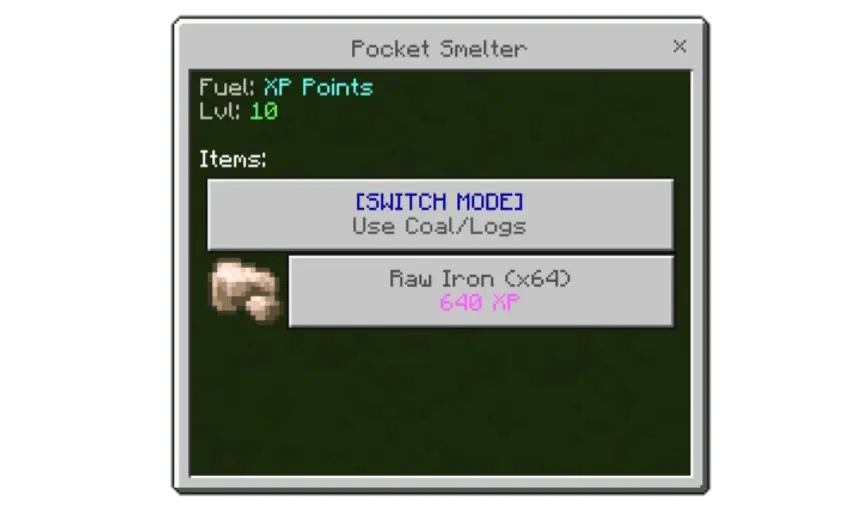
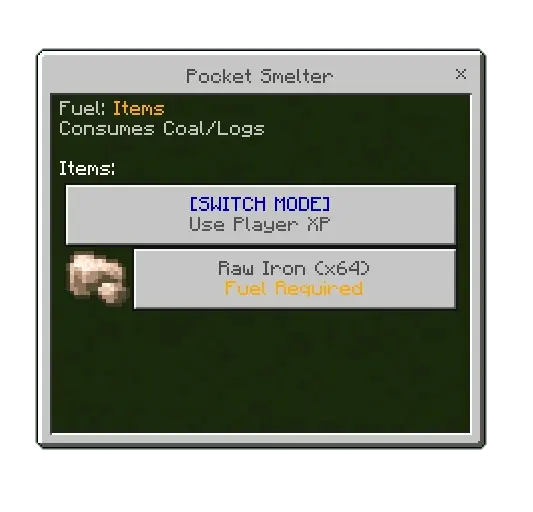
The default smelting option uses XP, which makes it feel like you’re turning your leveling progress into momentum. That’s perfect for long mining runs where you’re already collecting XP anyway, because you can keep your inventory lighter and your loop smoother. A practical way to play it is to be picky with what you smelt when you’re low on levels—save the XP-powered smelting for the things you care about most, and don’t waste it on stuff you don’t need processed right away.
If you’re low on XP, Pocket Smelter Mod also has modes that let you run it on regular coal or wood instead. The only trick is keeping coal or wood in your inventory, because Pocket Smelter will automatically consume those resources to stay powered. That makes it feel more flexible in survival-style gameplay: if you’re deep underground or far from home, you can swap modes and keep smelting without stressing about your XP total. Pocket Smelter Mod ends up being a solid “stay in the flow” tool in Minecraft Bedrock—quick menu access, predictable smelt time per stack, and a power choice that fits whatever your run looks like that day.
Installation Mod:
- Download the .mcaddon / .mcpack;
- Open the file to import into the game;
- In World Settings → Resource Packs and Behavior Packs, enable it (turn on Experiments if needed);
- Have fun!
Comments (0)