Bedrock Bridging Mod / Addon
- 15-01-2026, 06:24
- 1 457
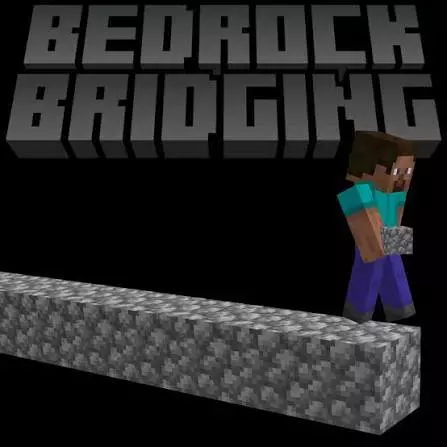
Bedrock Bridging Mod is made for one of the most annoying “small tasks” in Minecraft Bedrock: bridging. Whether you’re crossing gaps, building long paths, or just trying to get from point A to point B without falling into something stupid, bridging can turn into a slow, repetitive chore. This addon’s whole promise is Auto Bridging—so the boring part gets handled and you can stay focused on where you’re going.
The controls are simple and easy to remember. To start Auto Bridging, you jump twice and hold Shift. To stop it, you do the same thing again. That’s it. No menus, no command spam, no complicated setup. In real gameplay that matters a lot because bridging usually happens in the middle of something—moving resources, escaping danger, connecting builds—so you want the activation to feel fast and natural.
Where Bedrock Bridging Mod feels best is during long travel builds and repetitive projects. If you’re linking islands, building sky paths, or making a straight bridge across a huge gap, Auto Bridging keeps the flow smooth. It’s also nice for survival routines where you’re constantly building safe routes back to base, especially when you’re crossing areas that are annoying to traverse. Instead of placing every block manually and breaking your rhythm, you can keep moving and stay locked in.
Practical tip: even with Auto Bridging, don’t treat it like a brain-off button. Keep your camera steady and your movement controlled, because bridging is still a “one mistake and you’re done” situation in a lot of worlds. If you’re playing with friends, agree on when you’re using it around shared builds so nobody accidentally changes a path someone else was trying to shape. Bedrock Bridging Mod is basically a quality-of-life upgrade: jump twice and hold Shift to start, jump twice and hold Shift again to stop, and bridging stops being the thing that drains your patience.
Installation Mod:
- Download the .mcaddon / .mcpack;
- Open the file to import into the game;
- In World Settings → Resource Packs and Behavior Packs, enable it (turn on Experiments if needed);
- Have fun!
Comments (0)