CubeCraft Chaos Pack
- 18-01-2026, 08:27
- 653
Mods 1.21 / Mods 1.20 / Textures
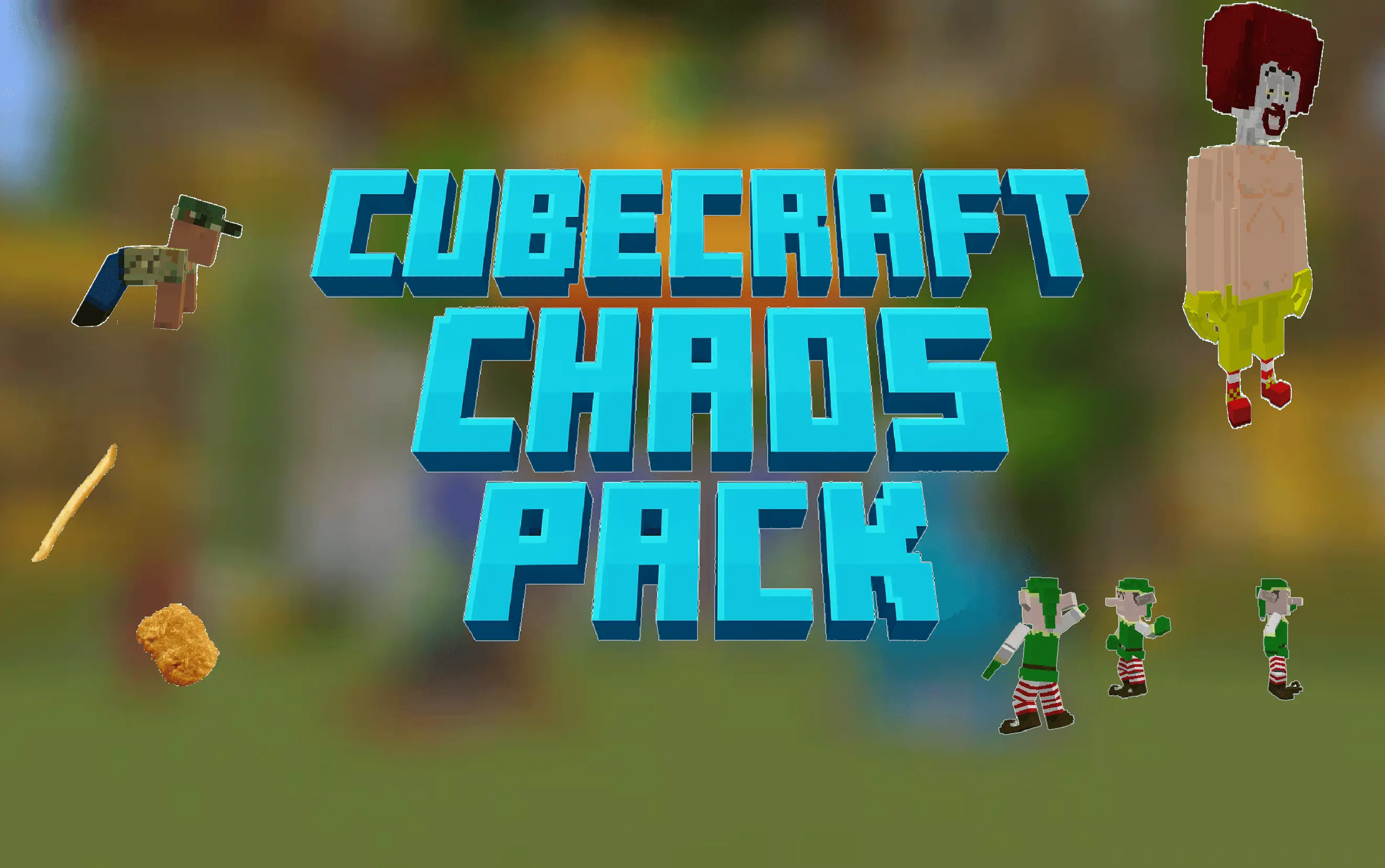
CubeCraft Chaos Pack (THE ONE AND ONLY) is basically what happens when you take already-chaotic minigames and remove the last bit of normalcy. It’s designed around the energy of Pillars of Fortune, Disasters, and Lucky Blocks, then pushes everything into “what did I just hear?� territory with random meme sounds and visual gags that can jump out at you mid-round. The big promise is simple: no more boring mobs and no more predictable moments—just constant surprises that make every run feel different.
The funniest part is how it messes with what you expect to see. Ravagers getting replaced by Ronald McDonald is the kind of swap that makes you hesitate for half a second because your brain is trying to process it, which is exactly when chaos wins. On top of that, you’ve got Shrek showing up, plus Ivan the Incredible and a dancing elf, so even when you think you’ve “seen it all,� the pack still has another dumb moment ready to pop off. It’s not trying to be clean or subtle—CubeCraft Chaos Pack (THE ONE AND ONLY) wants you laughing while you’re also trying not to get deleted.


In real gameplay, this pack is best when you’re playing with friends or recording, because the randomness turns normal rounds into highlight reels. A smart move is to keep your audio at a comfortable level before you jump in, since the pack leans hard on random sounds, and you don’t want a surprise noise to be the reason you whiff an easy play. If you’re doing serious practice or clean competitive matches, save it for your “mess around� sessions instead, because the whole point is unpredictable energy, not calm focus. Minecraft Bedrock players don't all experience the game the same way, especially when you're switching between a phone, console, and PC. I've had evenings where everything felt great at my desk, then tried playing on a smaller screen and realized I needed to approach things differently. That's why it's worth thinking about your usual device when exploring new content. I like checking how comfortable everything feels while moving around, looking at details, and interacting with the world normally. Sometimes I adjust a few settings before I start experimenting properly. It's also worth paying attention to the instructions that come with a download, since different types of content can have different requirements. Nobody wants to spend half an evening troubleshooting when they could be playing. Once everything is set up the way I like it, I can focus on the actual experience instead of wondering whether I've missed something important.
To use CubeCraft Chaos Pack (THE ONE AND ONLY) after uploading it to Minecraft Bedrock, start from the menu, go to Settings, then Global Resources, then My Packs, and select the pack to activate it. Once it’s on, expect the same minigames you know, just turned into loud, weird, laugh-first madness.
Installation:
- Download Texture;
- Open the downloaded .mcpack to install;
- Select texture in settings;
- Done.
Comments (0)