Gooblideco 2.0 Mod / Addon
- 21-01-2026, 04:15
- 578
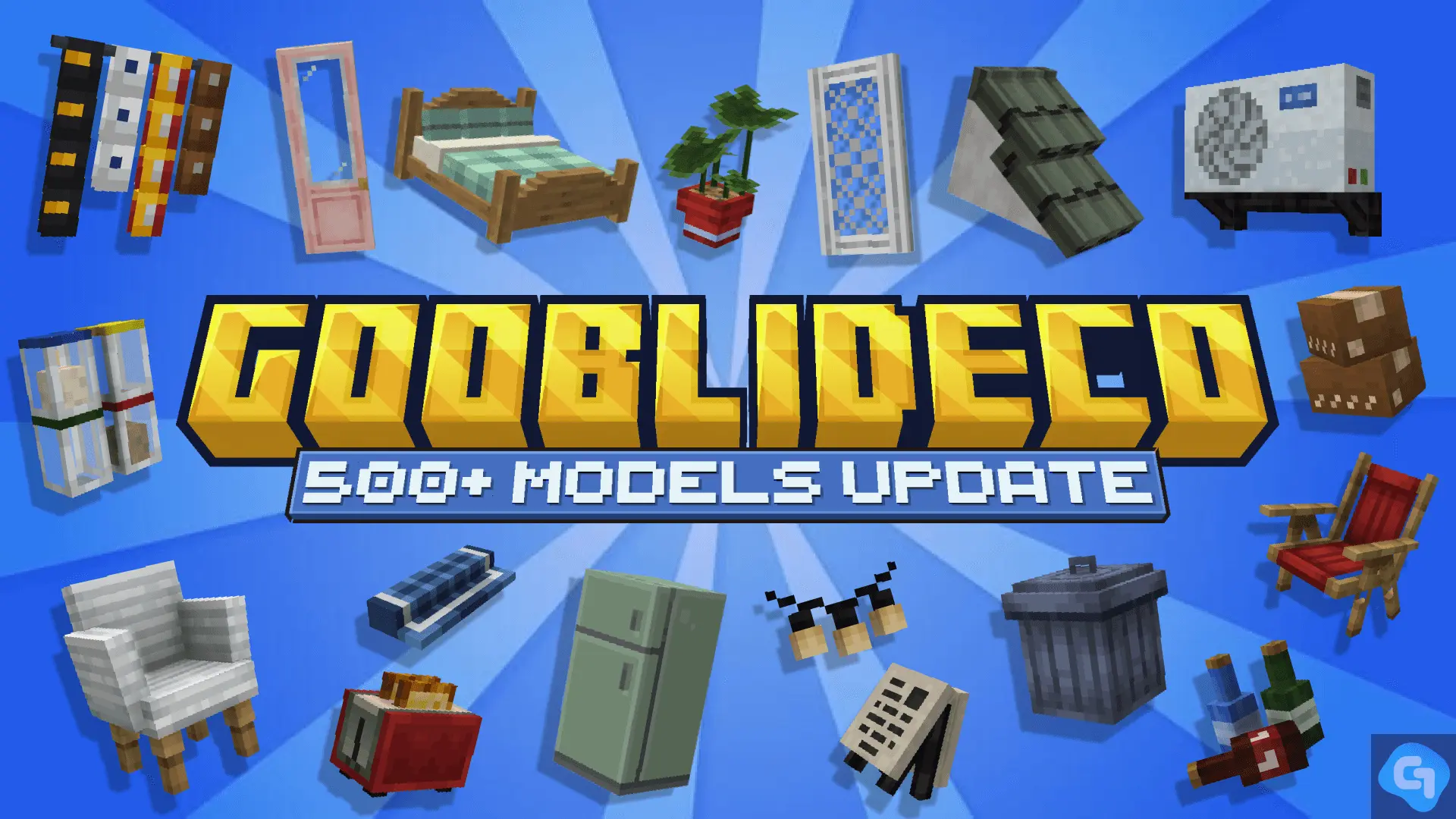
Gooblideco 2.0 mod is a personal project that’s been running since 2025, and it’s clearly aimed at builders who care about the little details that make a world feel real. The pack leans into decorative blocks that are meant to look clean when you place a lot of them together, like connected walls, connected roofs, and connected glass. That “connected� vibe matters because it’s what stops builds from looking like random chunks of blocks and starts making them look like actual architecture.
The update for 2026 is framed around supporting the latest Minecraft Bedrock updates, plus a huge expansion in content. The description says the add-on now reaches 500 blocks, which basically means you can build the same town in ten different styles without repeating the same few shapes. One of the coolest callouts is the Filipino-style store build pieces, including a “Tindahan� or “Sari-Sari Store,� which is perfect for making streets feel lived-in instead of just being rows of empty shells.
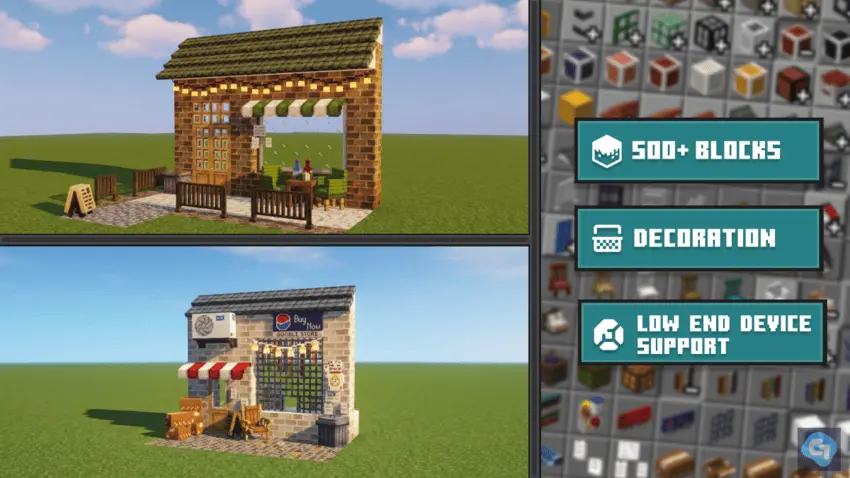
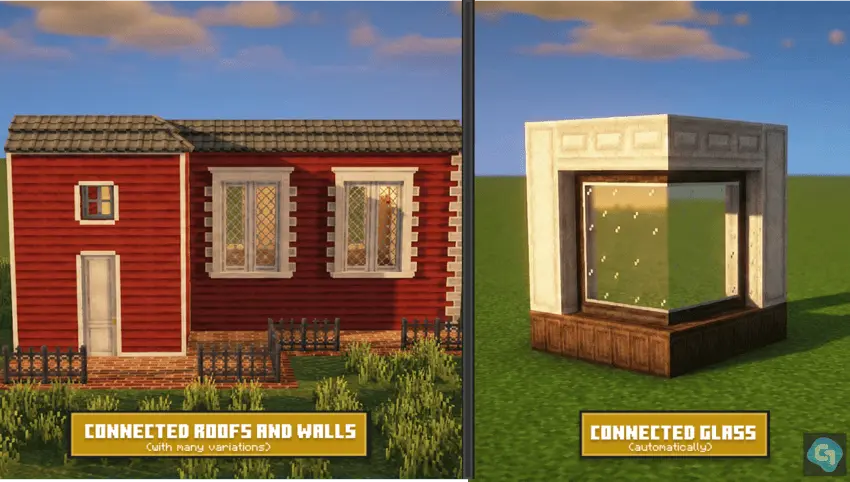
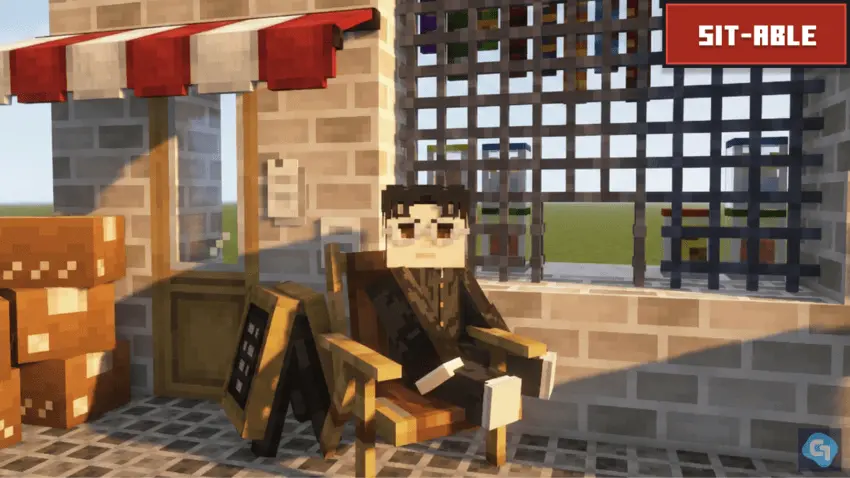
In-game, Gooblideco 2.0 mod fits best when you build in layers. Use the connected roofs and walls to get your structure looking smooth first, then swap in connected glass where you want that clean window look instead of the usual chunky vibe. After that, sprinkle in the decorative items to give the place personality—like you’re not just building a house, you’re building a spot somebody would actually hang out in. This is especially fun for survival bases where you want your “main area� to feel like home instead of a storage bunker.
It also calls out support for low-end devices, which is huge if you’re playing on a weaker phone or you’re building a big world and don’t want decoration to turn into lag. Practical tip: if you’re making a neighborhood or a city block, stick to a consistent wall/roof set per area, then change it up in the next district so your builds look planned, not chaotic. And since the project is still ongoing, Gooblideco 2.0 mod is the kind of pack you can keep using long-term as you expand your world’s style over time.
Installation Mod:
- Download the .mcaddon / .mcpack;
- Open the file to import into the game;
- In World Settings → Resource Packs and Behavior Packs, enable it (turn on Experiments if needed);
- Have fun!
Comments (0)