Connected Blocks Mod / Addon
- 23-04-2026, 13:37
- 2 408
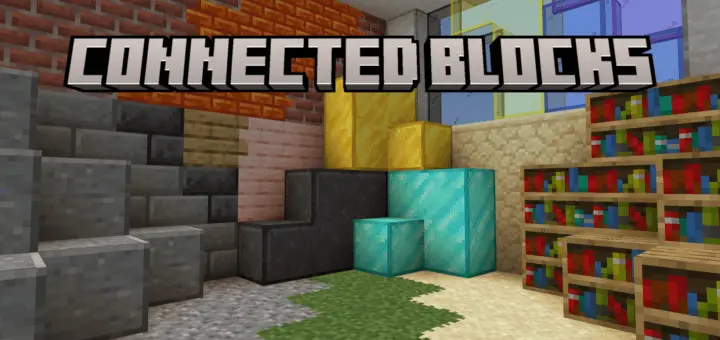
Connected Blocks – Smooth Builds, No Gaps
This add-on brings connected textures to Bedrock — finally. Inspired by Optifine’s CTM, Connected Blocks makes block borders line up cleanly, giving your builds a smooth, seamless look.
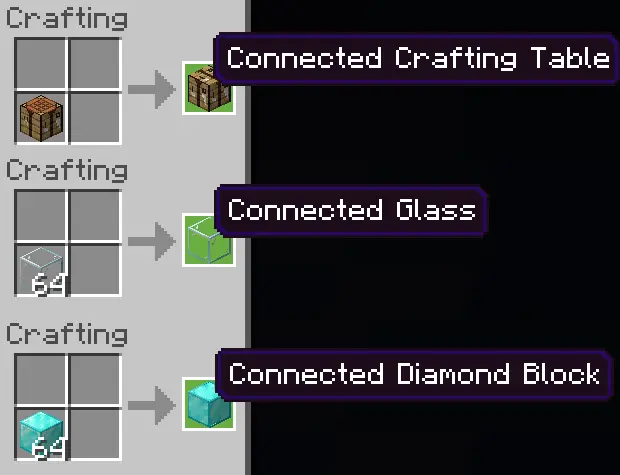
No extra tools, no commands. Just toss the regular block into a crafting table, and you get the connected version. Simple as that.
Great for modern builds, clean walls, polished floors, and anything where sharp edges just don’t cut it. If you’re tired of grid lines ruining your builds, this fixes that — fast.
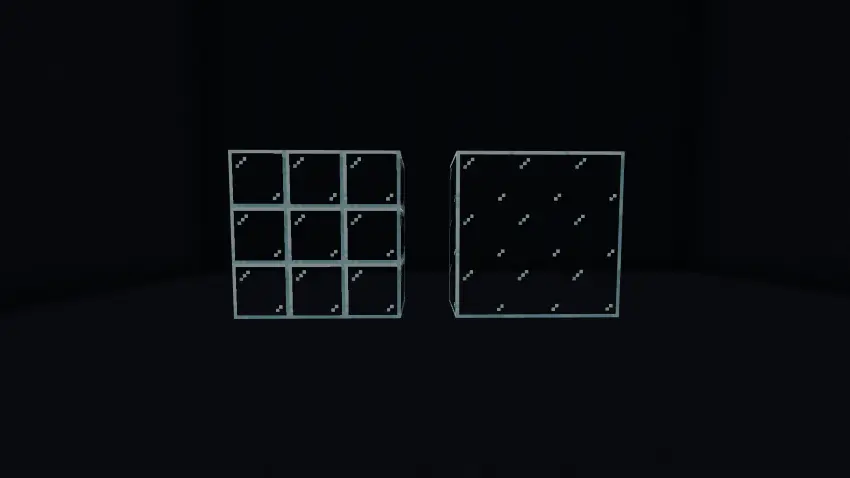
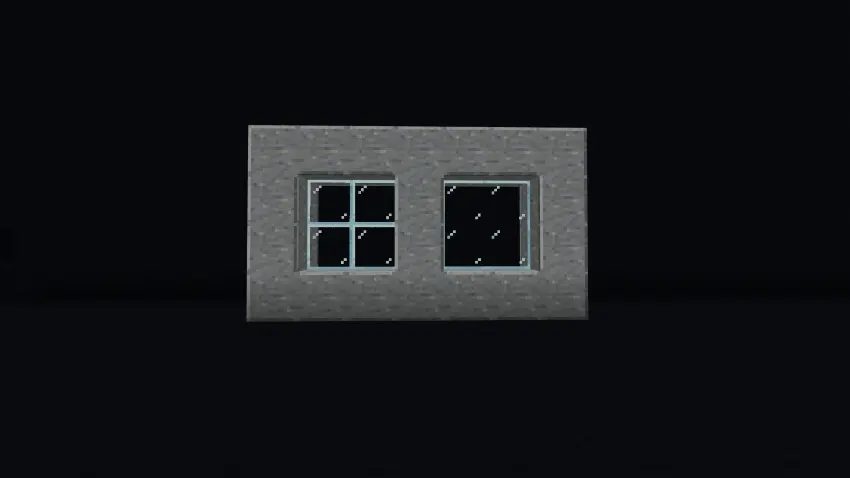
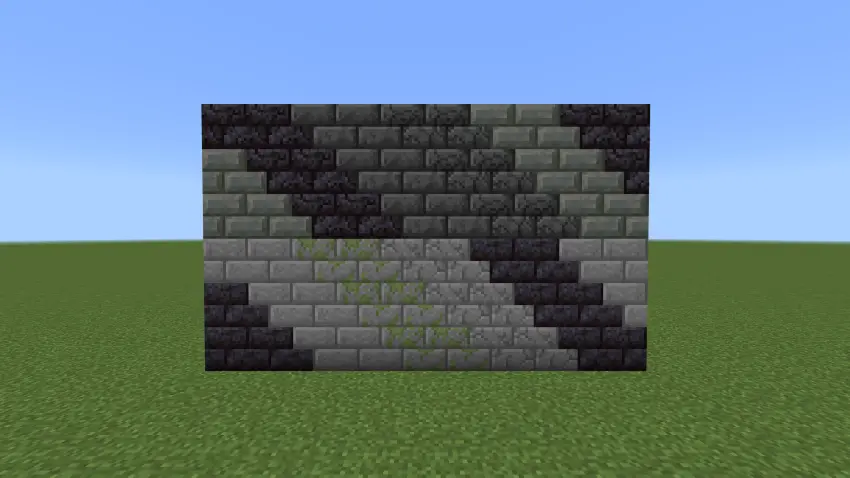
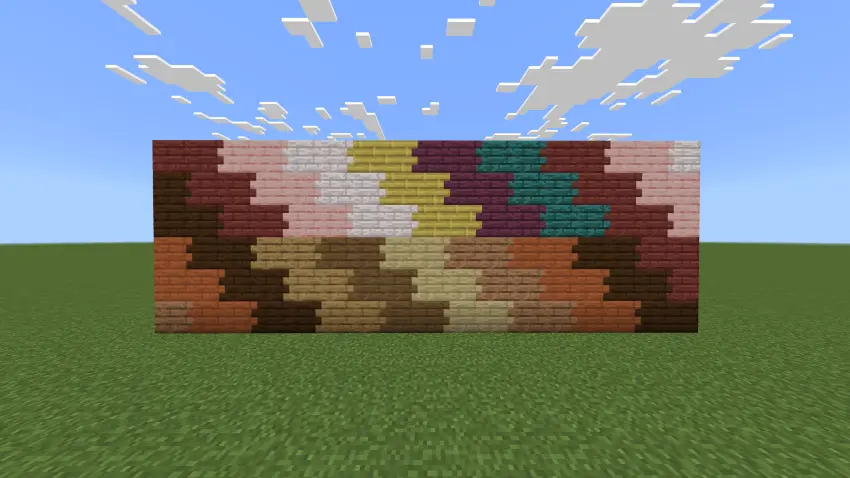
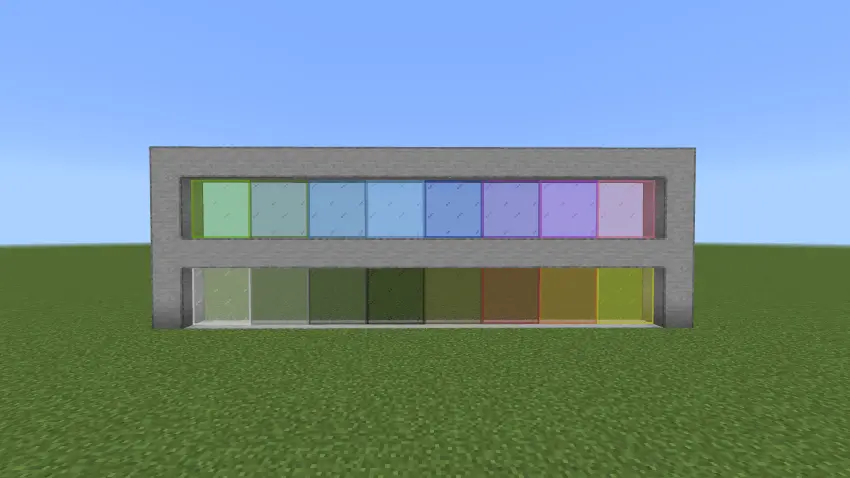
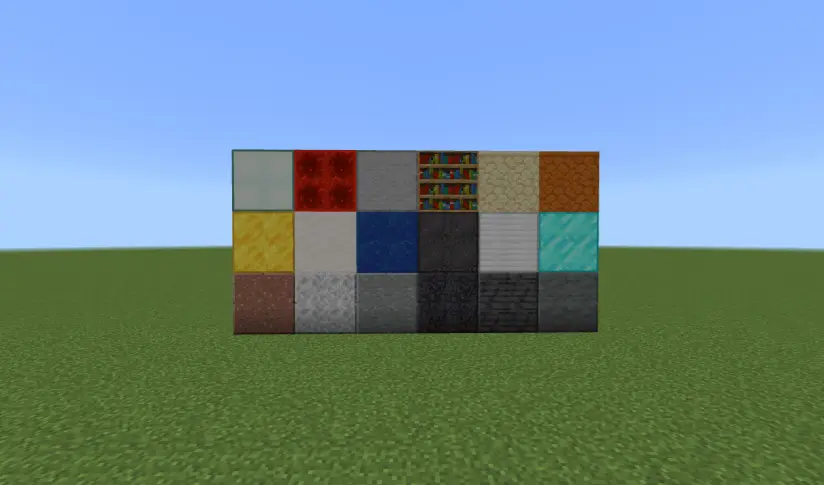
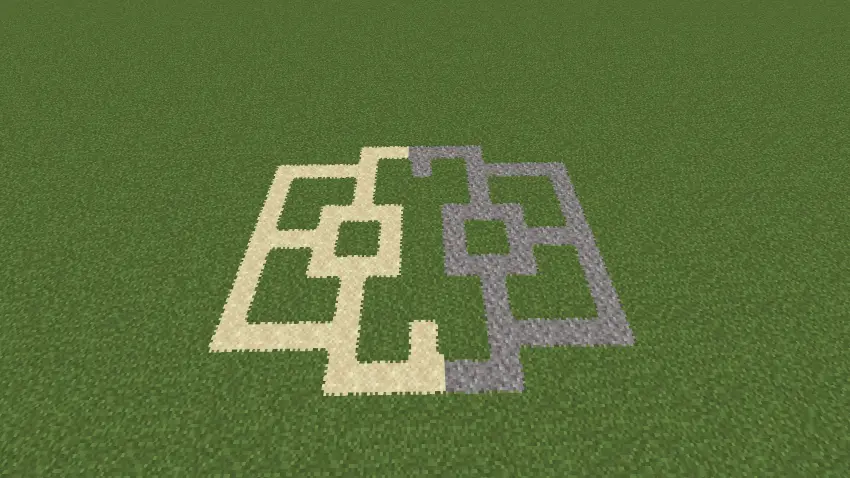
You’ve finally finished building a house with a huge glass wall overlooking the mountains. The view is great, but those lines around every glass block keep cutting it into little squares. Connected Blocks gives you another option: blocks with textures that join together when you place them side by side. The result is a smoother surface that can make a window, floor, or wall look like one continuous part of the build. It’s a small visual change, but once you see it on a large structure, it’s easy to understand why builders like it.
Getting the connected blocks is straightforward. Put a supported regular block into a crafting table, and you can make its connected counterpart. Then place the new blocks next to each other where you want the smoother appearance. You don’t need to learn commands or search for a special crafting station. Keep in mind that the addon gives you separate connected blocks, so a wall you built earlier won’t simply change on its own. If you want that wall to have the new look, you’ll need to craft the connected blocks and replace the old ones.
Glass is an obvious place to start. A wide window in a modern house can give you an uninterrupted view of the landscape, while a glass roof lets you look up at the sky without quite as many lines in the way. You could try it on an underwater base too: build a viewing room and watch the ocean from behind a broad glass wall. Colored glass offers more room to experiment, whether you’re making a bright greenhouse, a decorative entrance, or a room with a particular color scheme. You can still use regular glass wherever you prefer the framed look.
The effect isn’t limited to windows. The addon also includes connected planks, decorative stone, and bricks, giving you more choices when working on walls and floors. A wooden floor can look less divided, while a large stone surface can feel cleaner and more consistent. Try using connected blocks for the main part of a room and ordinary blocks around the edges. That way, you can keep some texture and detail without having the same pattern repeated across the entire surface. It’s worth making a small test section first, especially if you’re working on a house you’ve already spent a long time decorating.
Connected Blocks is useful for more than modern mansions, too. A castle might benefit from a smoother interior wall, a shop could use a cleaner display window, and a survival base can feel a little more finished with a new floor. You don’t have to rebuild everything to see the difference. Start with one window or a corner of a room, step back, and compare it with the regular blocks nearby. Sometimes the original grid fits a build perfectly; other times, removing those borders makes the whole space feel more open.
The addon is easy to appreciate if building is the part of Minecraft you keep coming back to. It doesn’t ask you to change the way you gather materials or plan an entire project around a new mechanic. You can collect the blocks you already want to use, craft their connected counterparts, and decide where they fit. Whether you’re putting the finishing touches on a small survival house or working on a much larger city, having another way to shape those surfaces gives you more freedom to make the build look the way you imagined it.
Installation:
- Download Mod;
- Open the downloaded file to install;
- Select it in the settings;
- Have fun!
Comments (1)