Spawner Pickup Mod / Addon
- 3-02-2026, 08:57
- 617
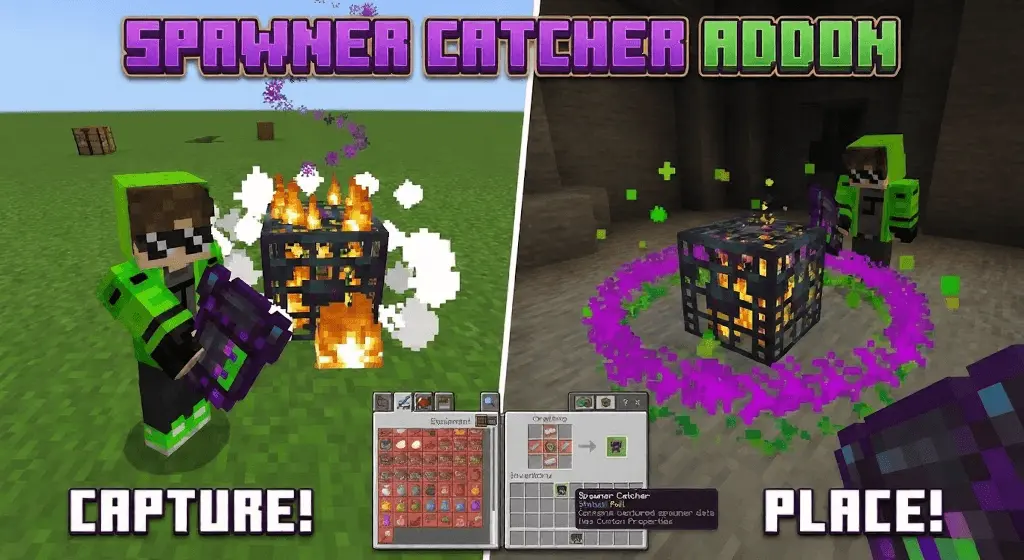
Spawner Pickup Mod "Capture and Relocate Spawners easly" is basically a quality-of-life tool for players who build grinders, farms, and clean bases and hate the idea that a spawner is “stuck� forever where it generated. The addon adds a dedicated Spawner Catcher item that can safely capture a mob spawner and store the spawner’s data inside the item itself, so you’re not just breaking it and losing what it was. Once it’s captured, you can relocate that spawner and place it wherever you want, which opens up way more freedom for base planning and survival progression.
In-game, this changes how you approach exploration and base layout. Normally, you find a good spawner and then you’re forced to build your whole grind room around whatever random cave or dungeon it spawned in. With Spawner Pickup Mod "Capture and Relocate Spawners easly", the spawner becomes something you can bring home and integrate into a real setup. That’s huge if you like keeping everything organized—storage nearby, safe lighting, proper entrances, and a farm that doesn’t feel like it’s taped onto a messy cave wall.
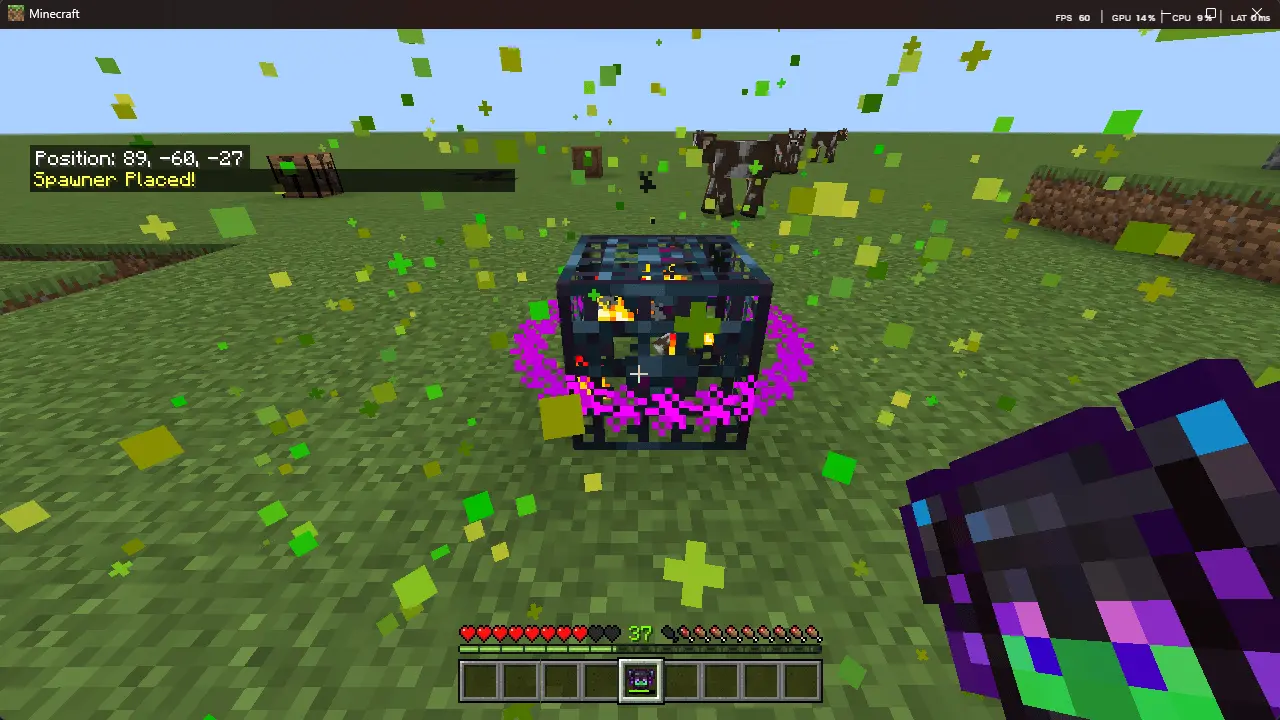
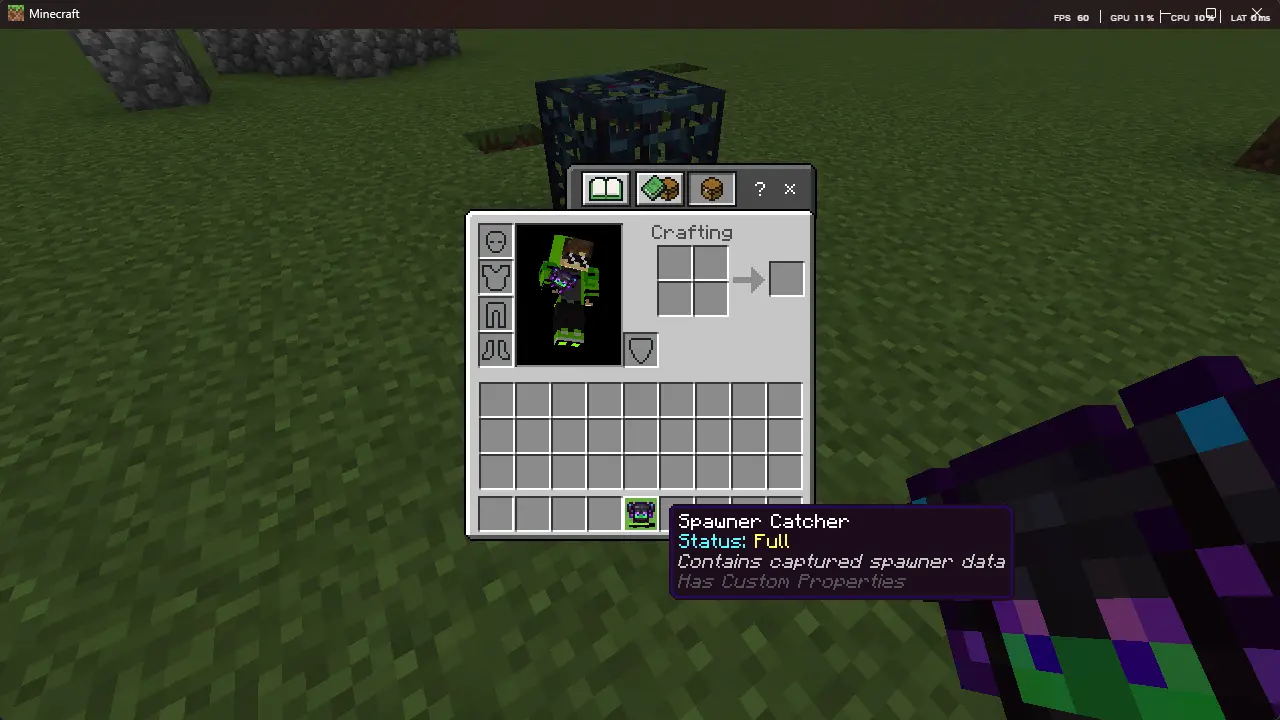
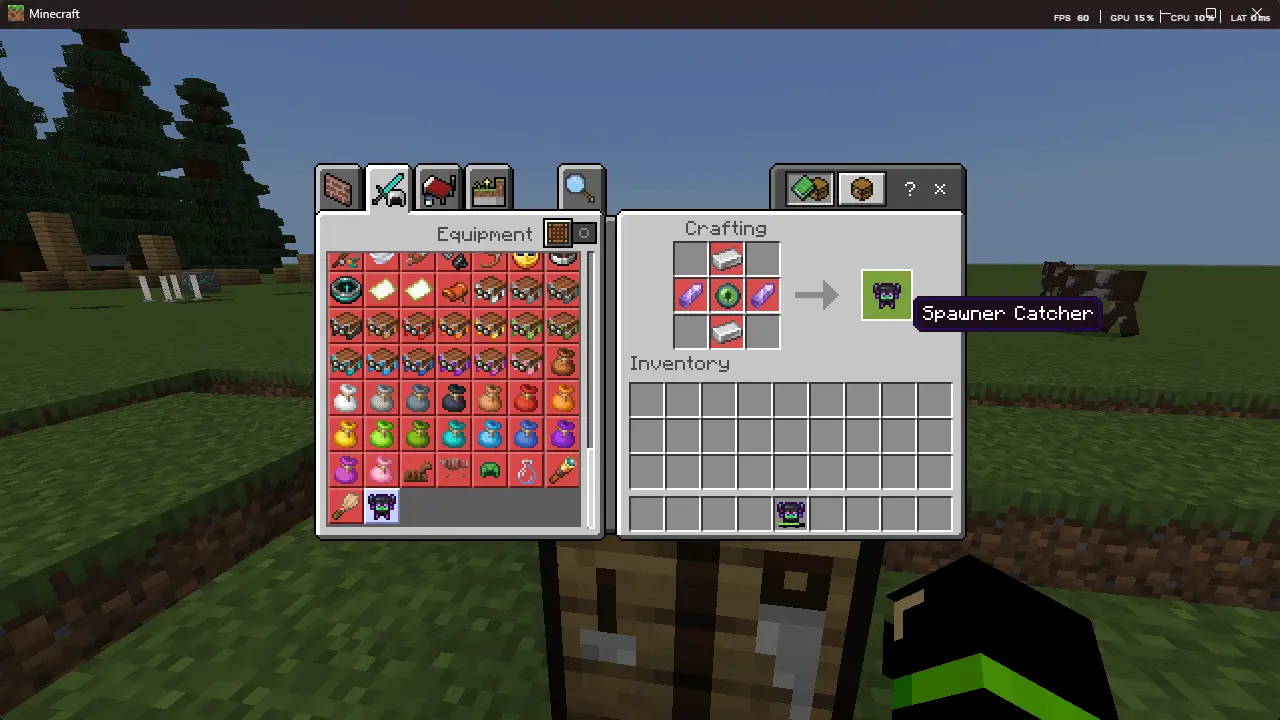
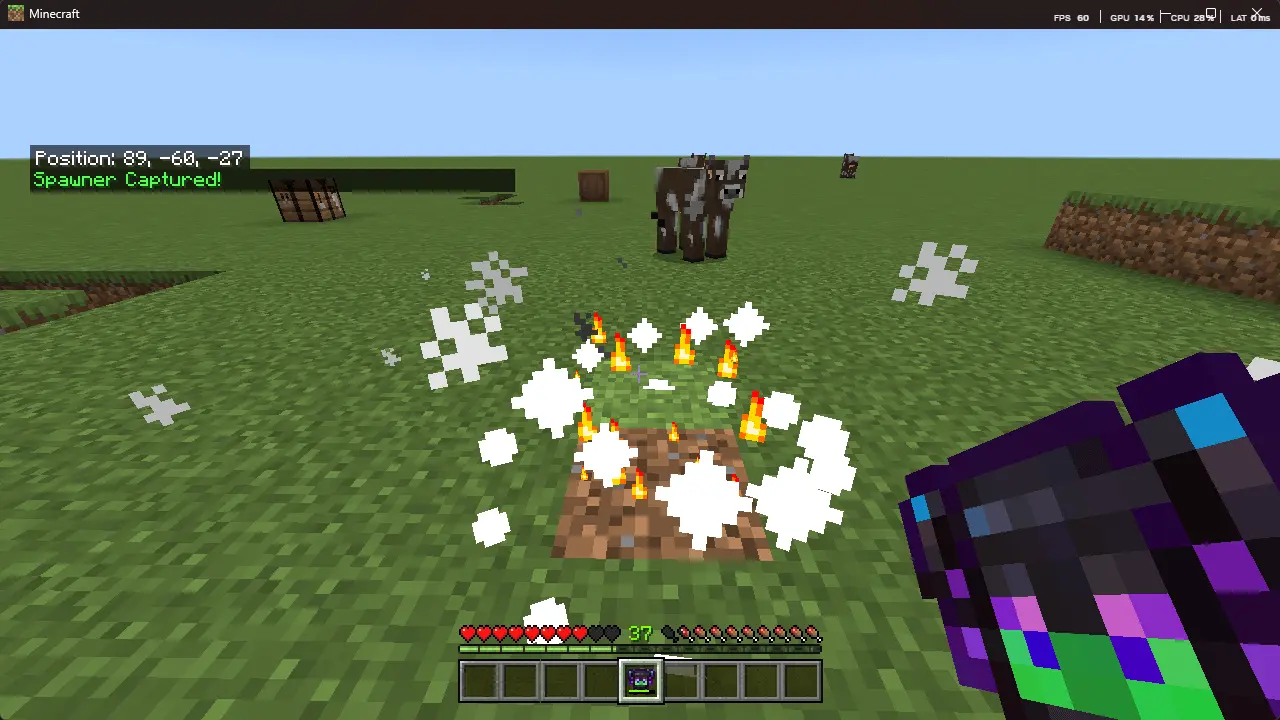
The mod is also pitched as survival-friendly and “natural,� which matters for multiplayer and SMP vibes. People can build their grinders in a shared base area instead of spreading farms all over the map, and it’s way easier to keep your world looking clean when the farm is where you want it. At the same time, it’s not supposed to be a free win button: the description calls out durability and cooldown mechanics, so you’re still making choices about when to use the tool and how hard you want to push it during a grind session.
If you’re the kind of player who likes long-term worlds, this addon fits that loop perfectly: explore, find spawners, bring them back, and slowly upgrade your base into a real survival hub. Spawner Pickup Mod "Capture and Relocate Spawners easly" is a straight-up “builder’s utility� move for Minecraft Bedrock that turns spawners into something you can actually plan around instead of something you just accept wherever the world dumps it.
Installation Mod:
- Download the .mcaddon / .mcpack;
- Open the file to import into the game;
- In World Settings → Resource Packs and Behavior Packs, enable it (turn on Experiments if needed);
- Have fun!
Comments (0)