Random Item Spawner Mod / Addon
- 15-05-2026, 12:54
- 1 013
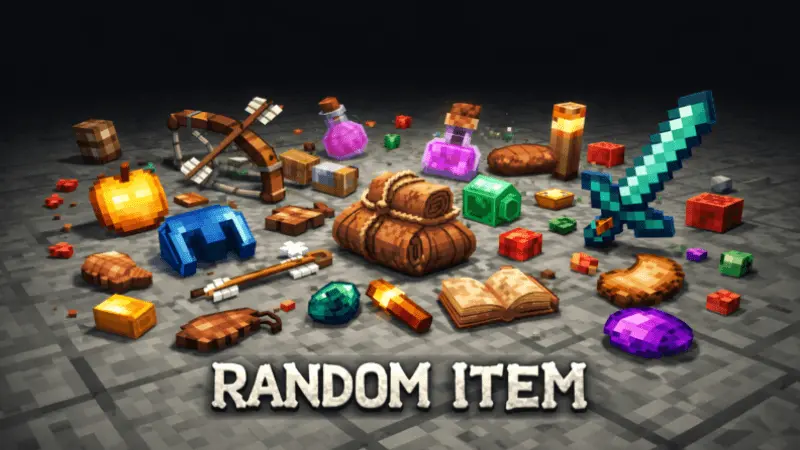
Random Item Spawner Mod is made for players who like the feeling of “I’m out here searching for stuff” instead of doing the same loop every time. While you’re adventuring—running trails, mining, or just wandering—you can find item drops along the way. The big twist is that the drops are random, but they’re still tied to your location, so it doesn’t feel totally goofy or out of place.
In the Overworld, you’re not suddenly getting Blaze Powder, because Random Item Spawner Mod keeps certain items locked to the right dimension. Head into the Nether and that’s where Blaze Powder becomes a possible find, which makes Nether trips feel even more worth it. Same idea for other items like Ender Pearls, Gunpowder, and Bones—what you can randomly pick up depends on where you’re exploring. That location-based rule is what makes the addon feel like an actual adventure system instead of a free loot cheat.
In-game, this fits perfectly with the way survival sessions usually go. You’re already traveling for caves, biomes, or resources, and now there’s this extra “maybe I’ll hit something good” feeling while you move. It turns boring walks back to base into a mini scavenger run, and it makes long mining or exploration trips feel less dry because you’re not only waiting for the next ore vein to show up. If you’re the type who likes to set goals like “today I’m hunting supplies” or “I need materials before I fight anything,” Random Item Spawner Mod gives you more reasons to keep pushing outward.
Practical tip: treat each area like a different loot zone. If you want Nether-only stuff, actually commit to a Nether run instead of hoping the Overworld will hand it over. And since the drops are random, don’t plan your whole survival strategy around getting one specific thing immediately—use it as a bonus layer that rewards you for moving, exploring, and staying active instead of camping one spot. Random Item Spawner Mod works best when you play with that “keep going, keep searching” mindset.
Installation Mod:
- Download the .mcaddon / .mcpack;
- Open the file to import into the game;
- In World Settings → Resource Packs and Behavior Packs, enable it (turn on Experiments if needed);
- Have fun!
Comments (0)