Death Pearl Mod / Addon
- 5-02-2026, 17:30
- 498
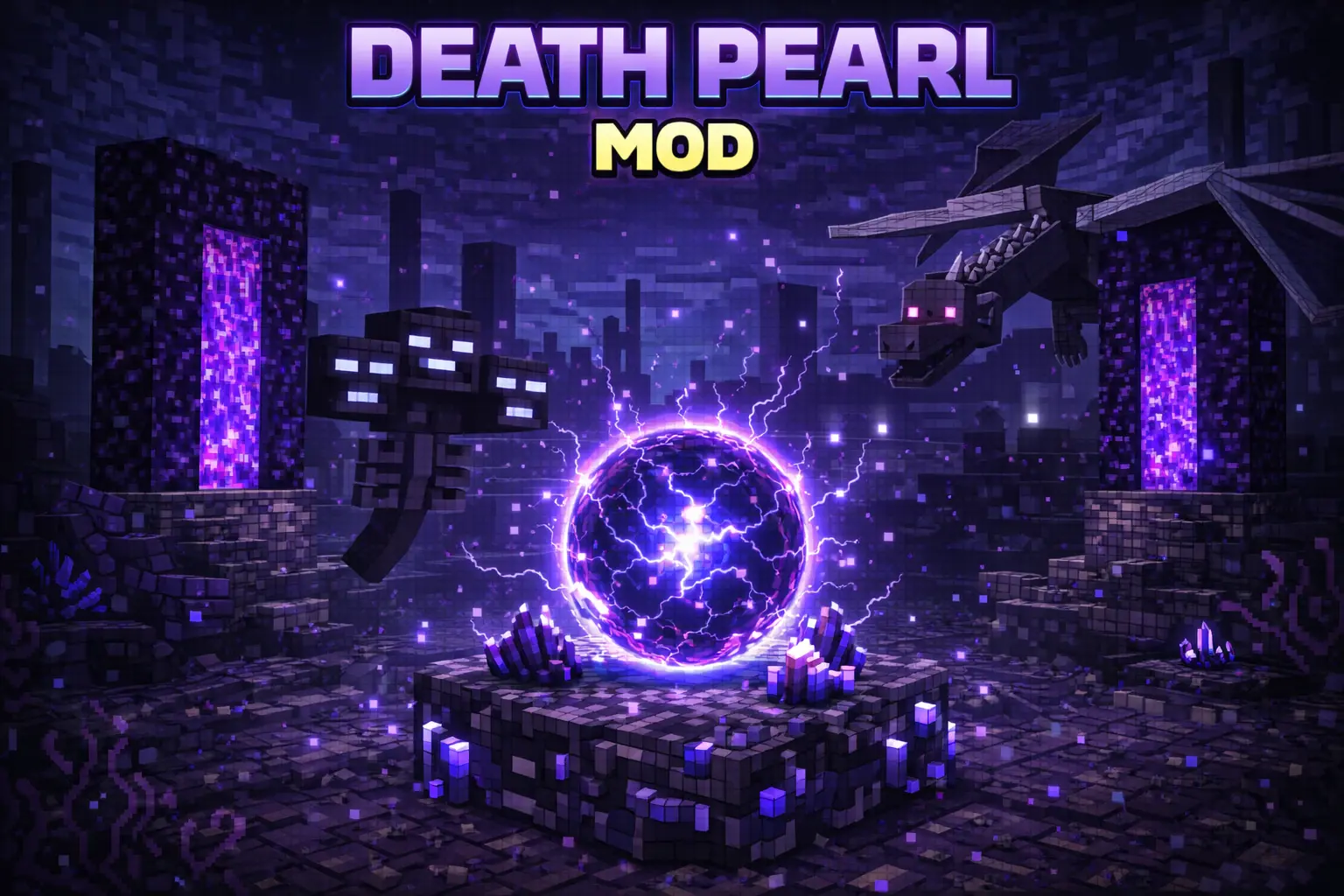
Death Pearl Mod is all about saving you from that classic survival pain where you respawn and instantly realize your gear is sitting somewhere awful. Once you craft a Death Pearl, the idea is simple: when you die, you respawn, hold the Death Pearl, and it teleports you straight back to your last death location so you can recover your items fast.
The crafting is survival-friendly and uses a Death Pearl recipe that includes two redstone, two lapis lazuli, and an ender pearl. That makes it feel like something you actually earn instead of a free “undo button,� especially early on when every resource matters. The mod is also meant to stay pure survival, and it’s achievement compatible, so you’re not trading progress for convenience.

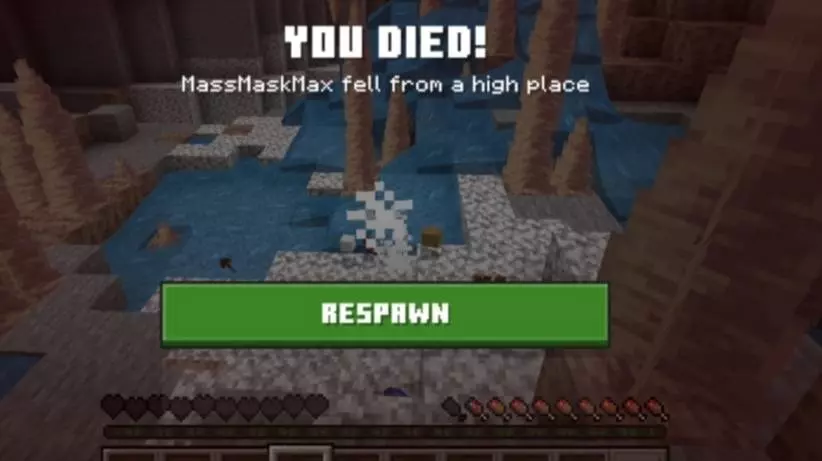
In-game, Death Pearl Mod shines when you’re doing risky runs that usually end in panic. Think deep cave mining where you get jumped, exploring far from your base, or taking a gamble in a dangerous area and losing track of where you fell. The moment you respawn, grabbing the Death Pearl and snapping back to your death spot feels like clutch insurance, because you’re instantly back where your items are instead of wandering around trying to remember which tunnel you took.
Practical tip: treat the Death Pearl like emergency gear. Keep the materials ready before you start a big grind session, and don’t wait until after a disaster to craft it. If you’re playing with friends, it also helps reduce the whole “everyone stop what you’re doing, I lost my loot� vibe, since Death Pearl Mod gets you back on your feet quicker. If you want more ideas to build on this, it could be cool to add optional settings like choosing between the most recent death or an earlier one, a simple indicator that confirms the death location is saved, or a balance tweak where the Death Pearl gets consumed on use so it stays fair in pure survival Minecraft Bedrock worlds.
Installation Mod:
- Download the .mcaddon / .mcpack;
- Open the file to import into the game;
- In World Settings → Resource Packs and Behavior Packs, enable it (turn on Experiments if needed);
- Have fun!
Comments (0)