Clear Vision Mod / Addon
- 6-02-2026, 05:27
- 640
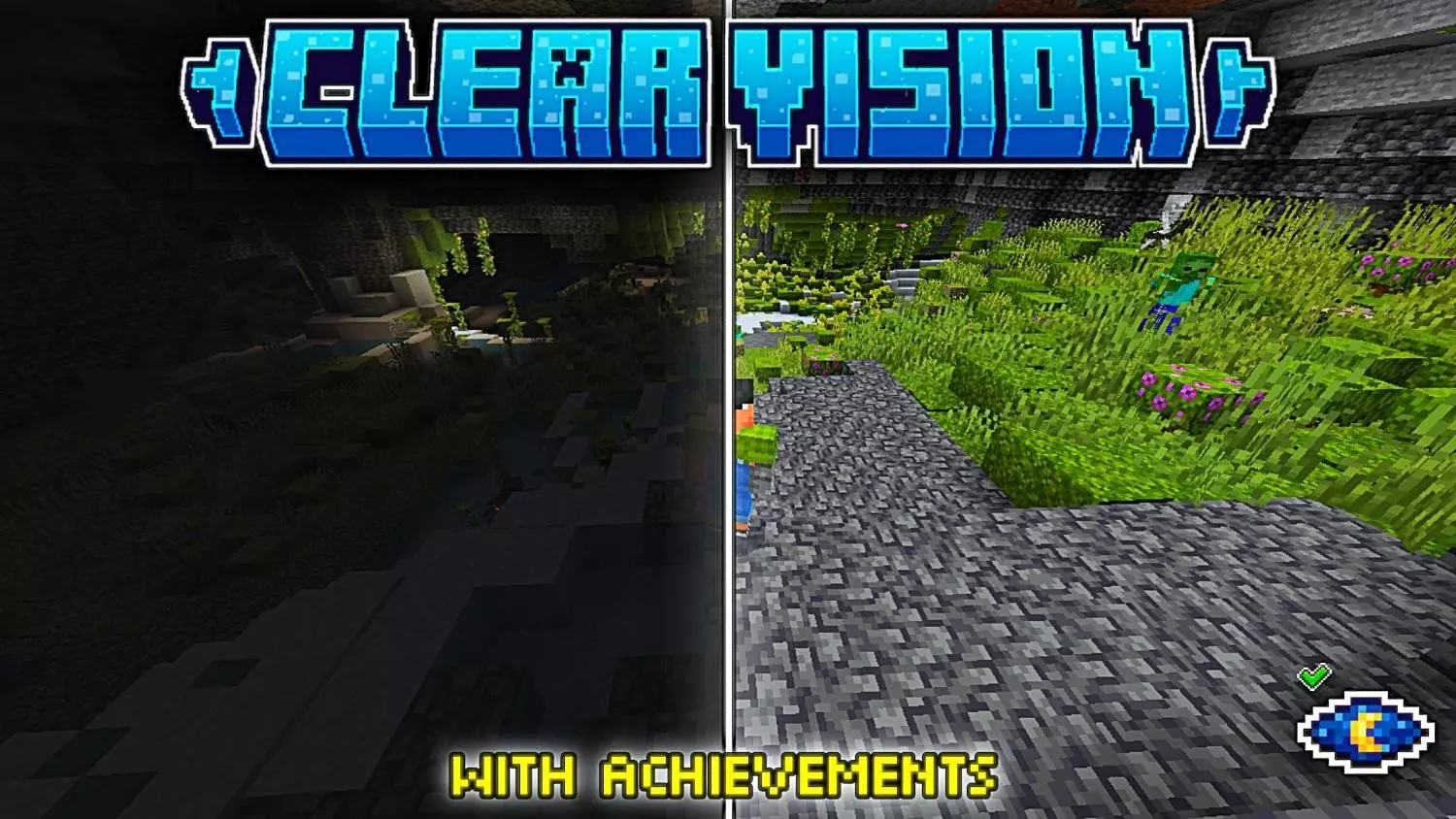
Clear Vision Mod is aimed at that everyday survival problem where you’re constantly choosing between seeing clearly or wasting time and inventory space. Instead of hauling stacks of torches everywhere or brewing clarity potions nonstop, this addon gives you direct control over your vision with a simple input combo. It’s built to feel natural and fast, like something you’d actually use mid-session without stopping what you’re doing.


The toggle method is the whole point, and it’s designed to avoid accidental triggers. You activate it with a “Double Crouch� combo within 1 second (20 ticks), but the addon also makes you aim your camera to confirm what you want. To turn Clear Vision on, you look directly up at the sky and crouch twice quickly. To turn it off, you look directly down at the ground and crouch twice quickly. That’s a smart setup because you can’t randomly toggle it just from normal sneaking around—your camera direction is basically the safety switch.
In actual Minecraft Bedrock gameplay, this is perfect for caves, deep mining, and any build work where you keep stepping into dark corners and losing your flow. You can be strip-mining, hit a pitch-black pocket, flick your view up, double crouch, and keep moving without interrupting your rhythm. Then when you’re back in bright areas, you can flip it off just as easily by looking down and double crouching. Practical tip: if you’re working in dangerous places, practice the combo in a safe area first so you can hit it cleanly without fumbling, because the timing window is tight on purpose.
Clear Vision Mod also calls out that it’s achievement friendly and uses specific metadata so it won’t disable Xbox Achievements, which is huge if your main survival world is progression-focused. It’s the kind of addon you can leave on long-term because it’s lightweight, doesn’t rely on messy commands, and doesn’t force you into carrying extra gear just to see what you’re doing. Clear Vision Mod is basically a quality-of-life switch for anyone who wants clearer exploration without turning their world into a torch-spam festival.
Installation Mod:
- Download the .mcaddon / .mcpack;
- Open the file to import into the game;
- In World Settings → Resource Packs and Behavior Packs, enable it (turn on Experiments if needed);
- Have fun!
Comments (0)