Catch & Carry Mod / Addon
- 11-02-2026, 18:08
- 1 253
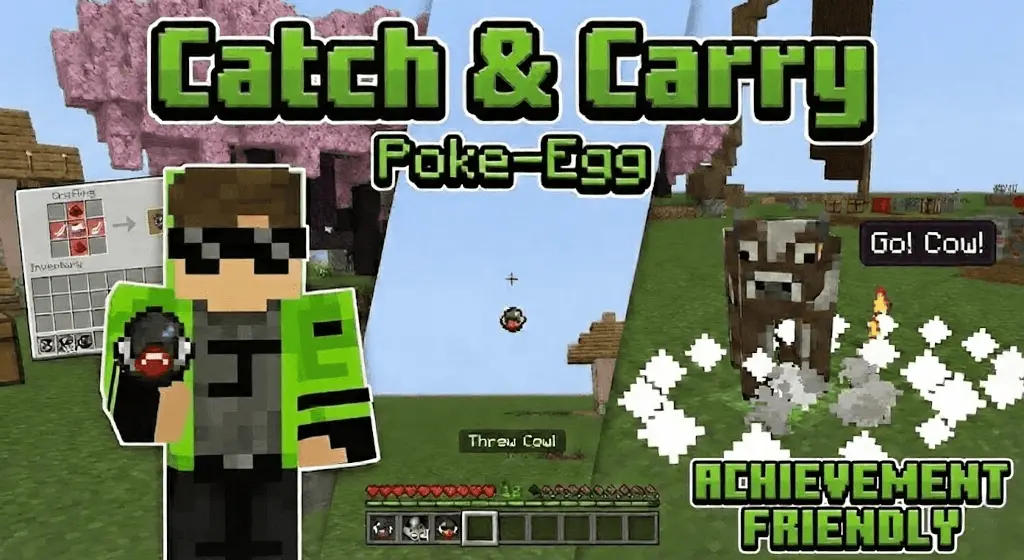
Catch & Carry Mod "catch mobs using pokemon egg" [ACHIEVEMENT FRIENDLY] is a convenience-style add-on for players who are tired of the usual mob-moving chaos. Instead of spending forever nudging creatures through doors, over fences, and across rivers, it’s built around the idea of catching mobs with a pokemon egg so you can relocate them cleanly. It’s also labeled achievement friendly, so it’s meant to fit into a normal survival flow.
In real Minecraft Bedrock sessions, the biggest payoff is how much time it saves when you’re setting up a base. Think about those early days where you want a small farm area, some animals nearby, and maybe a safer spot for villagers later on, but you’re stuck dragging everything across rough terrain. Catch & Carry Mod "catch mobs using pokemon egg" [ACHIEVEMENT FRIENDLY] is for that exact moment where you’d rather spend your energy building, mining, and gearing up than playing “please don’t fall off the cliff� with a mob following you.


It also makes your world feel more organized because you can plan layouts without committing to permanent pens right away. A practical way to use it is to decide on a dedicated “barn zone� and “trade zone� near your base, then move mobs only when the space is actually ready. That keeps you from cramming everything into one tiny corner and dealing with constant noise and pathing clutter while you’re trying to craft, sort storage, or defend at night.
Just keep your survival balance in mind. Since catching and moving mobs is normally one of those slow, annoying chores, removing that friction can speed up progression fast, especially if you’re building a full food setup early. If your world starts feeling too easy, space out your projects and treat the catching tool like a utility you use when it matters, not a nonstop shortcut. Catch & Carry Mod "catch mobs using pokemon egg" [ACHIEVEMENT FRIENDLY] hits best when it turns mob moving from a headache into a quick task, then lets you get back to the fun parts.
Installation Mod:
- Download the .mcaddon / .mcpack;
- Open the file to import into the game;
- In World Settings → Resource Packs and Behavior Packs, enable it (turn on Experiments if needed);
- Have fun!
Comments (0)